Archive for the ‘Linux Solution’ Category
Upgrade your system from Debian 10 Buster to Debian 11 Bullseye – using the command line by updating your package lists editing your repository sources and performing a full system upgrade
Montag, August 17th, 2026Make a complete backup of your system or virtual machine snapshot before you start
Update Current Packages
root@rpi-iot-jsho-cam-02:~#
root@rpi-iot-jsho-cam-02:~# apt-get update -y
root@rpi-iot-jsho-cam-02:~# apt-get upgrade -y
root@rpi-iot-jsho-cam-02:~# apt-get dist-upgrade -y
Reboot your system to apply the latest Buster change
Update Repository Sources replace every instance of the word buster with bullseye
root@rpi-iot-jsho-cam-02:~# vi /etc/apt/sources.list
Run the Upgrade to Bullseye update your package index with the new Bullseye repositories
root@rpi-iot-jsho-cam-02:~# apt-get update
Run a minimal upgrade first to prepare system dependencies
root@rpi-iot-jsho-cam-02:~# apt-get upgrade –without-new-pkgs
Perform the complete distribution upgrade
root@rpi-iot-jsho-cam-02:~# apt-get full-upgrade
Remove obsolete installation files
root@rpi-iot-jsho-cam-02:~# apt-get autoclean
Reboot your system to apply the latest Bullseye change
Proxmox Virtual Environment (VE) 9.2.10 – install ZimaOS using the ISO Image
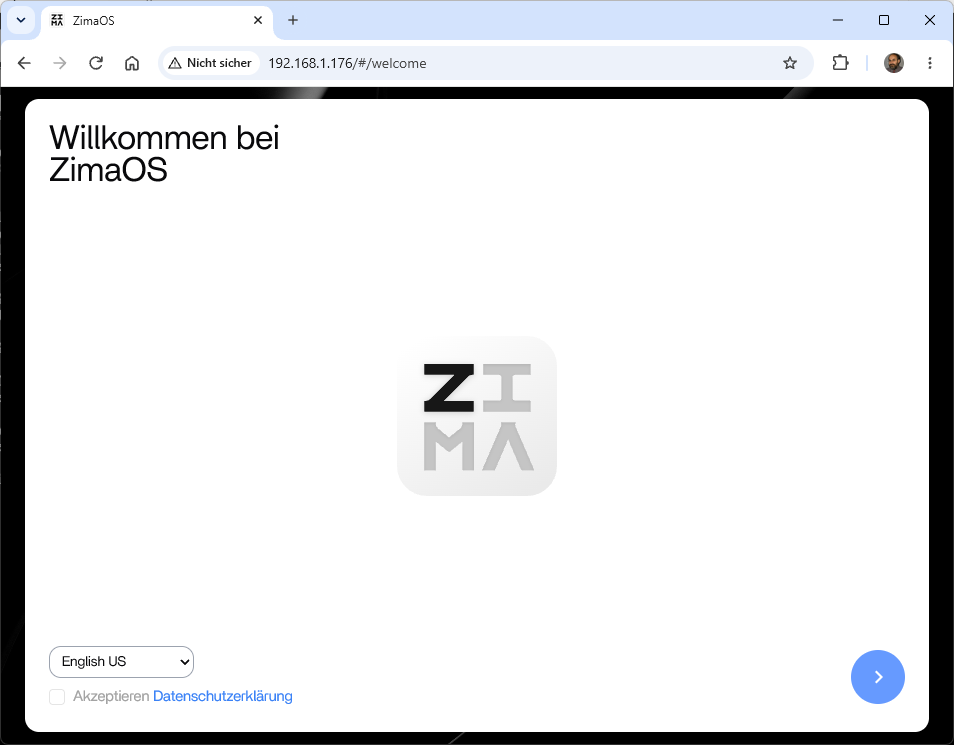
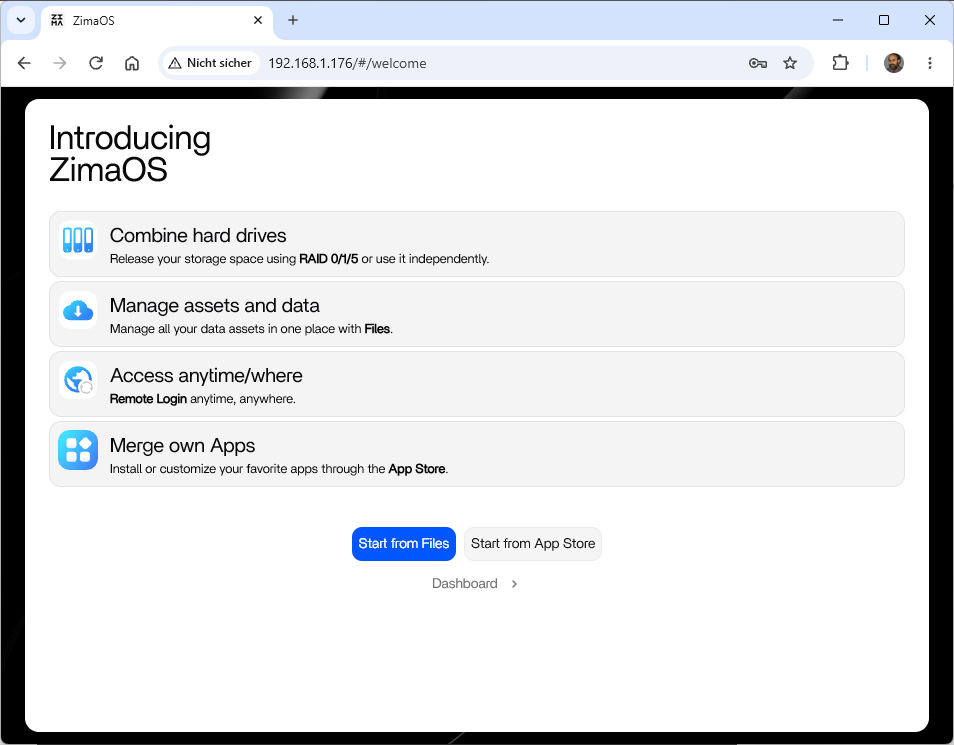
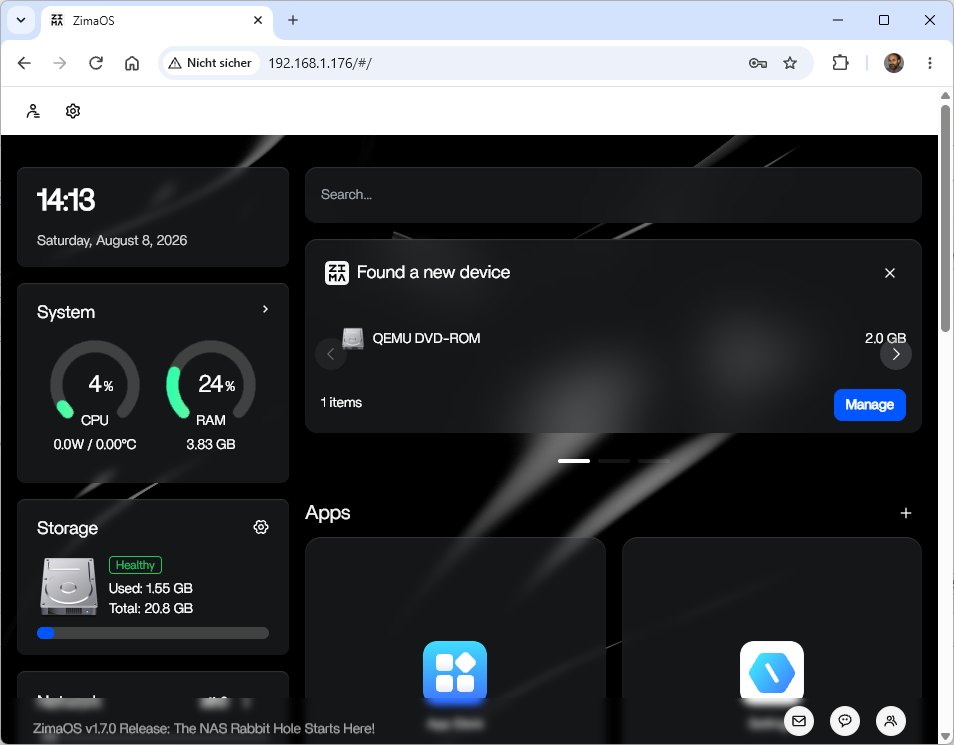
Samstag, August 8th, 2026ZimaOS Installation on Proxmox Virtual Environment (VE) – with an ISO Image ‚zimaos-x86_64-1.7.0_installer.iso‘
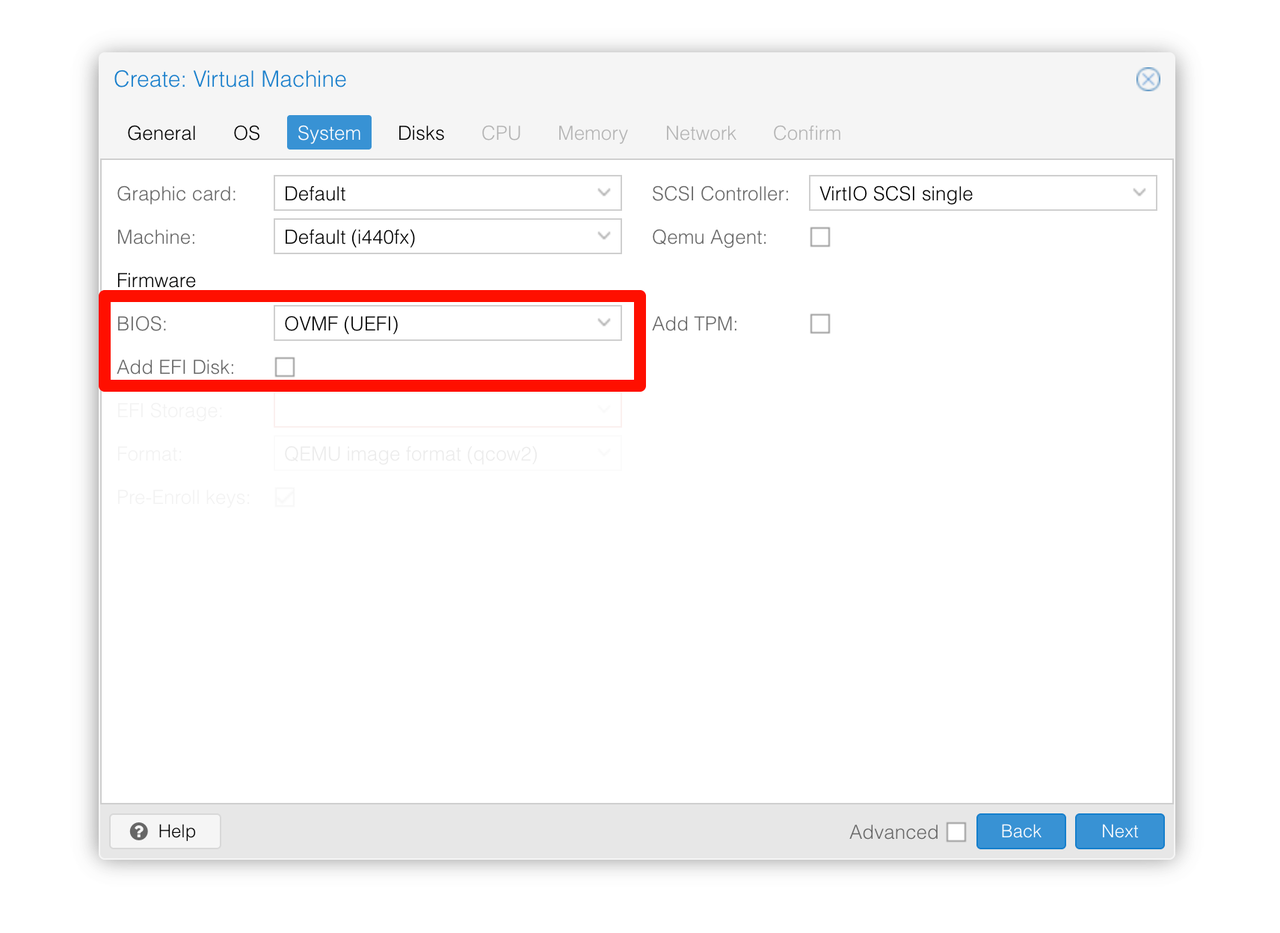
Important information on creating a virtual machine
Set BIOS to UEFI
Uncheck Add EFI Disk
.
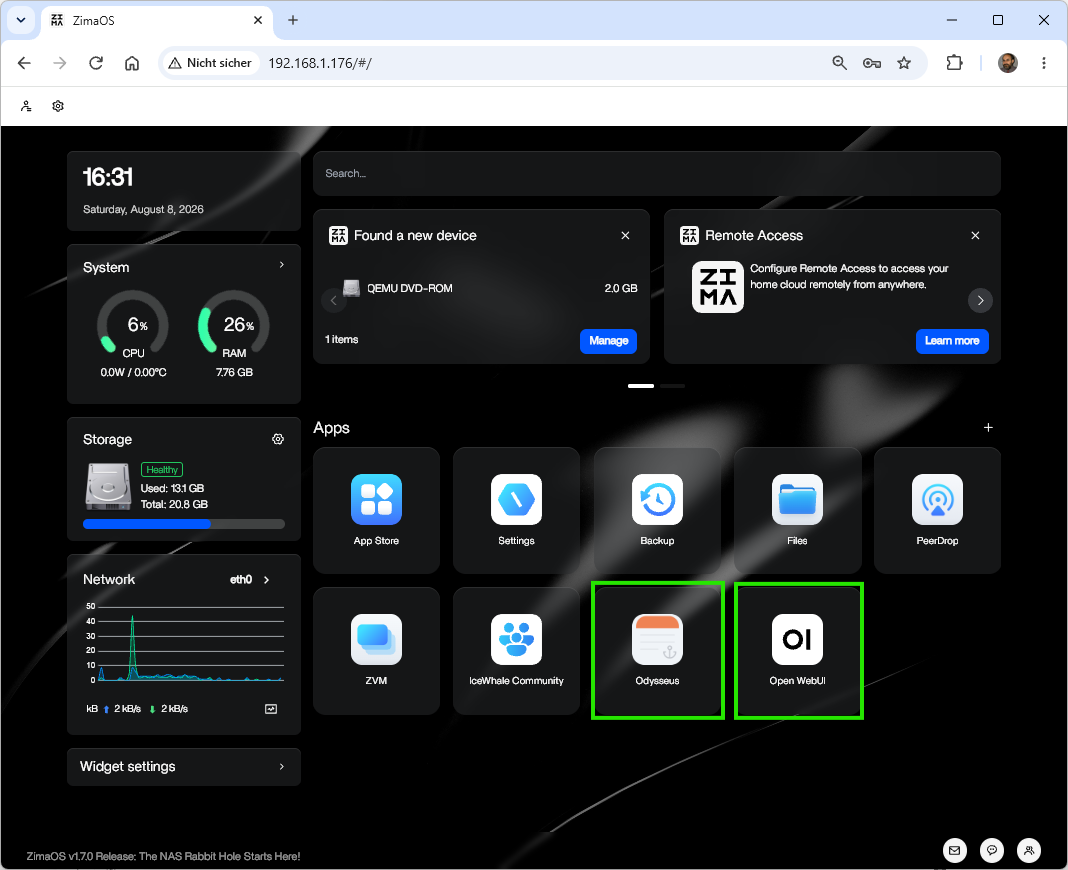
.. simple installation of Odysseus AI / Open WebUI
Linux command ‘sysbench‘ – is a multi threaded benchmarking tool for evaluating system performance across CPU memory file I/O and database workloads
Freitag, August 7th, 2026sysbench – run system benchmarks
root@pve-s740-05:~# lscpu -e
CPU NODE SOCKET CORE L1d:L1i:L2 ONLINE MAXMHZ MINMHZ MHZ
0 0 0 0 0:0:0 yes 2500.0000 800.0000 2396.1599
1 0 0 1 2:2:0 yes 2500.0000 800.0000 2398.5801
2 0 0 2 4:4:0 yes 2500.0000 800.0000 2396.1350
3 0 0 3 6:6:0 yes 2500.0000 800.0000 2302.1060
root@pve-s740-05:~#
root@js-ubuntu-26-04-01:~# sysbench cpu run –threads=4
sysbench 1.0.20 (using system LuaJIT 2.1.1761786044)
Running the test with following options:
Number of threads: 4
Initializing random number generator from current time
Prime numbers limit: 10000
Initializing worker threads…
Threads started!
CPU speed:
events per second: 5057.88
General statistics:
total time: 10.0005s
total number of events: 50593
Latency (ms):
min: 0.75
avg: 0.79
max: 48.73
95th percentile: 0.77
sum: 39945.45
Threads fairness:
events (avg/stddev): 12648.2500/91.63
execution time (avg/stddev): 9.9864/0.00
root@js-ubuntu-26-04-01:~#
root@pve-n8n-02:~# cd /tmp
root@pve-n8n-02:/tmp# sysbench fileio –file-total-size=1G –file-test-mode=rndrw –time=30 –max-requests=0 prepare
sysbench 1.0.20 (using system LuaJIT 2.1.1761786044)
128 files, 8192Kb each, 1024Mb total
Creating files for the test…
Extra file open flags: (none)
Creating file test_file.0
Creating file test_file.1
…
Creating file test_file.126
Creating file test_file.127
1073741824 bytes written in 0.93 seconds (1104.94 MiB/sec).
root@pve-n8n-02:/tmp# sysbench fileio –file-total-size=1G –file-test-mode=rndrw –time=30 –max-requests=0 run
sysbench 1.0.20 (using system LuaJIT 2.1.1761786044)
Running the test with following options:
Number of threads: 1
Initializing random number generator from current time
Extra file open flags: (none)
128 files, 8MiB each
1GiB total file size
Block size 16KiB
Number of IO requests: 0
Read/Write ratio for combined random IO test: 1.50
Periodic FSYNC enabled, calling fsync() each 100 requests.
Calling fsync() at the end of test, Enabled.
Using synchronous I/O mode
Doing random r/w test
Initializing worker threads…
Threads started!
File operations:
reads/s: 53898.47
writes/s: 35932.29
fsyncs/s: 114985.24
Throughput:
read, MiB/s: 842.16
written, MiB/s: 561.44
General statistics:
total time: 30.0004s
total number of events: 6144884
Latency (ms):
min: 0.00
avg: 0.00
max: 1.55
95th percentile: 0.01
sum: 26182.78
Threads fairness:
events (avg/stddev): 6144884.0000/0.00
execution time (avg/stddev): 26.1828/0.00
root@pve-n8n-02:/tmp# sysbench fileio –file-total-size=1G –file-test-mode=rndrw –time=30 –max-requests=0 cleanup
sysbench 1.0.20 (using system LuaJIT 2.1.1761786044)
Removing test files…
root@pve-n8n-02:/tmp#
Proxmox Virtual Environment (VE) 9.2.1 – now available for 64bit ARM CPU
Donnerstag, August 6th, 2026Kasm Workspaces v1.19 – die schlanke VDI Lösung für Proxmox VE
Dienstag, August 4th, 2026Linux command ‚journalctl‘ – export logs to a file output in old syslog format
Sonntag, Juli 19th, 2026# crontab -l
0 0-23 * * * `journalctl –output=short -S yesterday > /var/log/syslog` && `scp /var/log/syslog root@192.168.1.171:/var/log/syslog.rpi-iot-jsho-pihole`
Pi-hole v6.4.3 FTL v6.7 WEB Interface v6.6 – schließt Lücken
Dienstag, Juli 14th, 2026PVEViewer – connects to your Proxmox VE Cluster(s) over the REST API and turns them into a rich multi tab Excel workbook and live filterable grids for inventory health and capacity planning in one click
Freitag, Juli 10th, 2026PVEViewer – connect a Proxmox cluster and have a full inventory workbook in minutes
Pi-hole v6.4.3 FTL v6.7 WEB Interface v6.6 – released
Dienstag, Juli 7th, 2026
Home Lab 2026 – Top 9 Linux Tools
Sonntag, Juli 5th, 2026Podman 6.0.0 – was officially released on June 24 2026
Freitag, Juli 3rd, 2026 Podman 6.0.0 – this major release brings a host of significant improvements and new features designed to enhance your container management experience
Proxmox Virtual Environment (VE) 9.2.3 – how to set up Email Notifications e.g. Gmail
Mittwoch, Juli 1st, 2026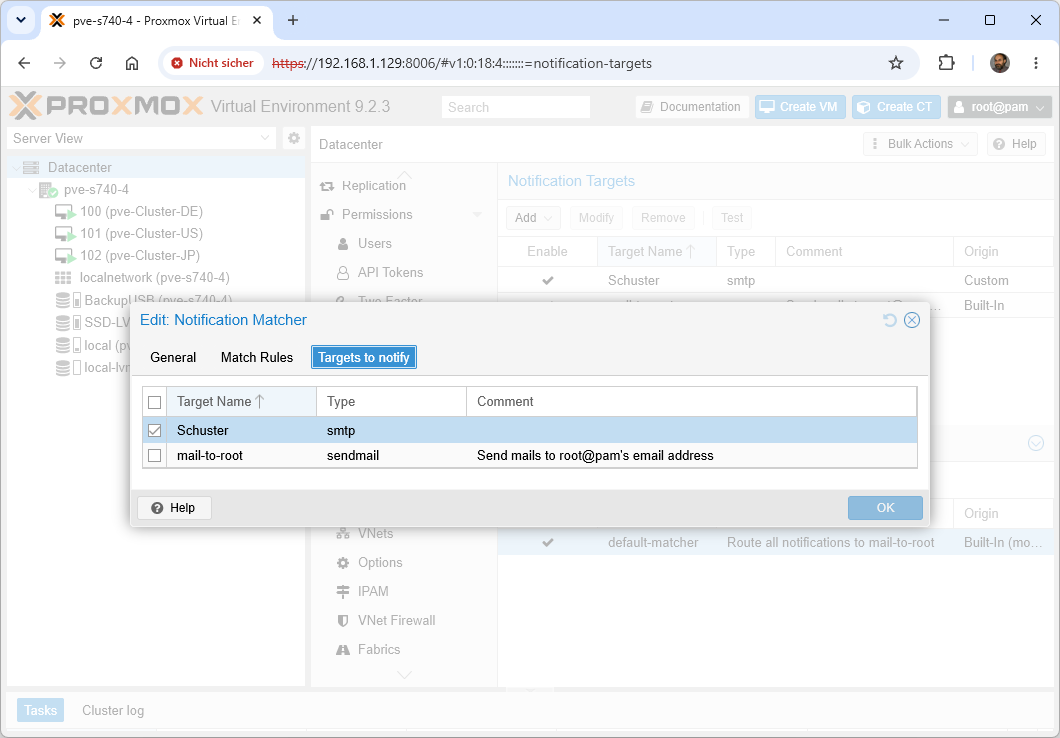
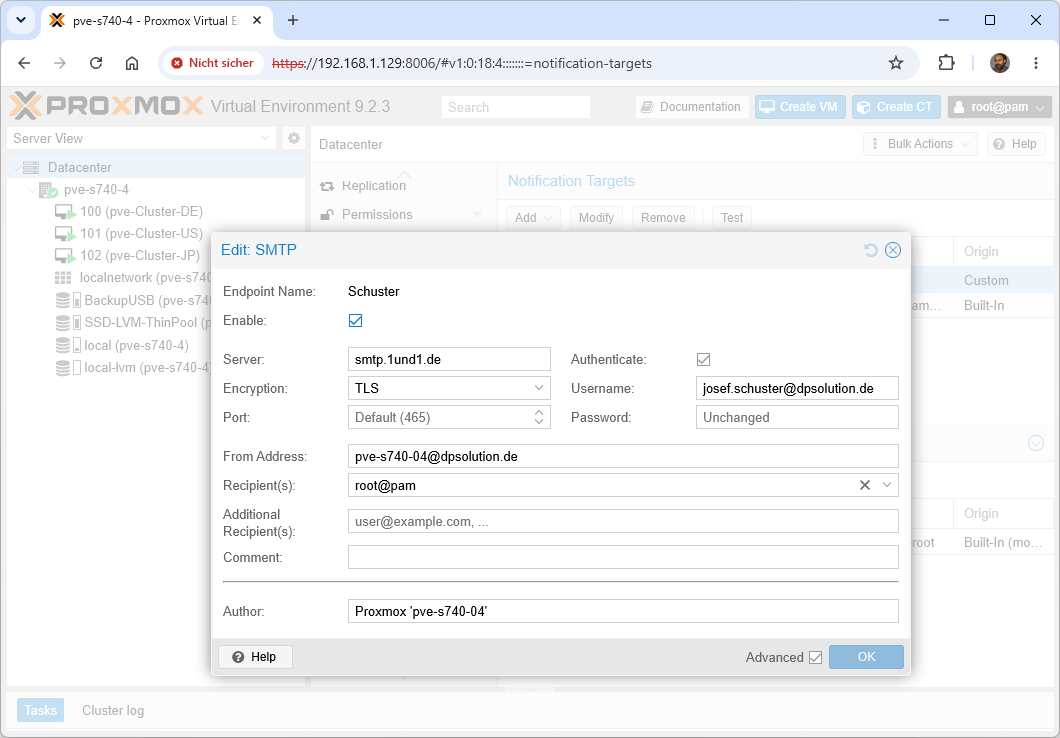
Proxmox Virtual Environment (VE) 9.2.3 – run the combined command apt-get update && apt-get dist-upgrade because Proxmox strongly recommends using dist-upgrade (or full-upgrade) instead of the standard upgrade to ensure dependency changes are handled correctly
Dienstag, Juni 30th, 2026# apt-get update && apt-get dist-upgrade
Proxmox Virtual Environment (VE) 9.2.3 – Emergency Step ‚only if disk is 100% full‘
Montag, Juni 29th, 2026When your Proxmox Virtual Environment (VE) boot disk fills up due to old kernels the package manager ‚apt‘ will throw errors like „No space left on device“ and refuse to complete updates or regular autoremovals