AI Workflow Automation N8N 2.16.0 – from Canvas an open-source learning management system (LMS) to Microsoft Teams with Microsoft Agent 365
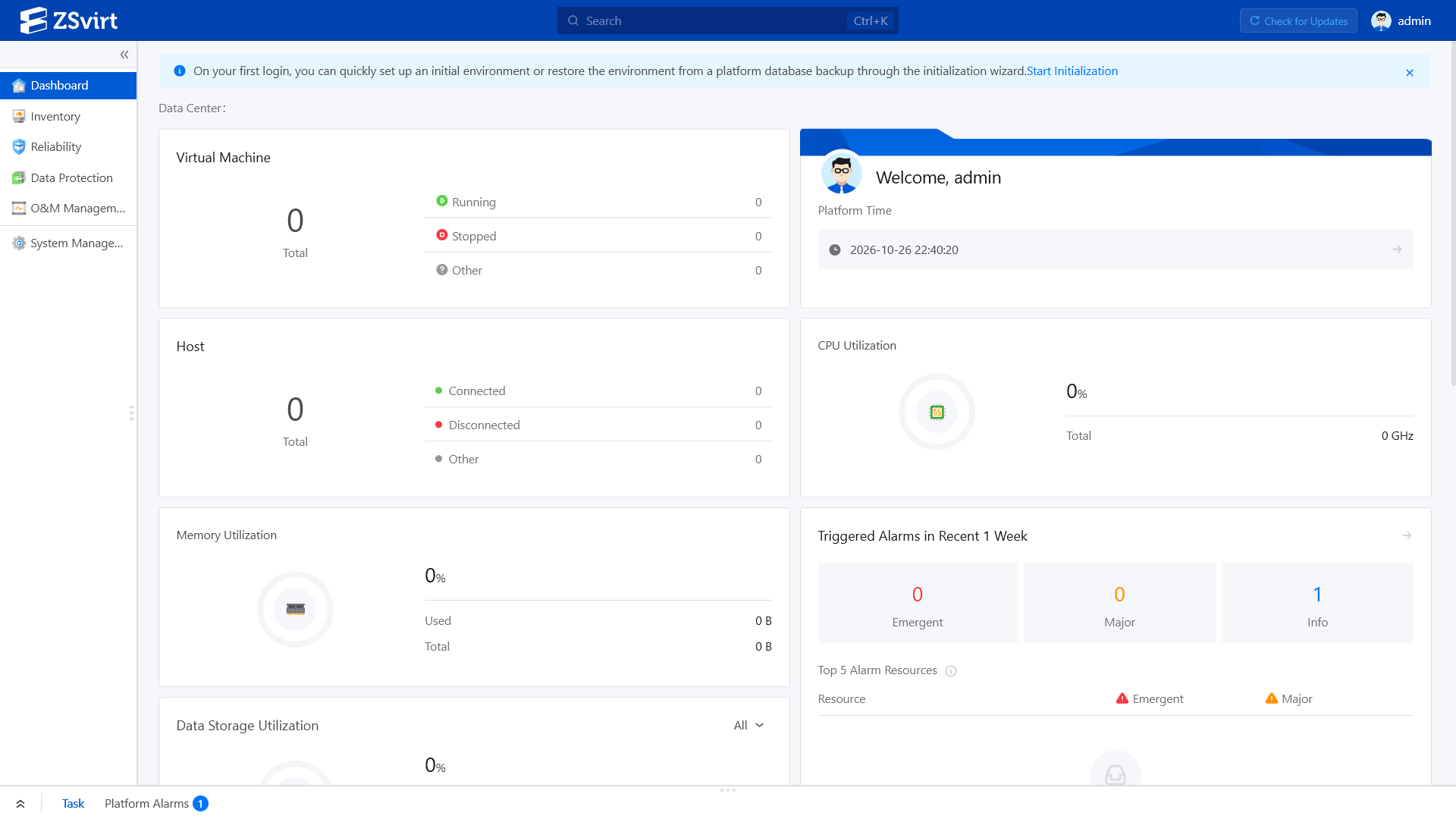
Mai 19th, 2026With Microsoft Agent 365 generally available N8N users can now build agents that show up as members of the team in Microsoft 365 applications. Microsoft handles access and compliance by giving agents and identity that you can @mention or email from Microsoft Teams Outlook SharePoint or Word. n8n is where you design what the agent does: its system prompt the tools it calls the logic that ties them together and the actions it takes across the rest of your stack
RWTH Aachen University – doppelt so teuer wie in UK der Deutschland Aufschlag treibt Preise für Wärmepumpen hoch
Mai 19th, 2026Die Installation einer Wärmepumpe kostet in Deutschland im Schnitt etwa € 28.000 und in Großbritannien etwa € 14.000

Iceland – online webcam
Mai 19th, 2026Bayerischer Ministerpräsident Dr. Markus Söder – Pressekonferenz nach der Kabinettssitzung am 19.05.2026
Mai 19th, 2026FastLTA – Ein Backup sichert Daten. Ein Restore stellt sie wieder her. Das klingt selbstverständlich. Ist es aber nicht
Mai 19th, 2026Bundeswehr – Projekt Digitale Kräfte ‚IT-Soldat‘
Mai 19th, 2026… wurde vor 10 Jahren eingestellt
E-Auto Förderung 2026
Mai 19th, 2026Klinikum Garmisch-Partenkirchen – sensible Daten sichern und vor Cyber Attacken schützen mittels ‚Air-Gap-Technologie‘
Mai 19th, 2026President Donald J. Trump – Participates in a Healthcare Affordability Event May 18 2026
Mai 19th, 2026Anthropic Claude Code – with Ollama inside Visual Studio Code on Windows 11
Mai 18th, 2026PS C:\Users\js>
PS C:\Users\js> irm https://claude.ai/install.ps1 | iex
Setting up Claude Code…
✔ Claude Code successfully installed!
Version: 2.1.143
Location: C:\Users\js\.local\bin\claude.exe
Next: Run claude –help to get started
⚠ Setup notes:
● Native installation exists but C:\Users\js\.local\bin is not in your PATH. Add it by opening: System Properties →
Environment Variables → Edit User PATH → New → Add the path above. Then restart your terminal.
✅ Installation complete!
PS C:\Users\js>
PS C:\Users\js> claude –version
2.1.143 (Claude Code)
PS C:\Users\js>
PS C:\Users\js> irm https://ollama.com/install.ps1 | iex
>>> Downloading Ollama for Windows…
######################################## 100.0%
>>> Installing Ollama…
>>> Install complete. Run ‚ollama‘ from the command line.
PS C:\Users\js>
PS C:\Users\js> ollama –version
ollama version is 0.24.0
PS C:\Users\js>
PS C:\Users\js> ollama launch claude –model minimax-m2.5:cloud

with ClaudeCode: ‚What are the specs of my PC?‘

… inside Visual Studio Code: ‚Create a Linux backup script for a PostgreSQL Database‘

backup_postgres.sh
#!/usr/bin/env bash
# backup_postgres.sh
# Creates a compressed PostgreSQL dump and rotates old backups.
set -euo pipefail
IFS=$’\n\t‘
# — Configuration —
PGHOST=“localhost“
PGPORT=“5432″
PGUSER=“postgres“
PGDATABASE=“mydatabase“
BACKUP_DIR=“/var/backups/postgres“
RETENTION_DAYS=7
# Optional: export PGPASSWORD to avoid password prompt (use with care)
# export PGPASSWORD=“your_password_here“
# — Helpers —
usage() {
cat <<EOF
Usage: $0 [options]
Options:
-h, –host PostgreSQL host (default: ${PGHOST})
-p, –port PostgreSQL port (default: ${PGPORT})
-U, –user PostgreSQL user (default: ${PGUSER})
-d, –database PostgreSQL database name (default: ${PGDATABASE})
-o, –output Backup directory (default: ${BACKUP_DIR})
-r, –retain Retention in days (default: ${RETENTION_DAYS})
–help Show this help message and exit
Example:
$0 -U postgres -d mydb -o /tmp/pg_backups -r 14
EOF
}
log() {
printf „%s %s\n“ „$(date +’%Y-%m-%d %H:%M:%S‘)“ „$1“
}
# — Parse arguments —
while [[ $# -gt 0 ]]; do
case „$1“ in
-h|–host)
PGHOST=“$2″; shift 2;;
-p|–port)
PGPORT=“$2″; shift 2;;
-U|–user)
PGUSER=“$2″; shift 2;;
-d|–database)
PGDATABASE=“$2″; shift 2;;
-o|–output)
BACKUP_DIR=“$2″; shift 2;;
-r|–retain)
RETENTION_DAYS=“$2″; shift 2;;
–help)
usage; exit 0;;
*)
echo „Unknown option: $1“ >&2
usage
exit 1;;
esac
done
# — Validate —
if ! command -v pg_dump >/dev/null 2>&1; then
echo „Error: pg_dump not found in PATH.“ >&2
exit 1
fi
if [[ -z „${PGDATABASE}“ ]]; then
echo „Error: database name is required.“ >&2
usage
exit 1
fi
mkdir -p „${BACKUP_DIR}“
TIMESTAMP=$(date +’%Y%m%dT%H%M%S‘)
BACKUP_FILE=“${BACKUP_DIR}/${PGDATABASE}_${TIMESTAMP}.sql.gz“
log „Starting backup for database ‚${PGDATABASE}‘ to ‚${BACKUP_FILE}‘.“
PGPASSWORD=${PGPASSWORD:-}
export PGHOST PGPORT PGUSER
if [[ -n „${PGPASSWORD}“ ]]; then
export PGPASSWORD
fi
pg_dump –format=plain –clean –if-exists „${PGDATABASE}“ | gzip > „${BACKUP_FILE}“
log „Backup completed successfully.“
log „Removing backups older than ${RETENTION_DAYS} days in ${BACKUP_DIR}.“
find „${BACKUP_DIR}“ -maxdepth 1 -type f -name „${PGDATABASE}_*.sql.gz“ -mtime +${RETENTION_DAYS} -print -delete
log „Rotation complete.“
backup_ingres.sh