Archive for the ‘Remote Support’ Category
Kasm Workspaces v1.19 – die schlanke VDI Lösung für Proxmox VE
Dienstag, August 4th, 2026RustDesk 1.4.6 – die Teamviewer & Anydesk Alternative für € 0 und optional sogar als On Premise Version
Mittwoch, April 15th, 2026TSFactory RecordTS v7 – is a Windows remote desktop session recording software that can monitor user activity on-premise or in the cloud for servers & desktops
Dienstag, April 7th, 2026
Bastion Host JumpServer v4.0 – is an open source PAM tool that provides efficient and secure asset management and operation auditing capabilities
Samstag, September 13th, 2025 JumpServer – is an open source Privileged Access Management (PAM) platform that provides DevOps and IT teams with on demand and secure access to SSH RDP Kubernetes Database and RemoteApp endpoints through a web browser
GL.iNet GL-RM1 – making it easy even if you have never configured a KVM device
Freitag, August 29th, 2025Raspberry Pi ‚Pi-KVM‘ – an open and cheap DIY IP-KVM
Dienstag, Juli 8th, 2025
AnyDesk – License change also for existing customers
Montag, Mai 12th, 2025RustDesk 1.3.9 – die Alternative für TeamViewer AnyDesk und Co.
Dienstag, April 15th, 2025 RustDesk – you have full control of your data with no concerns about security and you can use our public rendezvous/relay server or self-hosting or write your own server
Royal Server – is a Secure Gateway for remote connections and provides common remote management tasks for our Royal TS/X cross-platform clients
Sonntag, März 2nd, 2025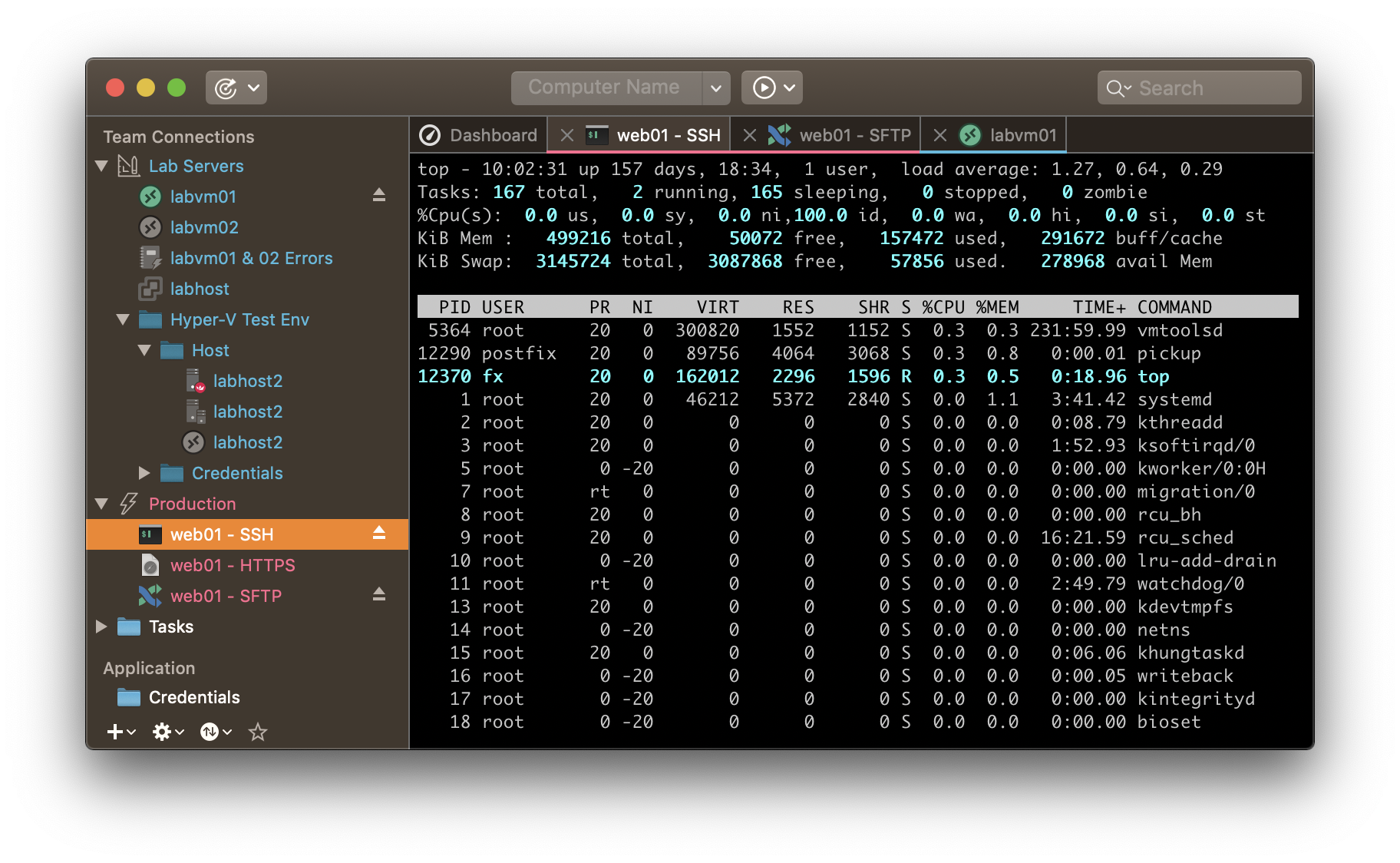
Jump Desktop – is a secure and reliable remote desktop app that lets you connect to any computer anywhere in the world
Sonntag, Juni 2nd, 2024Openterface Mini-KVM Control – a headless device with this portable speedy KVM-over-USB solution
Samstag, März 30th, 2024
Blicube BliKVM V4 – is the best Linux IP KVM
Mittwoch, März 6th, 2024Microsoft Windows Defender – blockt Anydesk Clients
Donnerstag, Februar 29th, 2024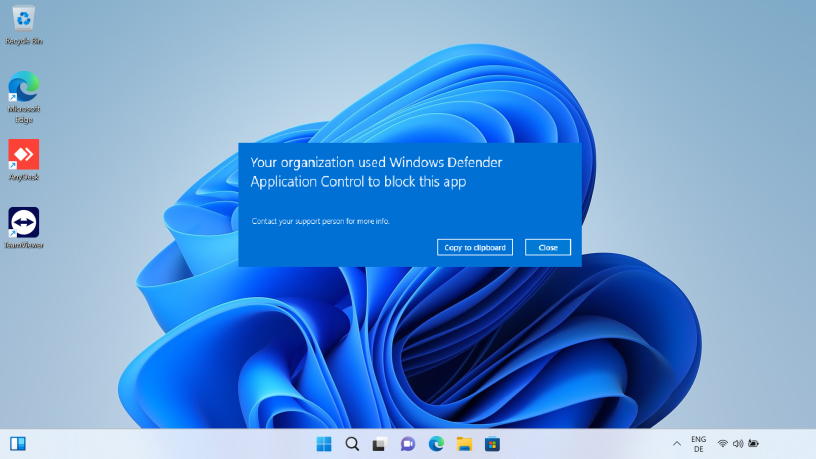
TightVNC ‚tvnserver‘ v2.8.81 – is a free and Open Source remote desktop software that lets you access and control a computer over the network
Donnerstag, Februar 1st, 2024 TightVNC – server program or ‚tvnserver.exe‘ runs on the remote computer and host PC so it can be used to display and control your desktop on the remote machine