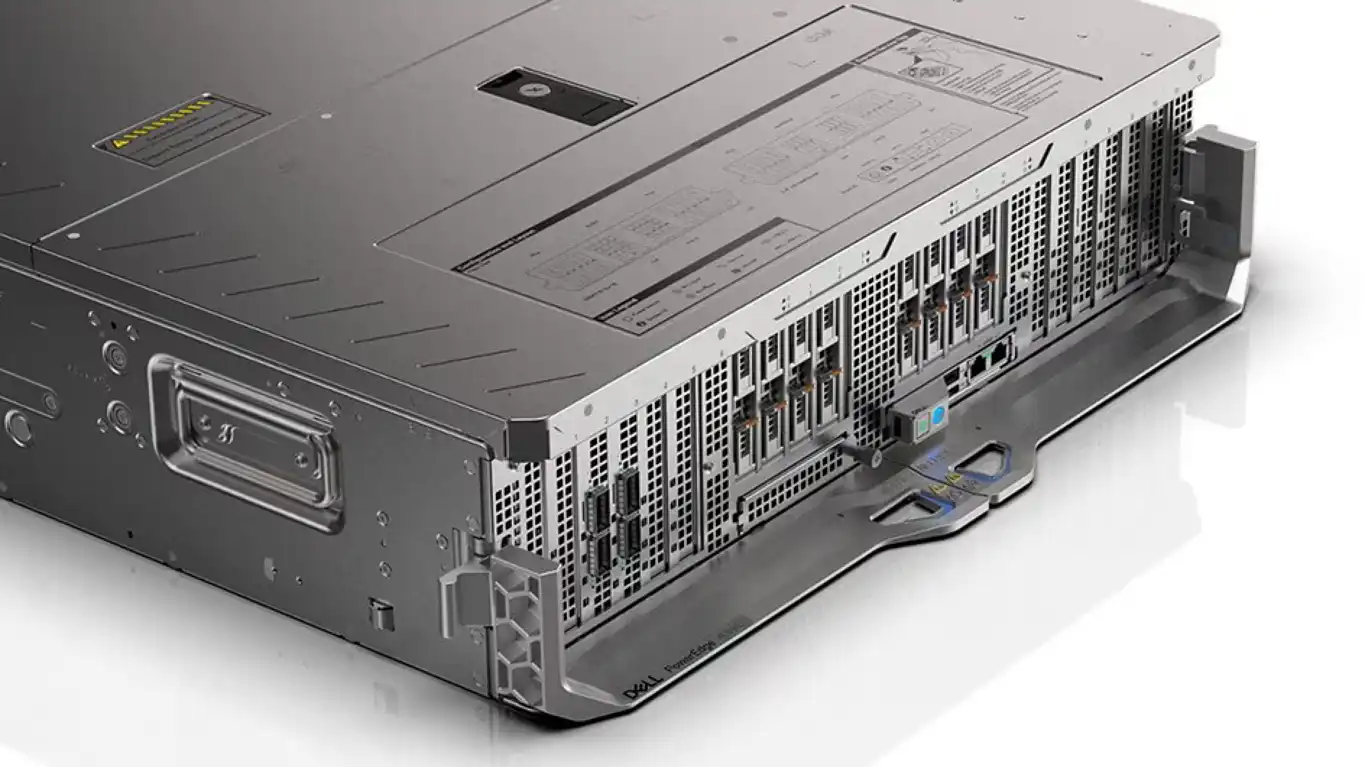
 FastLTA Silent AI Pro – the appliance occupies four rack units and is powered by the Intel Xeon Gold 6414U with up to 512 GB of DDR5 ECC RAM and 8 TB of NVMe storage. Depending on the configuration Nvidia RTX Pro 6000 and Nvidia H200 GPUs are available for AI computations
Archive for the ‘Addon Hardware’ Category
FastLTA Silent AI Pro – acts as a multi step agentic system that can break down complex tasks run intermediate steps and connect directly to business tools and systems
Freitag, September 25th, 2026FastLTA Silent AI ES (Enterprise Search) – answers direct questions and searches internal documentation using local semantic search and retrieval-augmented generation (RAG)
Samstag, September 12th, 2026
FastLTA – Der Hauptmann von Köpenick.
Dienstag, August 4th, 2026Wilhelm Voigt war 1906 ein mehrfach vorbestrafter Schuster ohne Papiere was er allerdings hatte eine Hauptmannsuniform vom Trödler diese zog er an kommandierte eine Handvoll Soldaten und ließ den Bürgermeister von Köpenick verhaften
Kein Einbruch. Kein Hack. Nur eine Uniform die alle für echt hielten.
So starten 79% aller Ransomware Angriffe mit gestohlenen Zugangsdaten getreu dem Köpenicker Prinzip nur eben digital
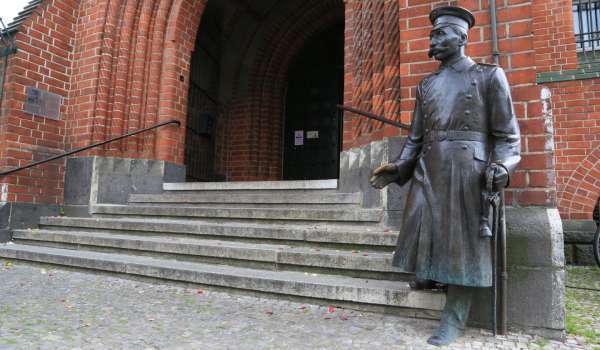
Wie bleibt das Backup unerreichbar wenn jemand schon mit Uniform hereinspaziert ist
Dell Pro Max GB10 – Neuinstallation des Betriebssystems NVIDIA DGX
Freitag, Juli 31st, 2026 Neuinstallation des Betriebssystems NVIDA DGX (Ubuntu 24.04 LTS) auf Dell Pro Max GB10 mit Grace Blackwell Systems
Lenovo ThinkCentre Neo 50q Gen 6 – verfügt über eine Neural Processing Unit (NPU) mit 40 TOPS Rechenleistung
Samstag, Juli 18th, 2026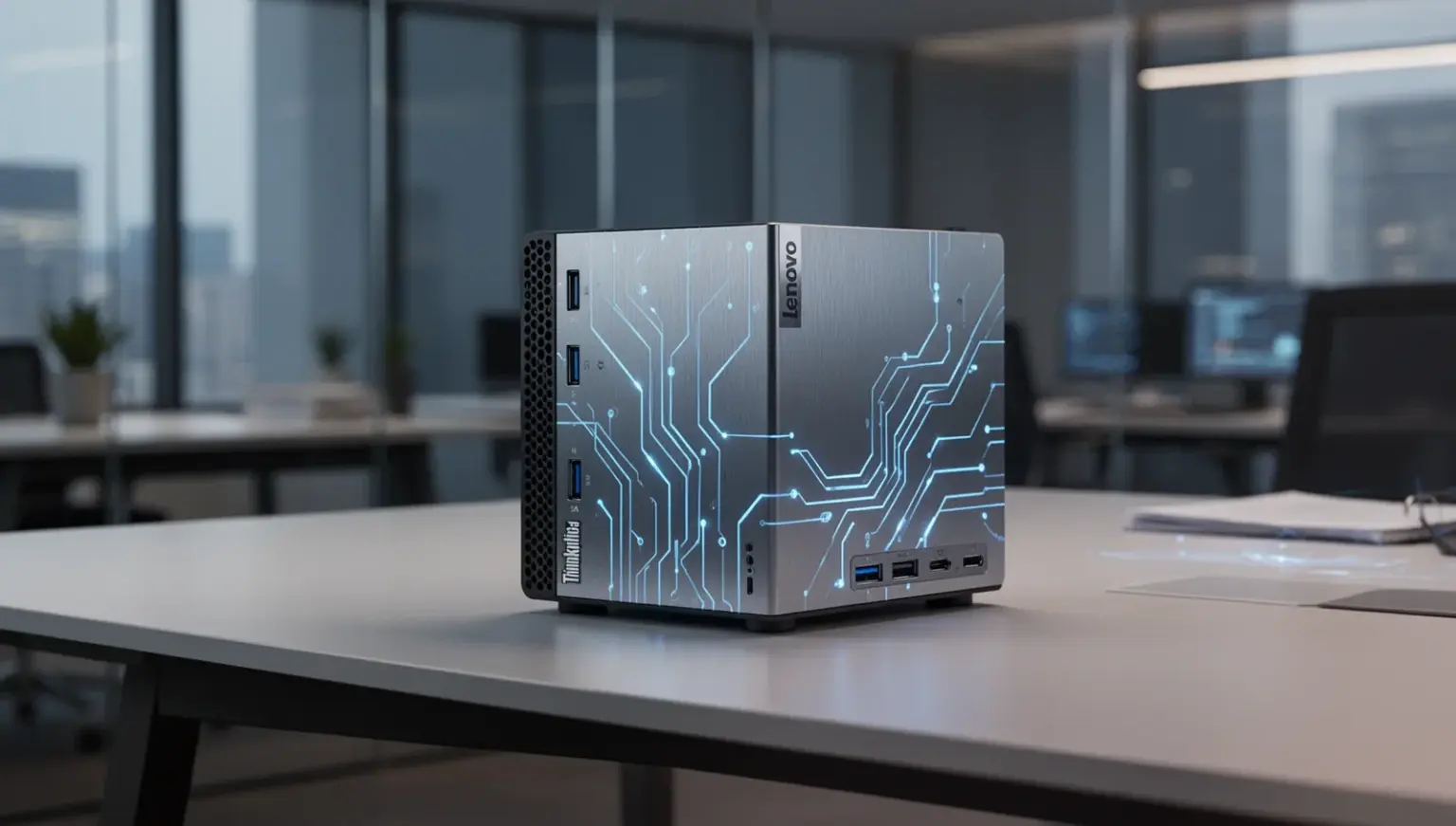
Microsoft Windows 11 – mit Update KB5095093 können einige Dell PC(s) Leistungsprobleme haben
Donnerstag, Juli 16th, 2026HPE Morpheus VM Essentials v9.0.0 – installing the VM Essentials manager
Samstag, Juni 27th, 2026HPE_VM_Essentials_SW_image_v9.0.0_S5Q83-11075
mount -o loop HPE_VM_Essentials_SW_image_v9.0.0_S5Q83-11075.iso /media
Deploy the VM Essentials manager virtual appliance in one of your HVM hosts. The VM Essentials virtual appliance is delivered inside an ISO ‚HPE_VM_Essentials_SW_image_v9.0.0_S5Q83-11075.iso‘ containing the needed ‚*.qcow2‘ file you can either upload the qcow2 file to your HVM host or upload the complete iso and mount it
This example will run you through the ISO method
# mount -o loop HPE_VM_Essentials_SW_image_v8.0.12_S5Q83-11039.iso /media
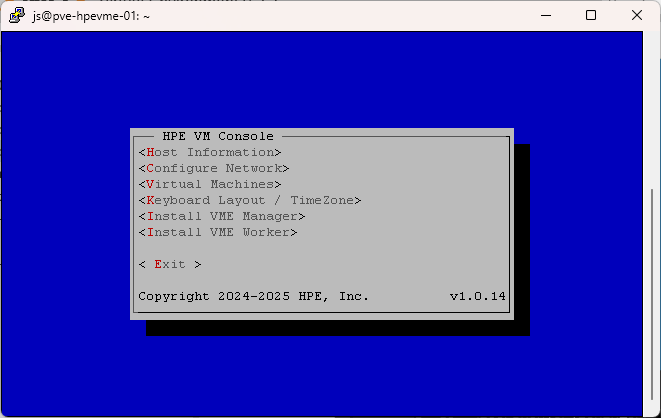
Enter sudo hpe-vm to open the hpe-vm console and select <Install VME Manager>
# sudo hpe-vm
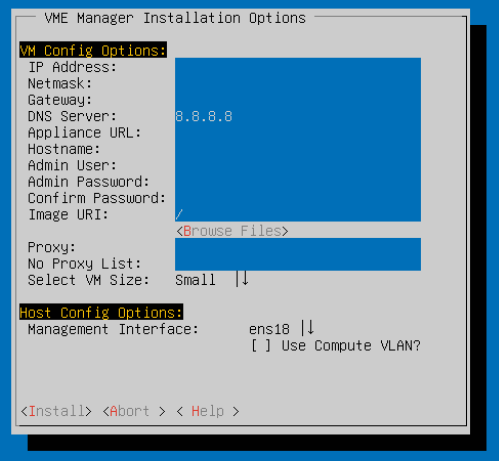

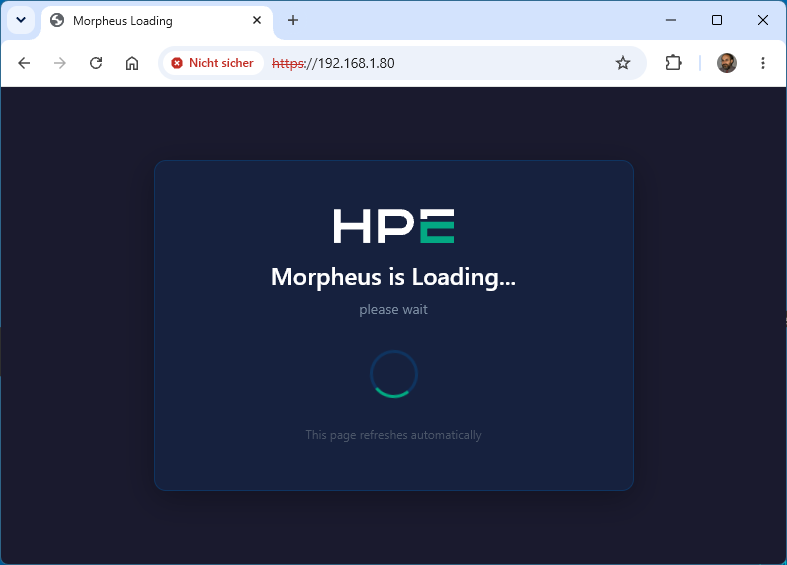
… after what felt like two hours
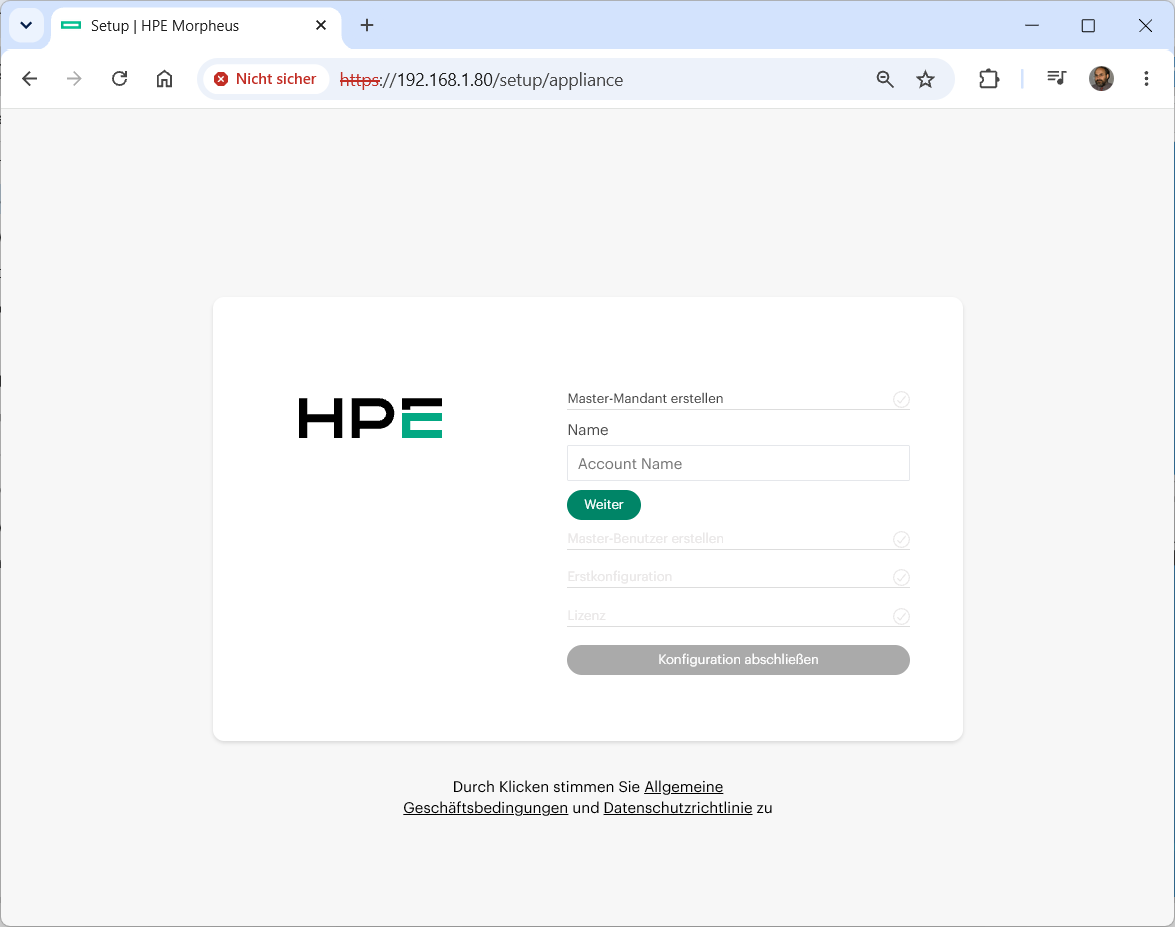
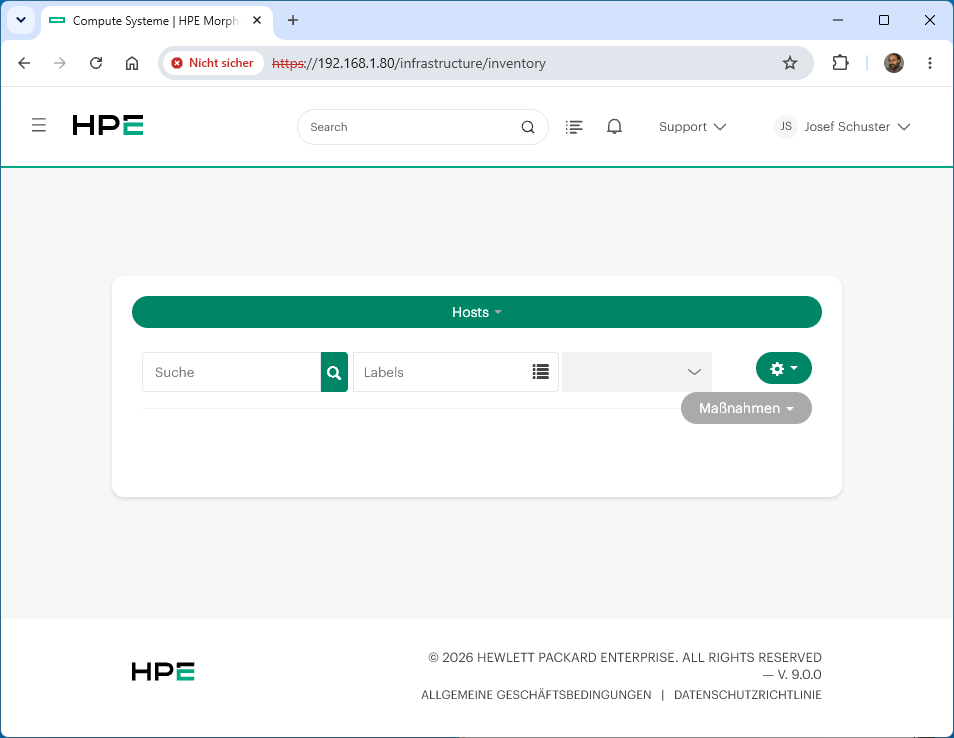
HPE Morpheus HVM Cluster – Layout
Samstag, Juni 27th, 2026HPE Morpheus VM Essentials v8.0.8 – with the Unified Installer
Montag, Juni 22nd, 2026HPE Morpheus VM Essentials – QuickSpecs
Fujitsu PRIMERGY M8 – es kann unter Windows Server 2022 und Windows Server 2025 in bestimmten Szenarien vorkommen dass nicht die volle Systemleistung entfaltet wird
Dienstag, Juni 16th, 2026Es gibt einen Workaround – damit Kunden dieser Systeme die gewohnte maximale Performance nutzen können und so empfiehlt der Hersteller folgenden verifizierten Workaround
Schritt 1: Windows-Konfiguration (PowerShell als Administrator ausführen) per PowerShell mit folgenden Anweisungen
bcdedit /set hypervisorschedulertype classic
powercfg -setactive SCHEME_MIN
Schritt 2: System-Reboot ausführen
Schritt 3: BIOS-Anpassung (im EFI Setup Menü unter Configuration -> CPU Configuration) vornehmen und folgende Einstellungen wählen
Package C-State Limit: C0
Utilization Profile: Unbalanced
CPU C1E Support: Disabled
CPU C6 Report: Disabled
Die obigen Schritte passen wohl das Profil für die CPU-Nutzung und die Energiesparoptionen an. Fujitsu erklärt beispielsweise dass die Einstellung des C-State-Limits auf C0 auf Fujitsu PRIMERGY M8 Servern dafür sorgt dass der Prozessor jederzeit im aktiven Betriebszustand mit voller Leistung verbleibt. Dadurch werden alle CPU Ruhezustände deaktiviert um Latenzzeiten beim Aufwachen zu vermeiden. Das gewährleistet zwar eine maximale Rechenleistung und keinerlei Reaktionsverzögerungen geht aber ggf. auf Kosten des Energieverbrauchs
Gut zu wissen für die Praxis
FastLTA – Artikel 21 NIS2 fordert Backup Management und nachweisbare Wiederherstellung nach Notfällen
Dienstag, Juni 9th, 2026Dell PowerEdge XE9785L – AI Factory with 8* NVIDIA HGX B300 1200W SXM7 GPUs fully interconnected with NVIDIA NVLink technology
Mittwoch, Mai 27th, 2026