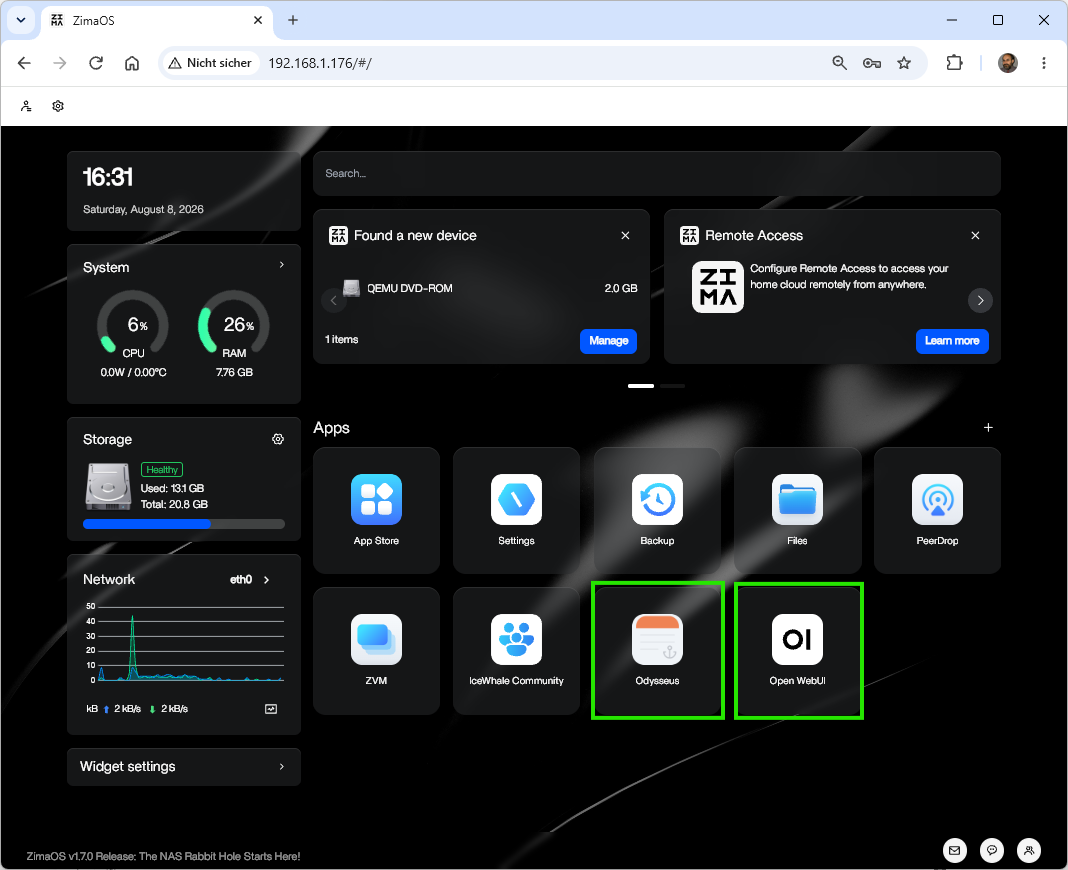
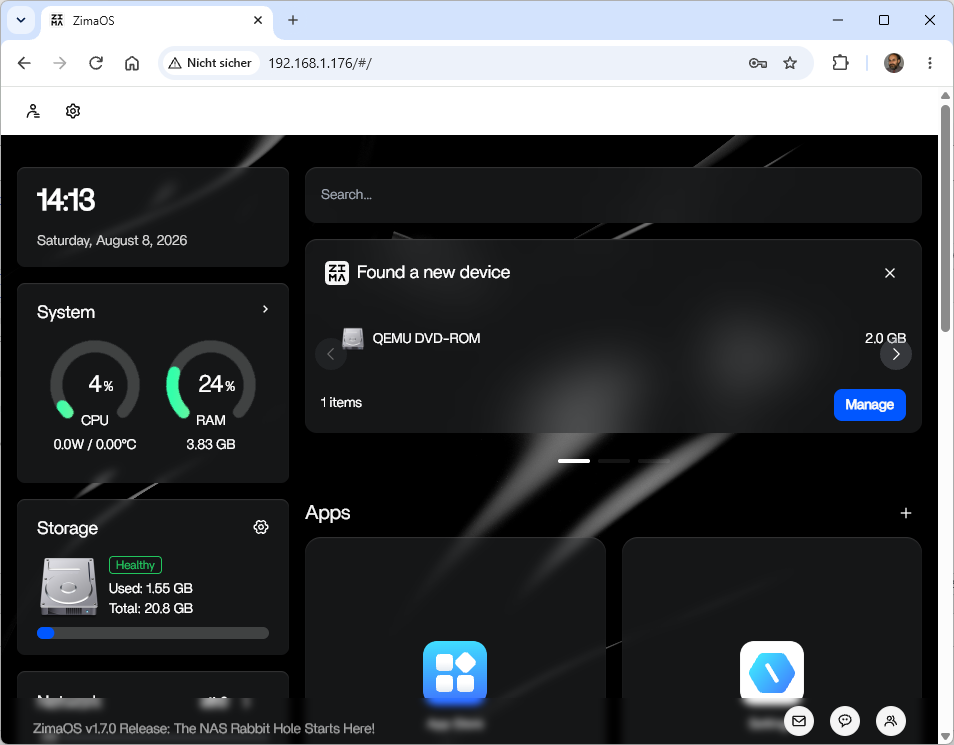
ZimaOS Installation on Proxmox Virtual Environment (VE) – with an ISO Image ‚zimaos-x86_64-1.7.0_installer.iso‘
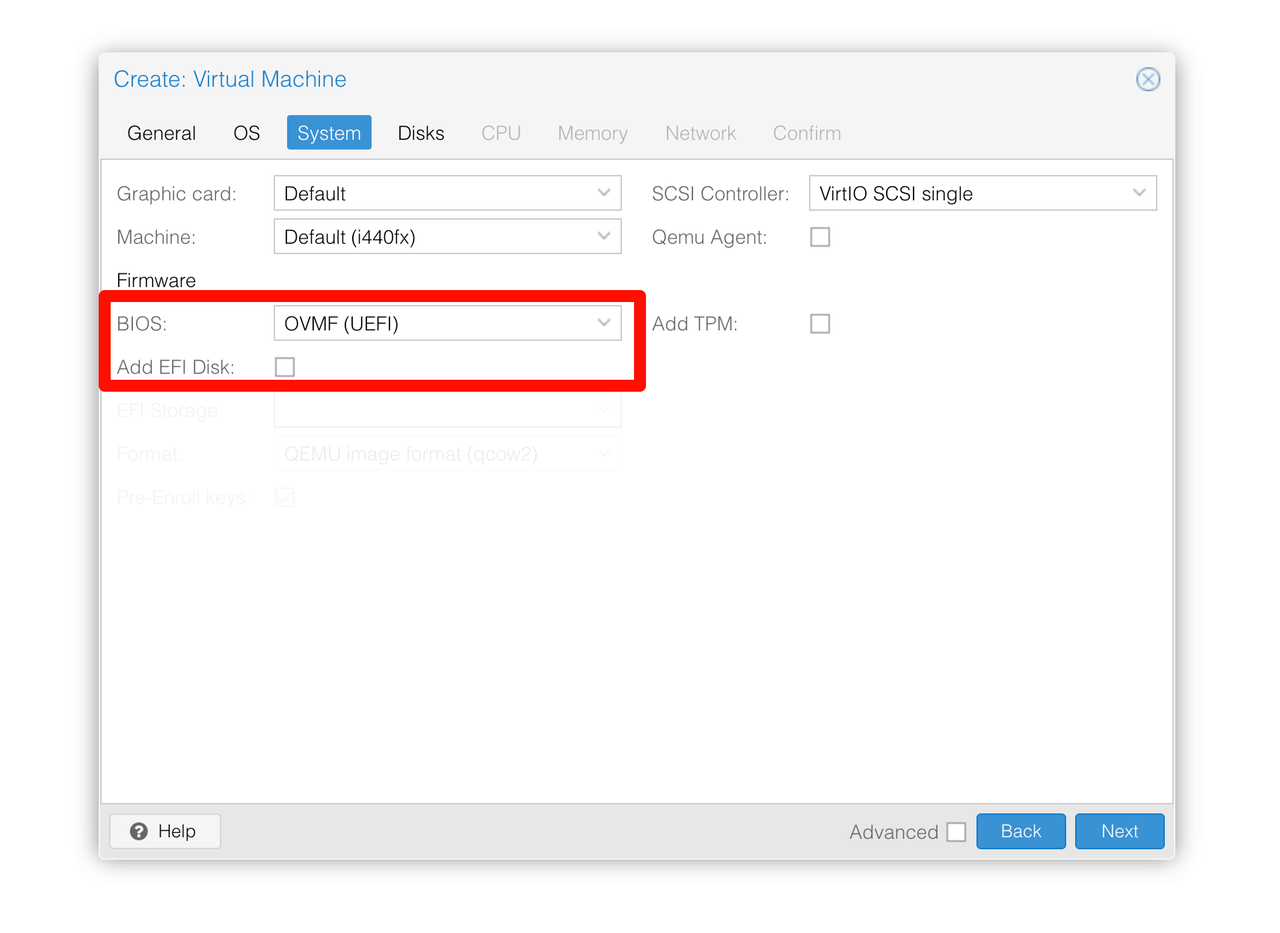
Important information on creating a virtual machine
Set BIOS to UEFI
Uncheck Add EFI Disk
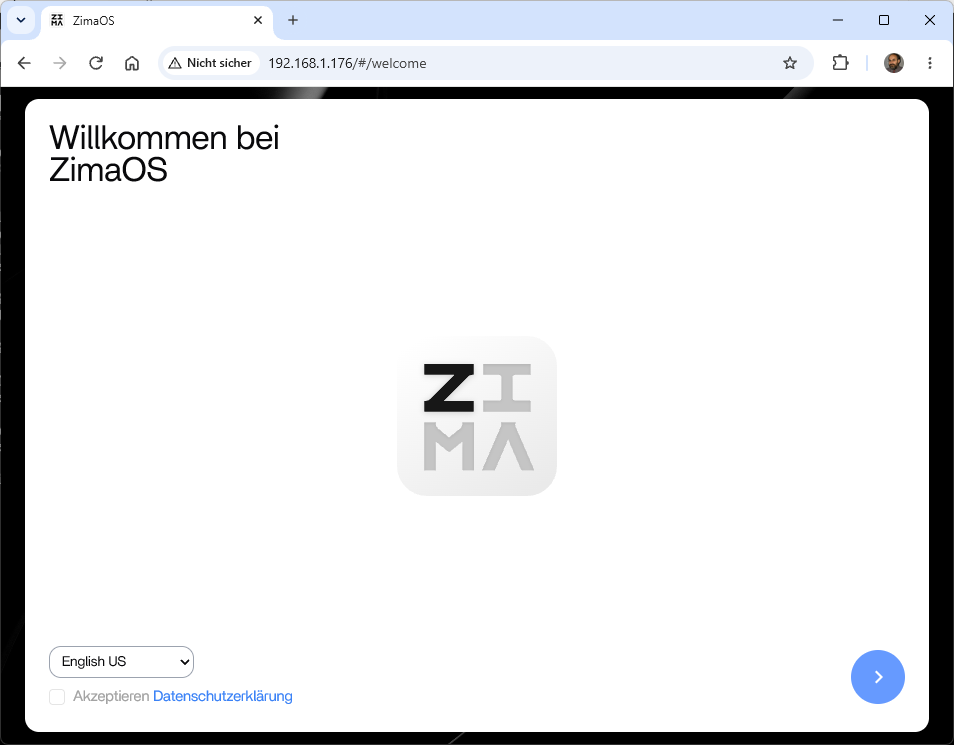
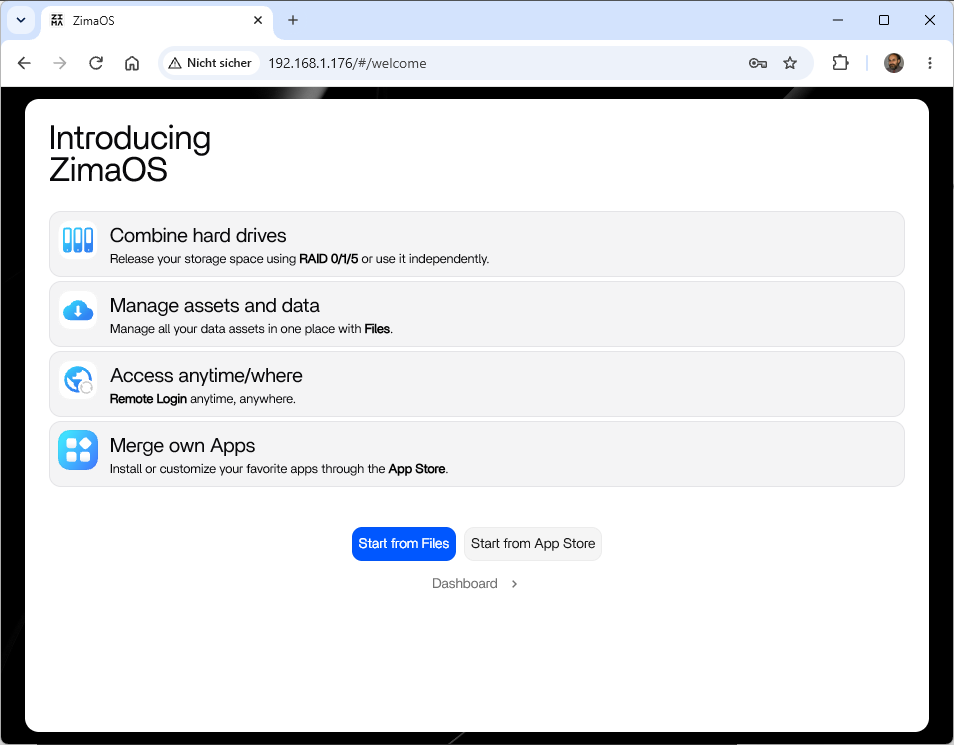
.
.. simple installation of Odysseus AI / Open WebUI