Archive for the ‘Microsoft Solution’ Category
Microsoft Windows 7 – droht zum neuen Windows XP zu werden denn das Ende am 14. Januar 2020 naht
Montag, Januar 14th, 2019Microsoft SQL Server – to determine your current version number and the corresponding servicing or service pack level
Montag, Januar 14th, 2019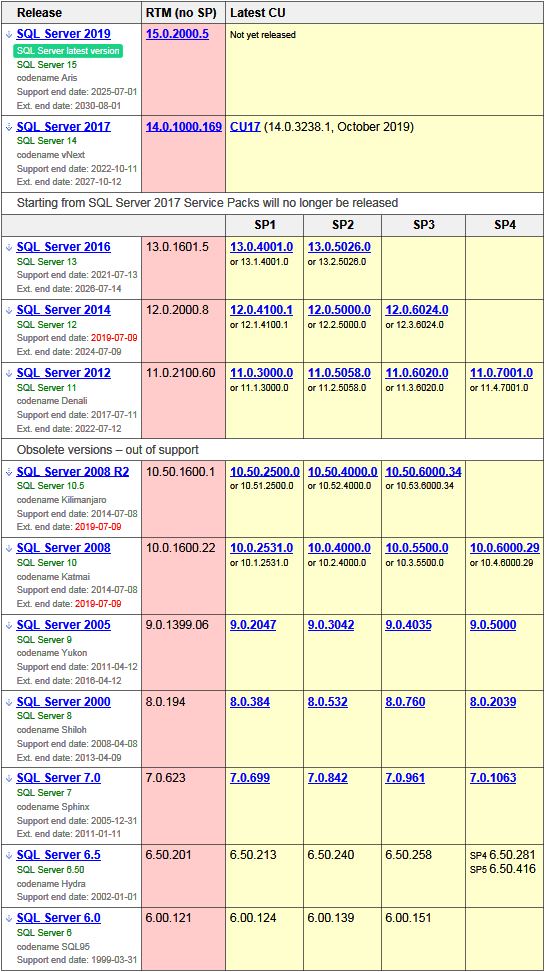
Microsoft Windows 10 – gibt es den Ultimate Performance Mode für maximale Leistung
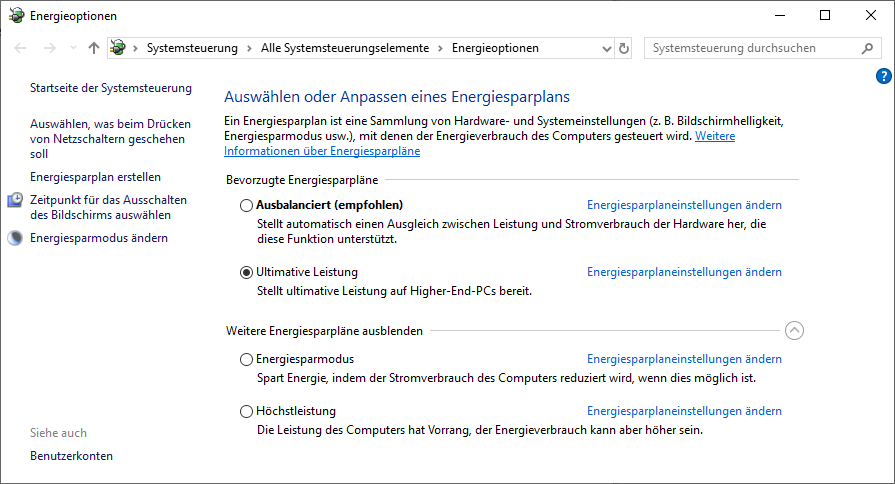
Sonntag, Januar 13th, 2019 Microsoft Windows 10 – der Ultimate Performance Mode steht für Windows 10 seit dem April Update bereit und verspricht Höchstleistungen weil alle Energiesparfunktionen abgeklemmt werden
C:\> powercfg -duplicatescheme e9a42b02-d5df-448d-aa00-03f14749eb61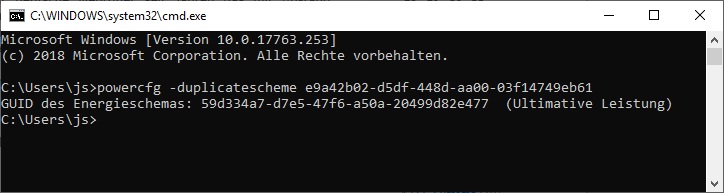
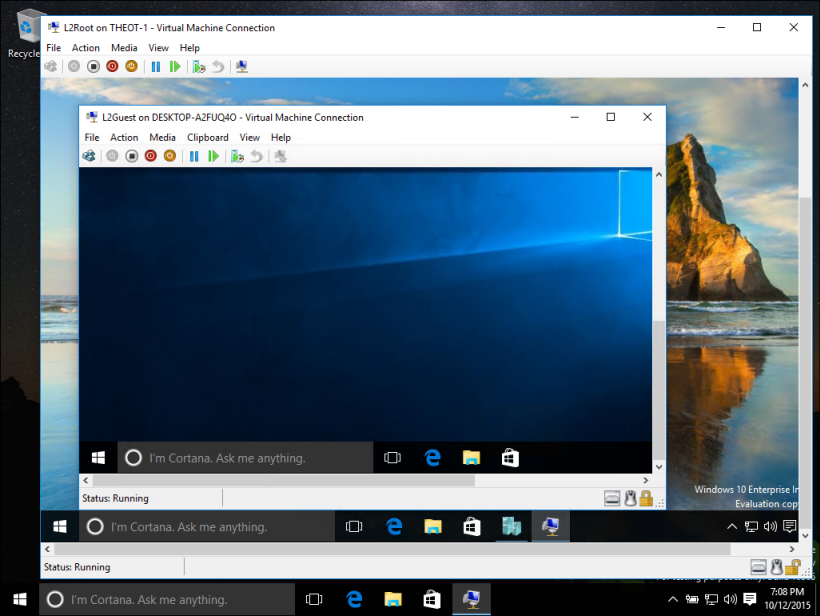
Microsoft Windows 10 Pro & Enterprise Edition – include the Microsoft Hyper-V Virtualization technology
Sonntag, Januar 13th, 2019Microsoft Hyper-V Virtualization – is the very own virtualization solution that allows creating virtual machines on x86-64 systems with running Microsoft Windows 10 Pro & Enterprise OS
Microsoft Windows 10 – wenn ein Programm den Bild-in-Bild-Modus unterstützt lässt es sich leicht aktivieren und nutzen
Samstag, Januar 12th, 2019Programme im Bild-in-Bild-Modus – haben den Vorteil sie bleiben immer im Vordergrund dies ist bei normalen Fenstern nicht der Fall
Microsoft Windows Server 2019 ‚Remote Desktop Services (RDS)‘ – deploy Office 365 ProPlus
Samstag, Januar 12th, 2019 Microsoft Windows Server 2019 ‚Remote Desktop Services (RDS)‘ – to deploy Microsoft Office 365 ProPlus
Microsoft Windows 7 SP1 Update KB971033 – verlieren ihre Aktivierung per Key Management Service (KMS) im eigenen Netz
Freitag, Januar 11th, 2019Microsoft Windows 7 SP1 & Windows Server 2008 R2 SP2 Updates KB4480970 und KB4480960 – verursachen massive Netzwerkprobleme
Donnerstag, Januar 10th, 2019 Das Problem lässt sich lösen indem die betreffende Richtlinie in einer administrativen Eingabeaufforderung mit dem Befehl
Option #1 C:\ reg add HKLM\SOFTWARE\Microsoft\Windows\CurrentVersion\Policies\system /v LocalAccountTokenFilterPolicy /t REG_DWORD /d 1 /f
angepasst wird. Der Befehl deaktiviert die remote-Einschränkungen durch LocalAccountTokenFilterPolicy nach einem Neustart sollte der Zugriff auf Netzwerkfreigaben wieder möglich sein
 Option #2 C:\ wusa /uninstall /kb:4480970
Microsoft Flow – enables you to make repetitive tasks easy with workflow automation
Sonntag, Januar 6th, 2019Microsoft Office 365 – get started with Office 365 by signing up for a subscription and choosing the plan that’s right for you and your business
Sonntag, Januar 6th, 2019Microsoft Office 365 ‚OneDrive‘ – if lots of files get deleted, overwritten, corrupted, or infected by malware you can restore your entire OneDrive to a previous time
Samstag, Januar 5th, 2019Microsoft 365 – Update for December 2018
Freitag, Januar 4th, 2019Microsoft Office 365 Business – includes access to Office applications and online productivity services, as well as business services such as web conferencing, hosted email, and online storage
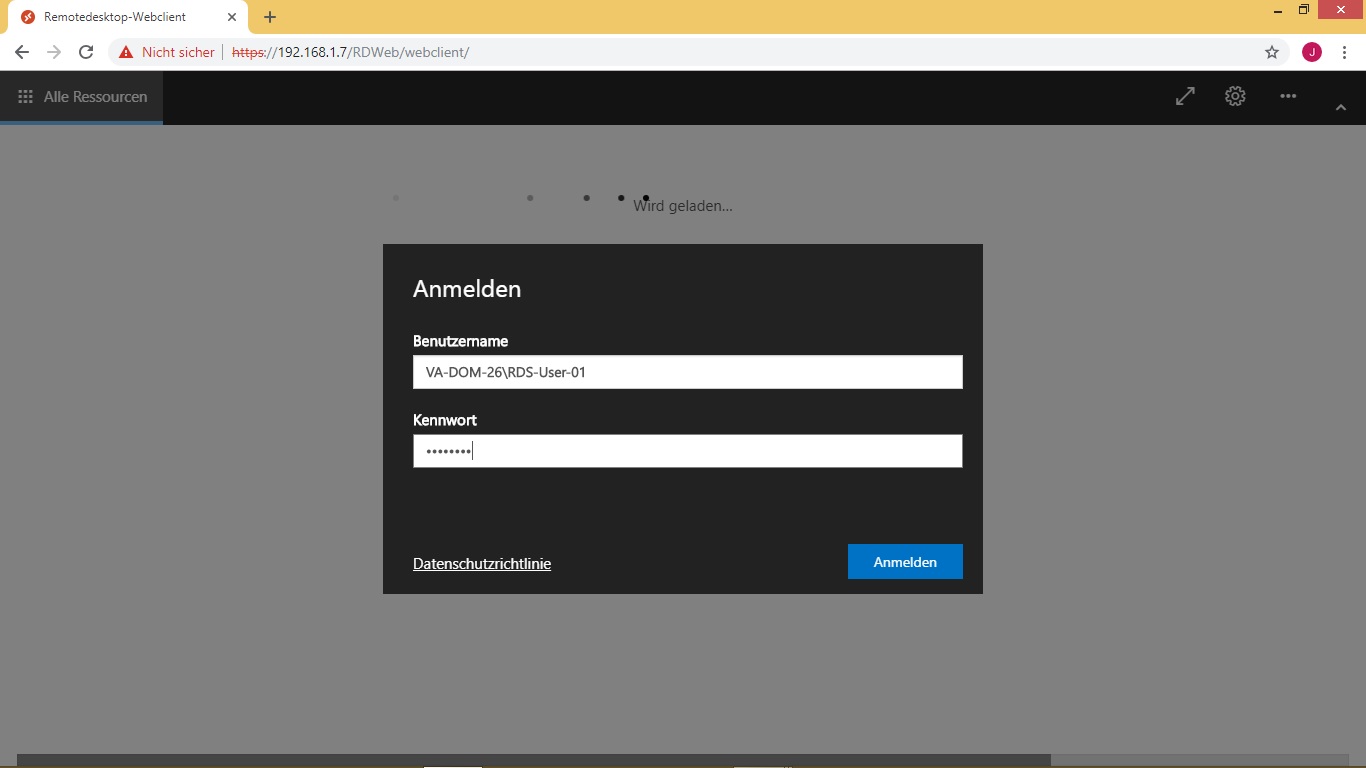
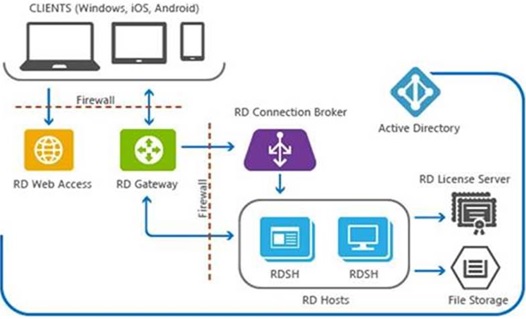
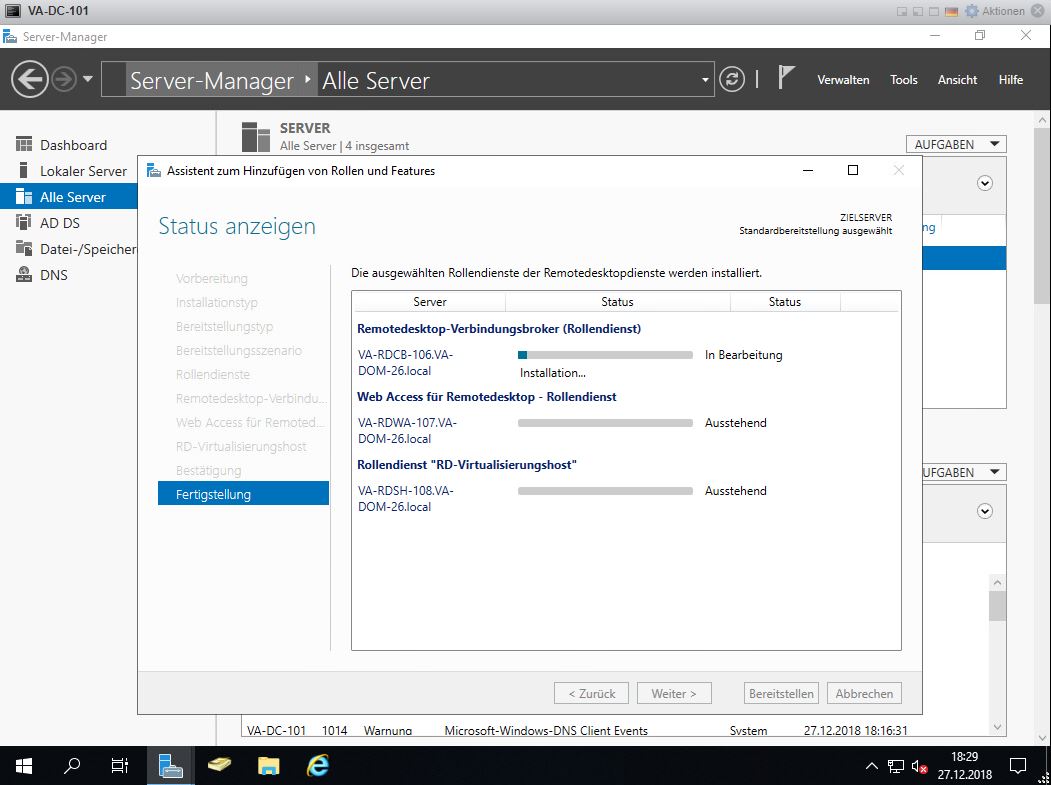
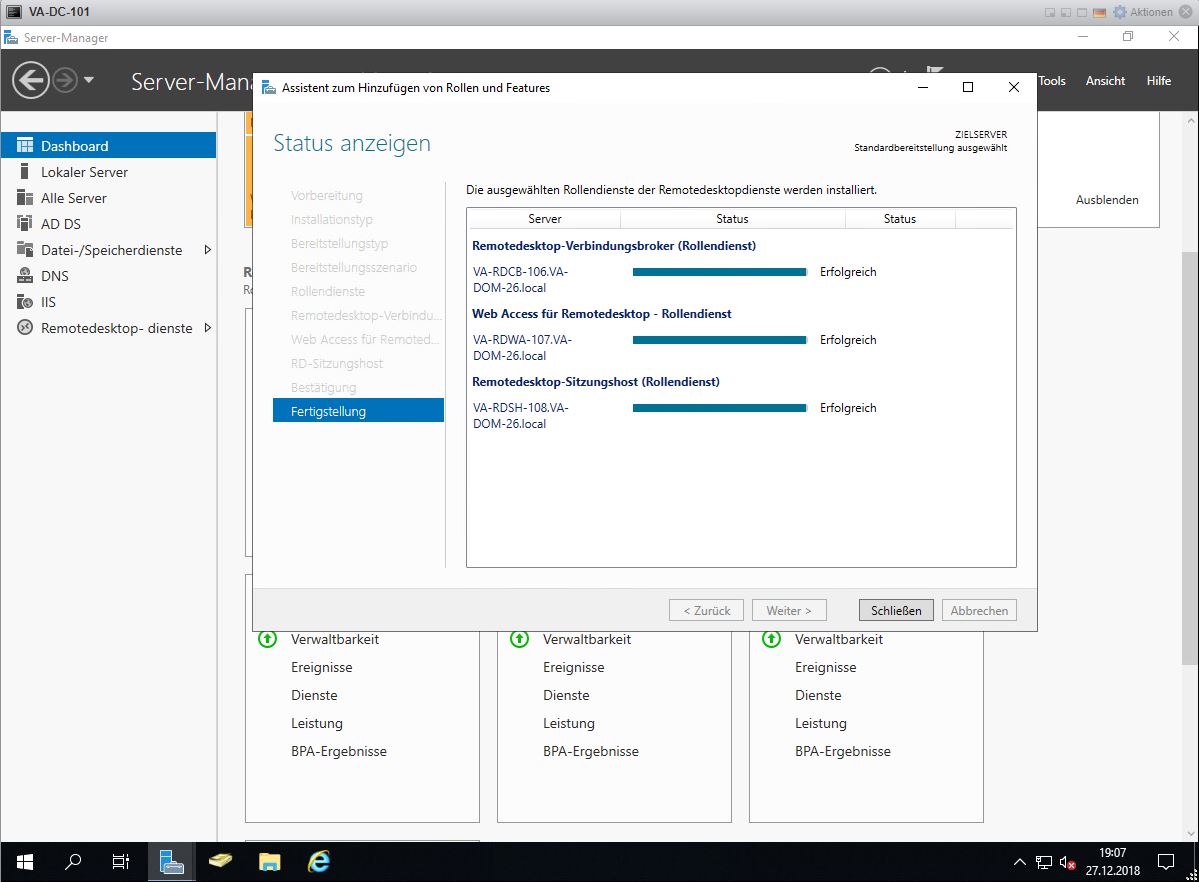
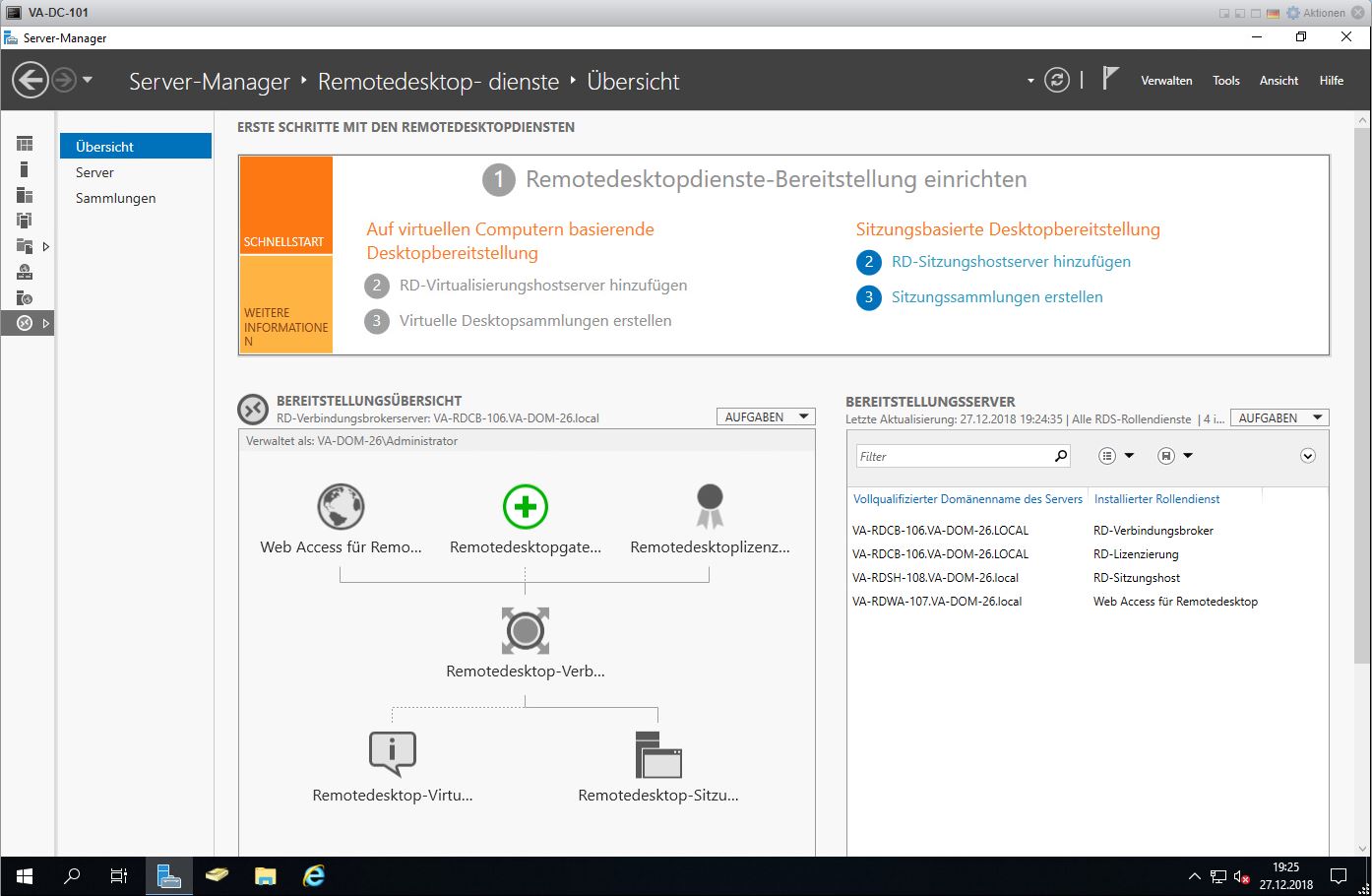
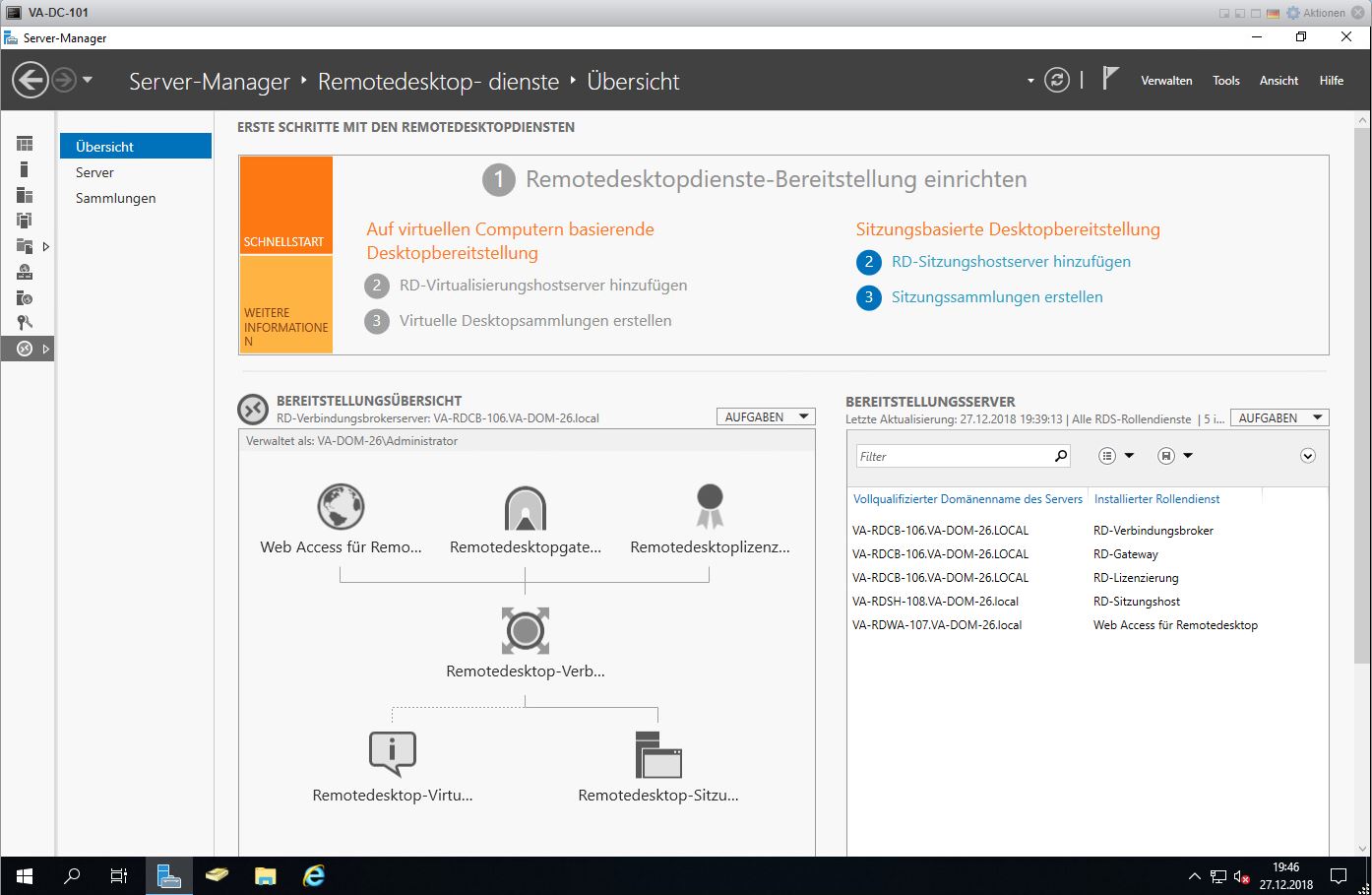
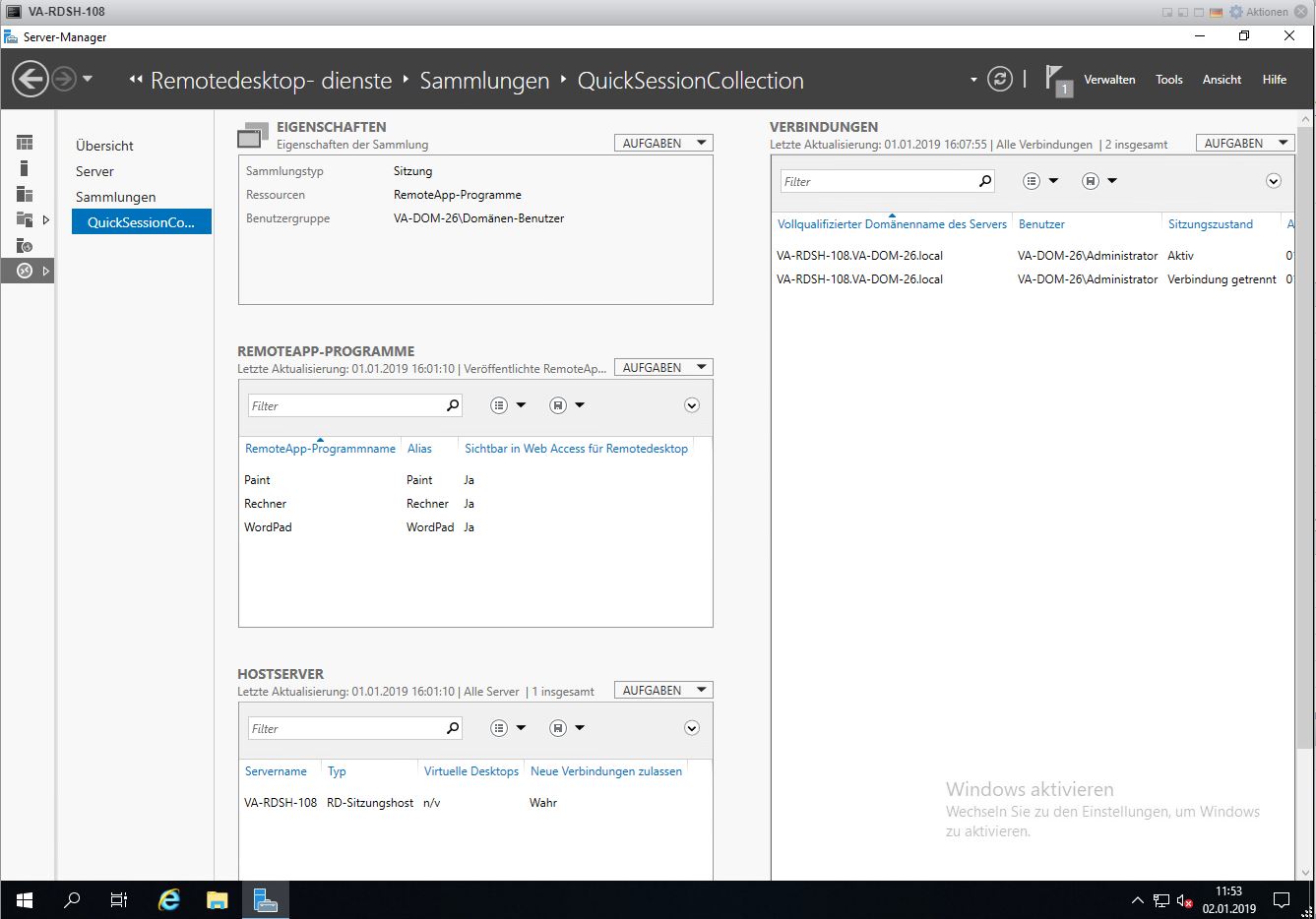
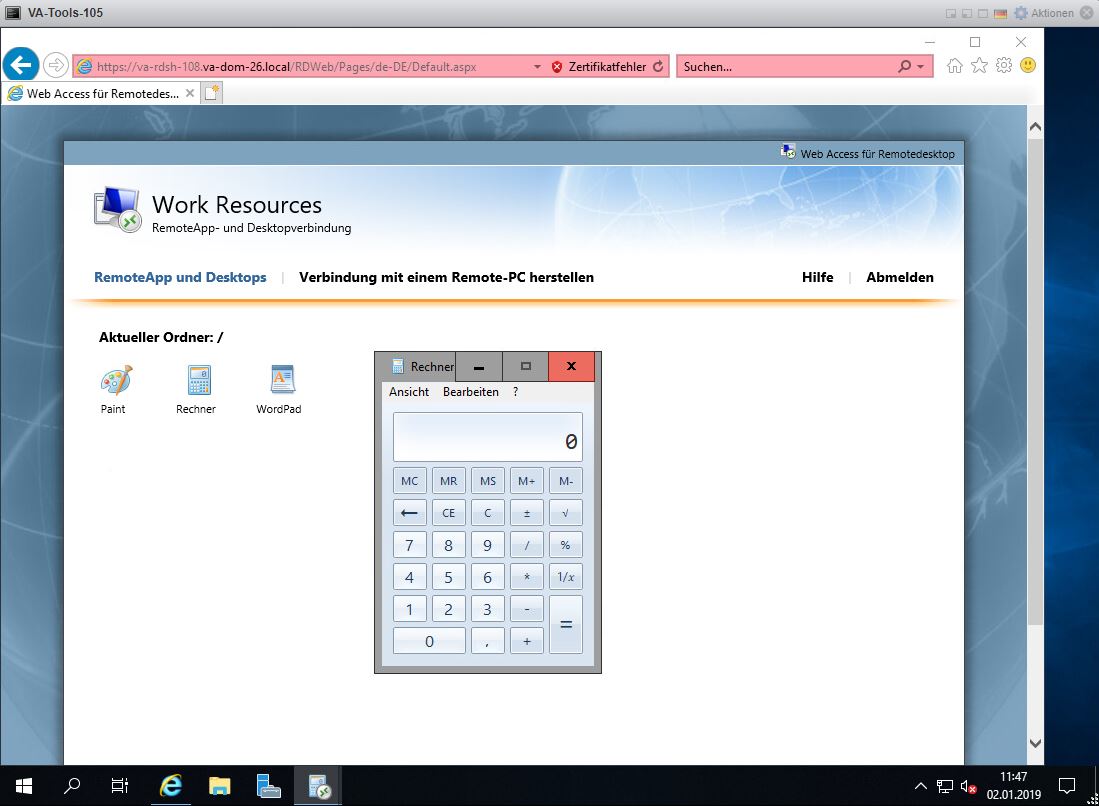
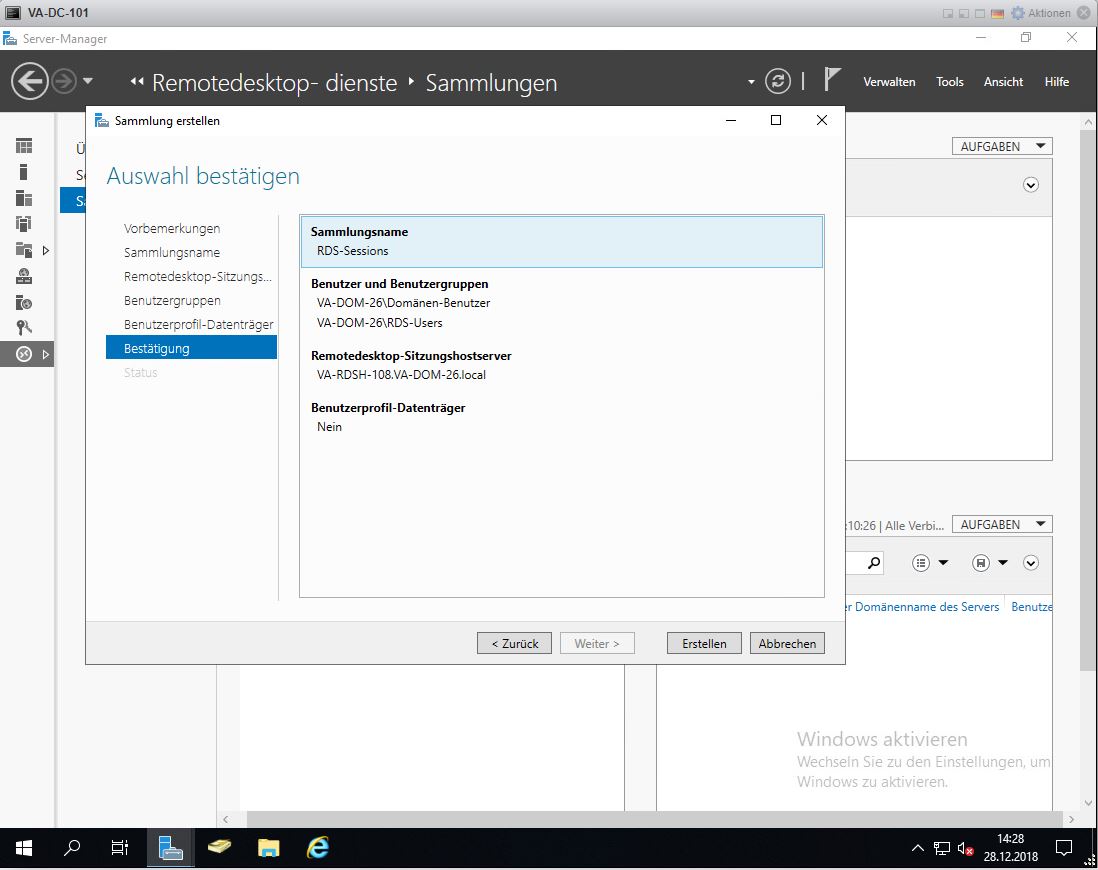
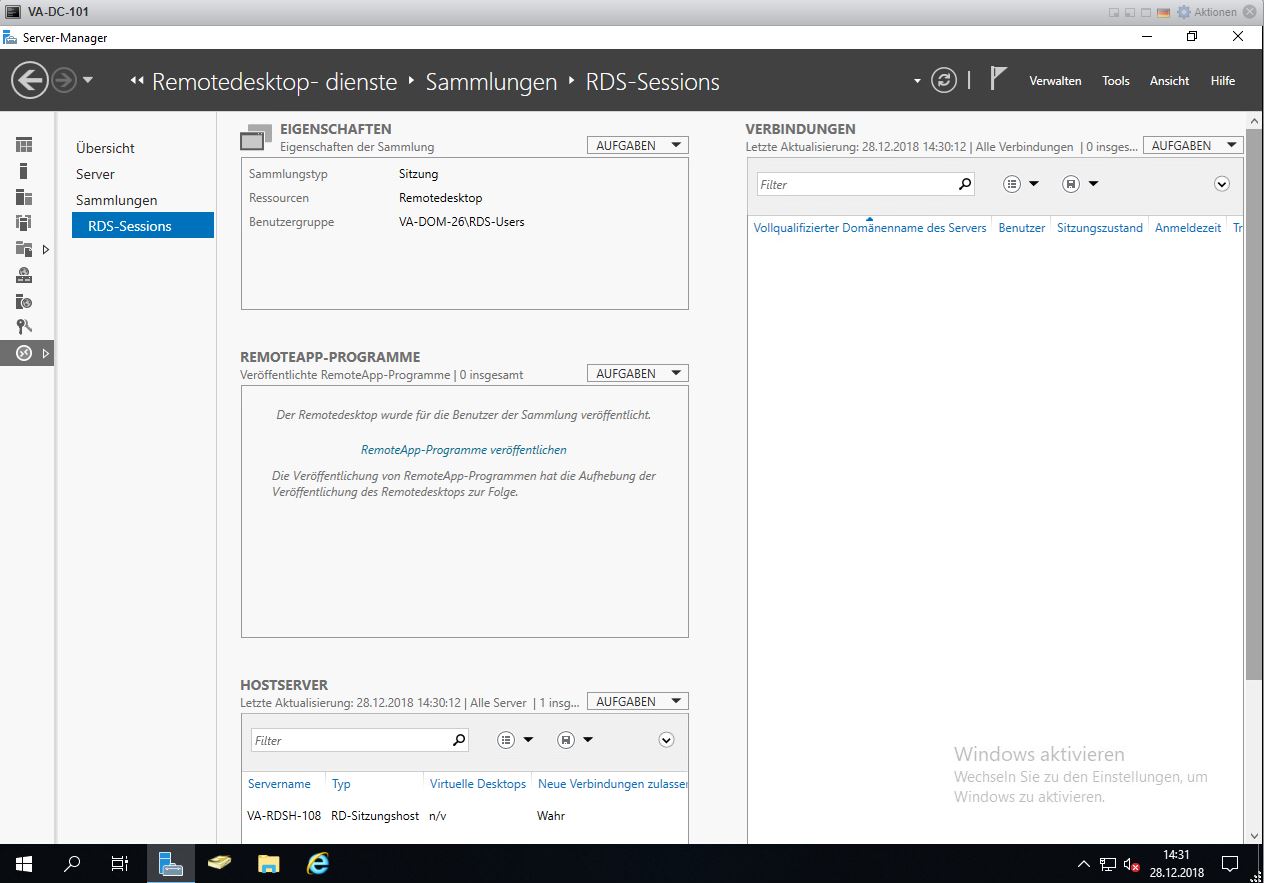
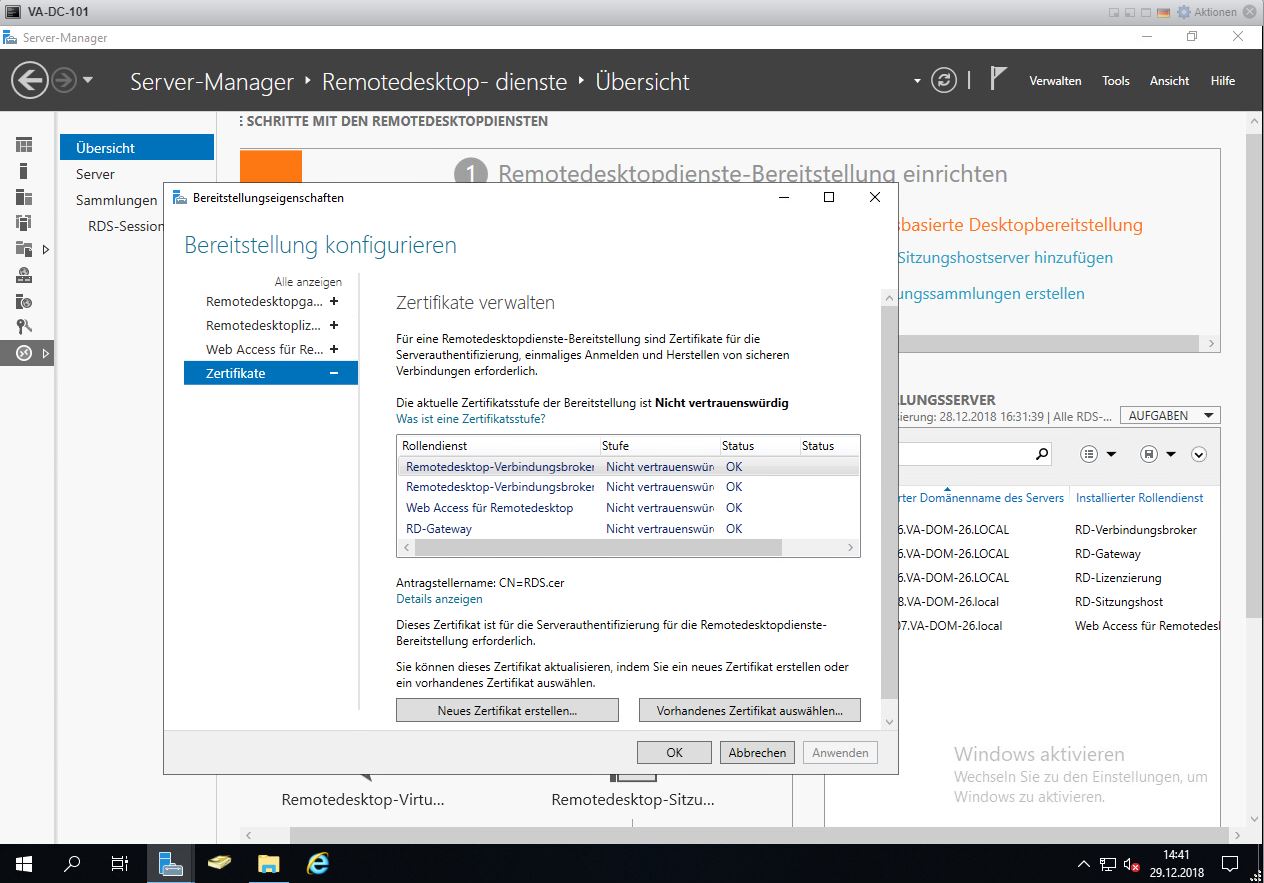
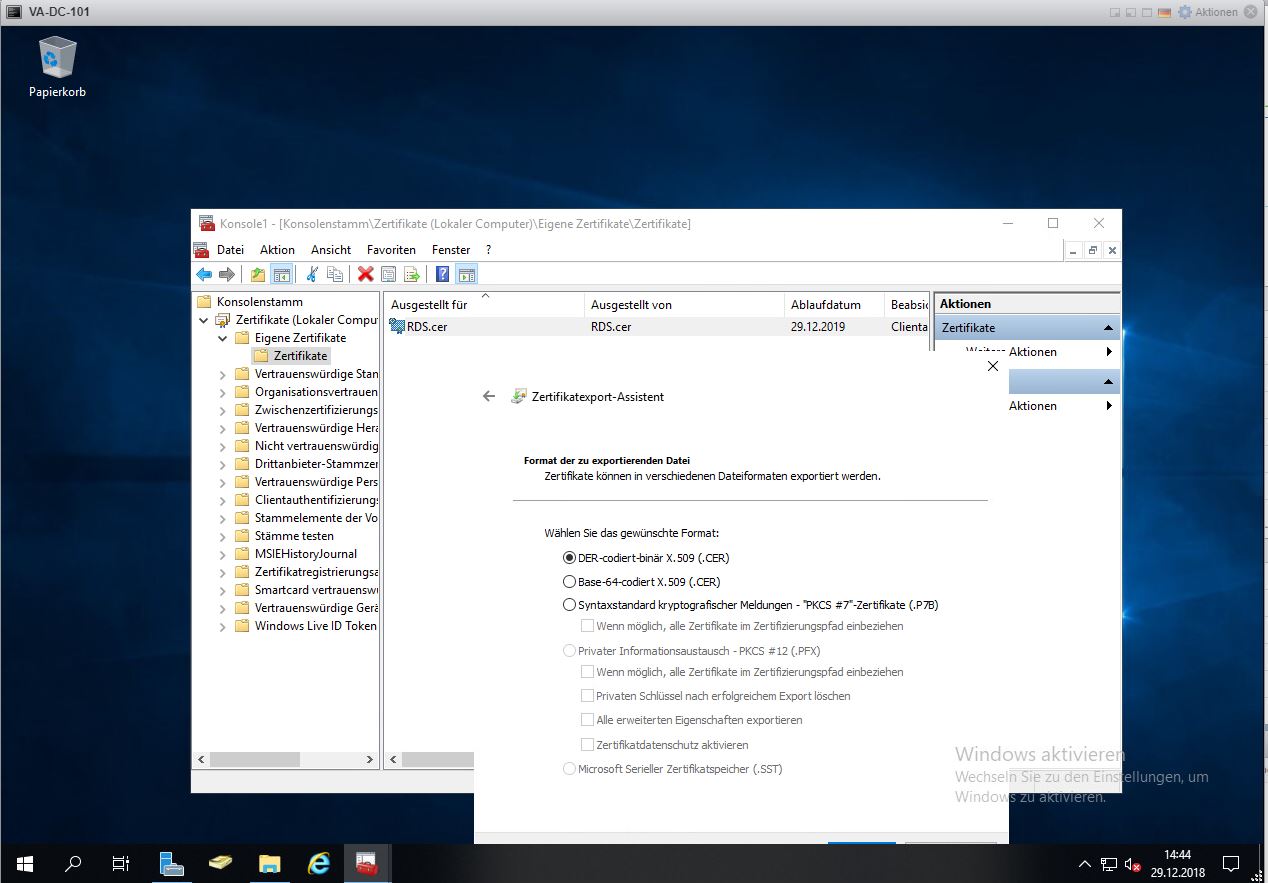
Donnerstag, Januar 3rd, 2019Microsoft Windows Server 2019 ‚Remote Desktop Services (RDS)‘ – Installation and Configuration Step By Step
Montag, Dezember 31st, 2018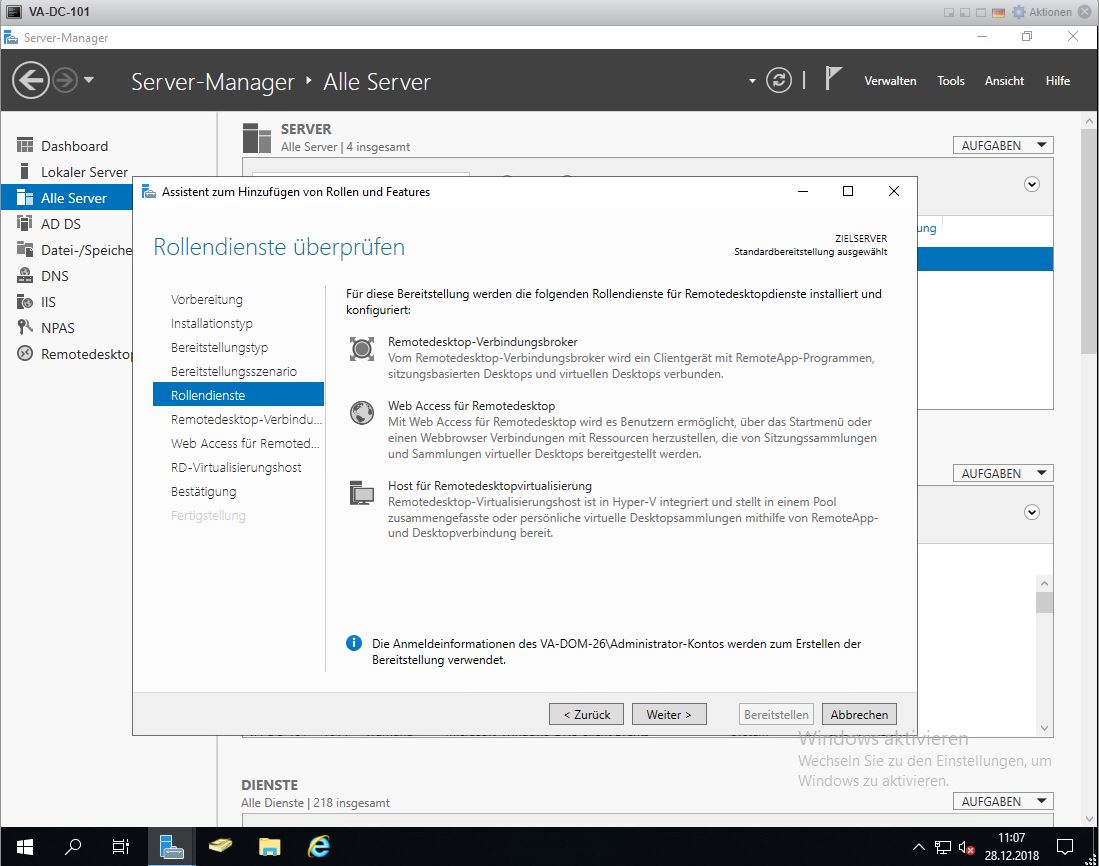
Install-Module -Name PowerShellGet -Force -Confirm:$False
Install-Module -Name RDWebClientManagement -Confirm:$False
Import-RDWebClientBrokerCert C:\TMP\RDS.cer
Install-RDWebClientPackage
Publish-RDWebClientPackage -Type Production -Latest
https://<FQDN des Servers>/RDWeb/WebClient