Archive for the ‘Microsoft Solution’ Category
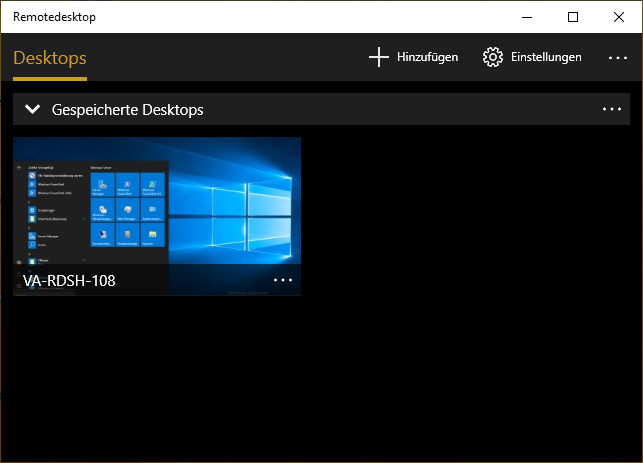
Microsoft – bringt neue Remotedesktop-App für Windows 10, iOS und Android
Sonntag, Dezember 30th, 2018Microsoft Windows Server 2016 – Remote Desktop Services (RDS) Installation and Configuration Step By Step
Donnerstag, Dezember 27th, 2018Microsoft – Überblick über Windows Server-Clientzugriffslizenzen (CALs)
Donnerstag, Dezember 27th, 2018Microsoft Windows Server 2019 – installing Remote Desktop Services
Mittwoch, Dezember 26th, 2018Microsoft Windows 10 ‚Offline Files‘ – is a special feature of Windows that allows you to access files stored on a network share locally, even when you are not connected to that network
Mittwoch, Dezember 26th, 2018 Microsoft Windows 10 ‚Offline Files‘ – enable always Offline mode for faster access to files
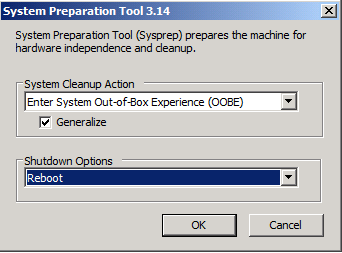
Windows System Preparation Tool ‚Sysprep‘ – Klonen und Bereitstellen von Windows Installationen
Dienstag, Dezember 25th, 2018c:\> cd c:\Windows\System32\sysprep
c:\Windows\System32\Sysprep> sysprep.exe /oobe /generalize /shutdown
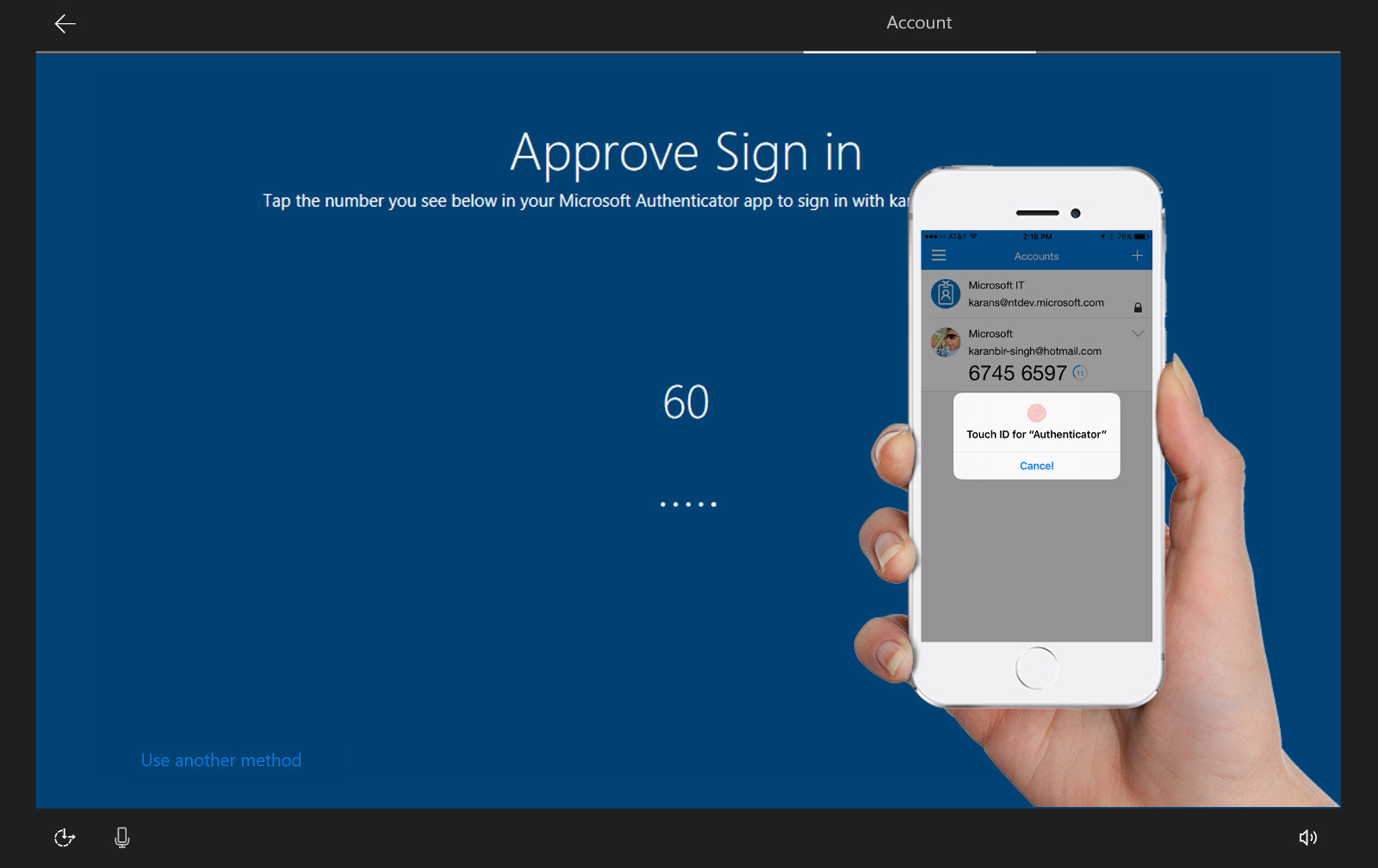
Microsoft Windows 10 build 18305 – offers a new additional security feature password-less accounts
Dienstag, Dezember 25th, 2018Today, we’re announcing support for setting up and signing in to Windows with a phone number account, without having to create, or deal with the hassle of a password! If you have a Microsoft account with your phone number, you can use an SMS code to sign in, and set up your account on Windows 10
Microsoft Windows 10 Version 1809 – jetzt allgemein freigegeben
Dienstag, Dezember 18th, 2018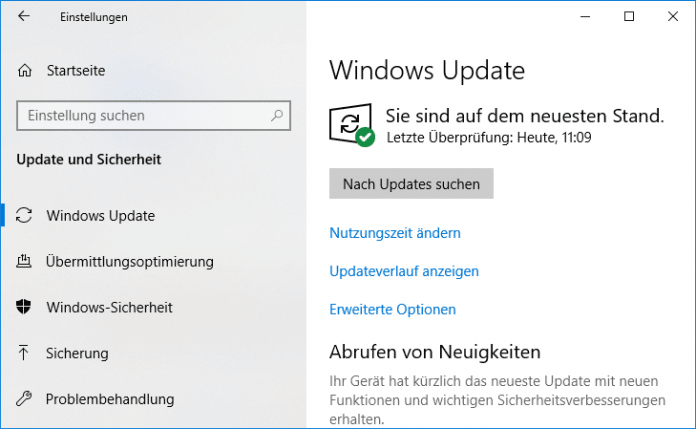
Microsoft Windows 10 Version 1803 (oder aktueller) – veröffentlichen von Nutzeraktivitäten nicht erlauben
Montag, Dezember 17th, 2018Diese Richtlinieneinstellung bestimmt, ob Benutzeraktivitäten veröffentlicht werden können. Wenn Sie die Richtlinieneinstellung aktivieren, dürfen Aktivitäten vom Typ „Benutzeraktivität“ veröffentlicht werden. Wenn Sie die Richtlinieneinstellung deaktivieren, dürfen Aktivitäten vom Typ „Benutzeraktivität“ nicht veröffentlicht werden. Die Richtlinienänderung wird umgehend wirksam
Content Security Policy (CSP) – Privacy
[HKEY_LOCAL_MACHINE\SOFTWARE\Policies\Microsoft\Windows\System]
„PublishUserActivities“=dword:00000000
Microsoft Windows Server 2019 – installing configuring troubleshooting Windows Network Policy Server (NPS) as RADIUS
Sonntag, Dezember 16th, 2018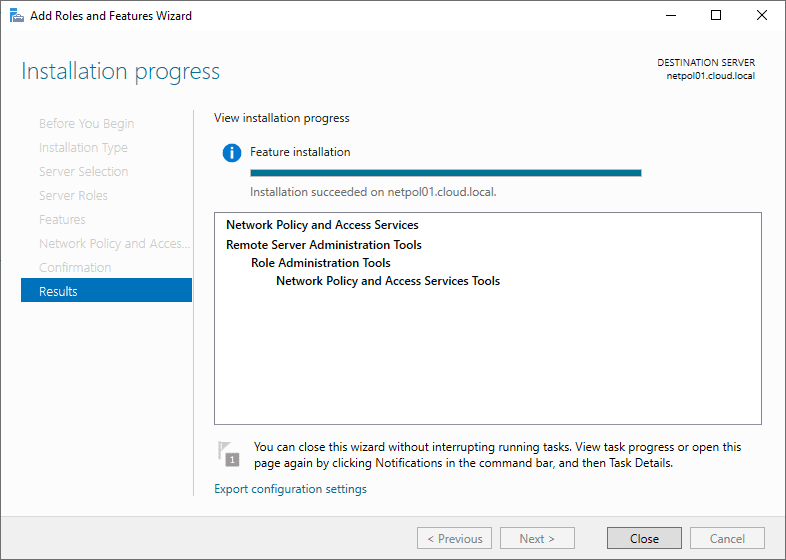
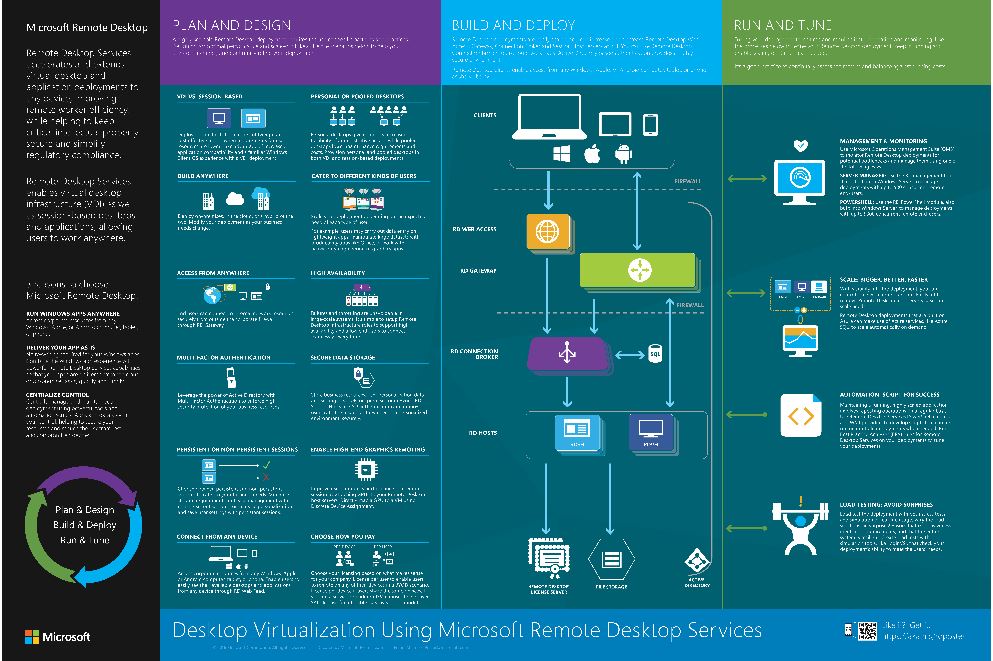
Microsoft Windows Server Remote Desktop Services (RDS) – a poster to help you plan, build, and run your RDS environment
Freitag, Dezember 14th, 2018 Microsoft Windows Server Remote Desktop Services (RDS) – a poster to help you plan, build, and run your RDS Environment
Microsoft Windows 10 Enterprise Build 18290 German – Insider Preview
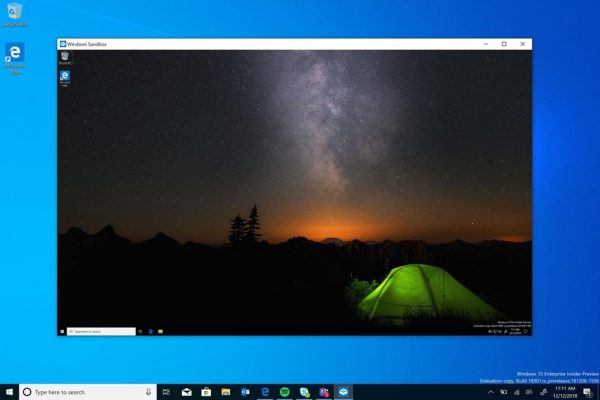
Donnerstag, Dezember 13th, 2018Microsoft Windows 10 Enterprise – getting ‚InPrivate Desktop‘ Sandboxed Execution Feature
Donnerstag, Dezember 13th, 2018