Archive for the ‘Proxmox’ Category
Proxmox Virtual Environment (VE) 9.1.4 – Proxmox and VMware Side by Side for a Year
Montag, Januar 19th, 2026AI Workflow Automation N8N 2.x – install locally and make it publicly accessible with Docker plus Ngrok which exposes local servers behind NATs and firewalls to the public internet via secure tunnels
Montag, Januar 5th, 2026root@pve-8n8-01:~# apt-get install curl
root@pve-8n8-01:~# curl -sSL https://ngrok-agent.s3.amazonaws.com/ngrok.asc \
| tee /etc/apt/trusted.gpg.d/ngrok.asc >/dev/null \
&& echo „deb https://ngrok-agent.s3.amazonaws.com bookworm main“ \
| tee /etc/apt/sources.list.d/ngrok.list \
&& apt update \
&& apt install ngrok
root@pve-8n8-01:~# ngrok config add-authtoken <token>
root@pve-8n8-01:~# ngrok version
ngrok version 3.34.1
root@pve-8n8-01:~#
root@pve-8n8-01:~# docker volume create n8n_data
root@pve-8n8-01:~# docker volume ls
DRIVER VOLUME NAME
local n8n_data
root@pve-8n8-01:~#
root@pve-8n8-01:~# ngrok http 80
ngrok (Ctrl+C to quit)
### N8N_HOST=<…>.ngrok-free.dev
### WEBHOOK_URL=“https://<…>.ngrok-free.dev/“
### N8N_PROTOCOL=https
root@pve-8n8-01:~# docker run -d \
–name n8n \
–restart=always \
-p 5678:5678 \
-e GENERIC_TIMEZONE=“Europe/Berlin“ \
-e TZ=“Europe/Berlin“ \
-e N8N_ENFORCE_SETTINGS_FILE_PERMISSIONS=true \
-e N8N_COMMUNITY_PACKAGES_ALLOW_TOOL_USAGE=true \
-e N8N_DEFAULT_BINARY_DATA_MODE=filesystem \
-e N8N_RUNNERS_ENABLED=true \
-e N8N_SECURE_COOKIE=false \
-e N8N_HOST=<…>.ngrok-free.dev \
-e WEBHOOK_URL=“https://<…>.ngrok-free.dev/“ \
-v n8n_data:/home/node/.n8n \
docker.n8n.io/n8nio/n8n
root@pve-8n8-01:~# ngrok http 5678
ngrok (Ctrl+C to quit)
One gateway for every AI model. Available in early access *now*: https://ngrok.com/r/ai
Session Status online
Account <user>@googlemail.com (Plan: Free)
Version 3.34.1
Region Europe (eu)
Latency 11ms
Web Interface http://127.0.0.1:4040
Forwarding https://<…>.ngrok-free.dev -> http://localhost:5678
Connections ttl opn rt1 rt5 p50 p90
285 0 0.01 0.21 0.59 1.50
HTTP Requests
————-
15:36:03.632 UTC GET /signin 200 OK
15:35:04.766 UTC POST /rest/logout 200 OK
Proxmox Virtual Environment (VE) 9.1.4 – how to monitor network devices with Zabbix
Montag, Januar 5th, 2026Proxmox Virtual Environment (VE) 9.1.4 – how to use Proxmox as a Mikrotik router
Donnerstag, Januar 1st, 2026Proxmox Virtual Environment (VE) 9.1.4 – how to use Proxmox as VPN Server with WireGuard
Mittwoch, Dezember 31st, 2025Proxmox Virtual Environment (VE) 9.1.4 – how to use Proxmox as VPN Server with OpenVPN
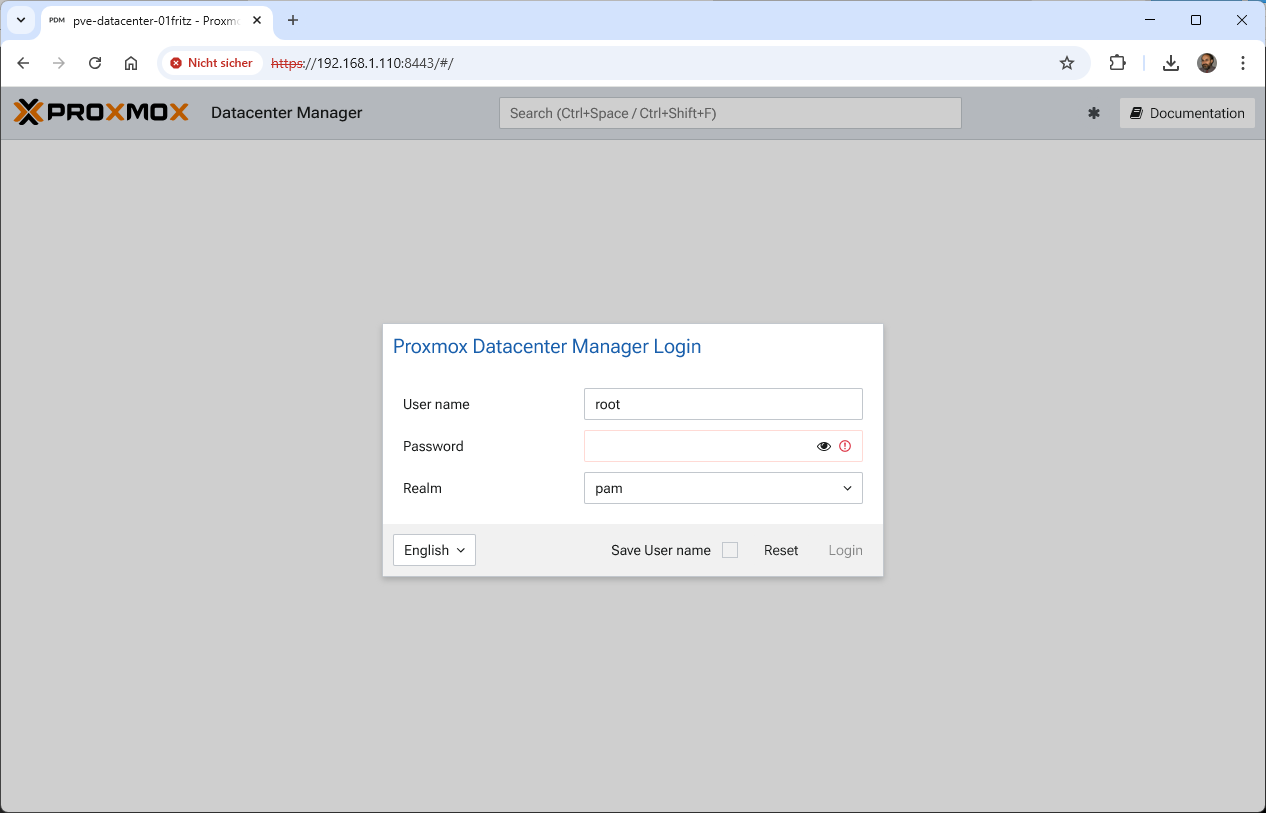
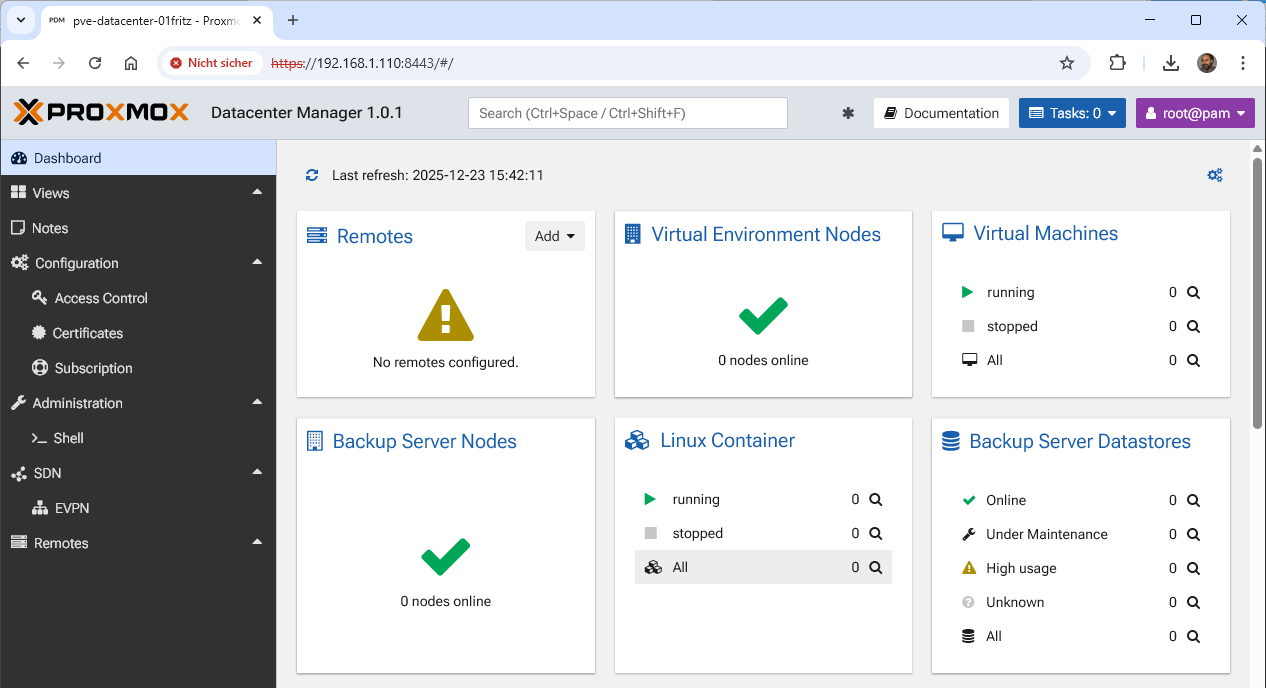
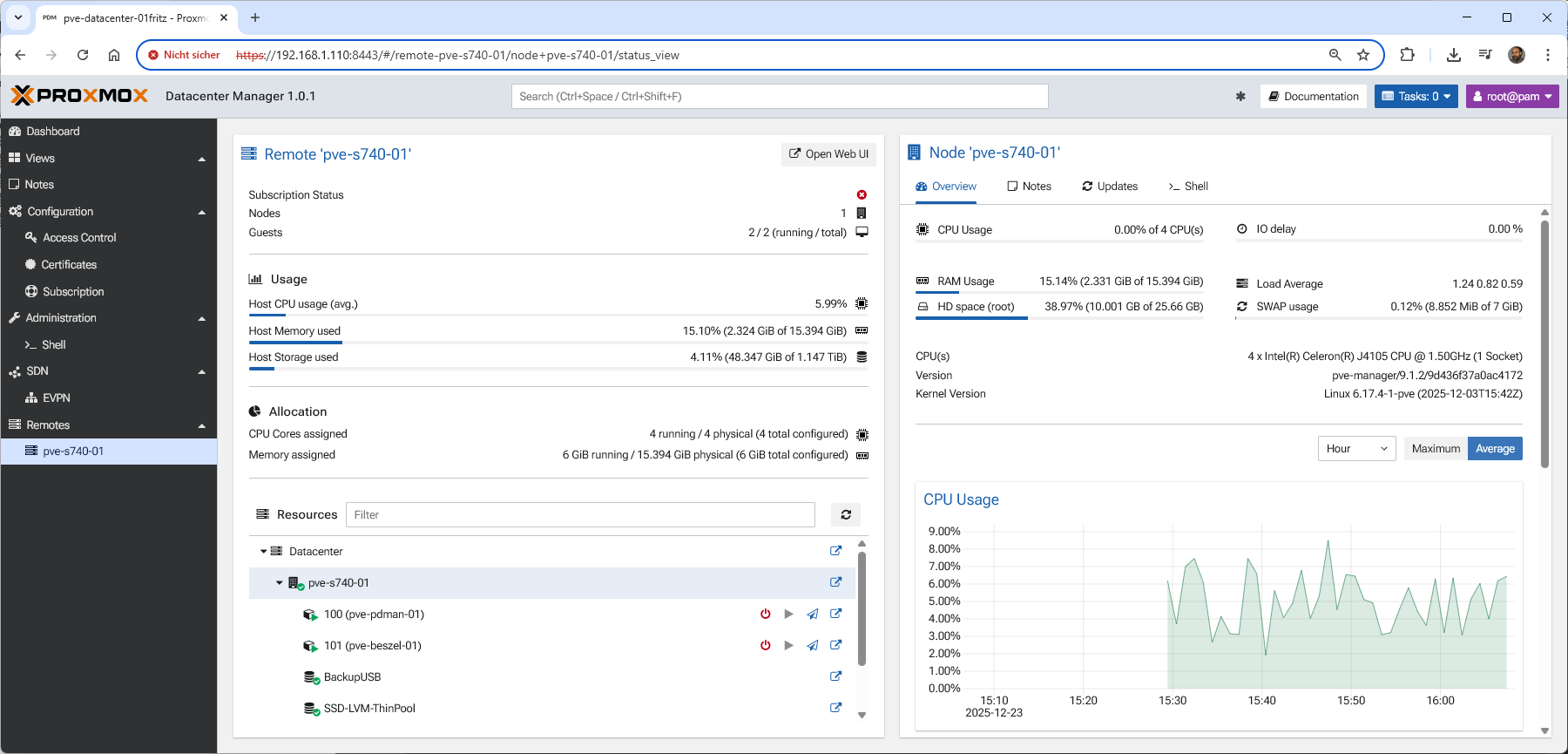
Dienstag, Dezember 30th, 2025Proxmox Datacenter Manager (PDM) 1.0.1 – delivers a set of core functions specifically designed for managing complex enterprise grade environments
Dienstag, Dezember 23rd, 2025 Proxmox Datacenter Manager (PDM) – this new product directly addresses the increasing complexity of operating distributed and large-scaled Proxmox-based environmentsand offers a holistic single pane of glass view for the administration monitoring and scaling of Proxmox VE and Proxmox Backup Server with the primary goal of providing administrators with comprehensive and seamless control
Proxmox Virtual Environment (VE) 9.1.2 – ein Windows System 1:1 ganz einfach zu einer Proxmox VM migrieren mittels Clonezilla über eine Netzwerkverbindung
Montag, Dezember 22nd, 2025Proxmox Virtual Environment (VE) 9.1.2 – kann endlich OCI Images verwenden
Montag, Dezember 22nd, 2025Home Lab 2025 – how to build your own web server with Proxmox at home
Samstag, Dezember 20th, 2025Proxmox Virtual Environment (VE) 9.1.2 – automatically scoops up all running and stopped LXC(s) on your host for centralized patch control with PatchMon
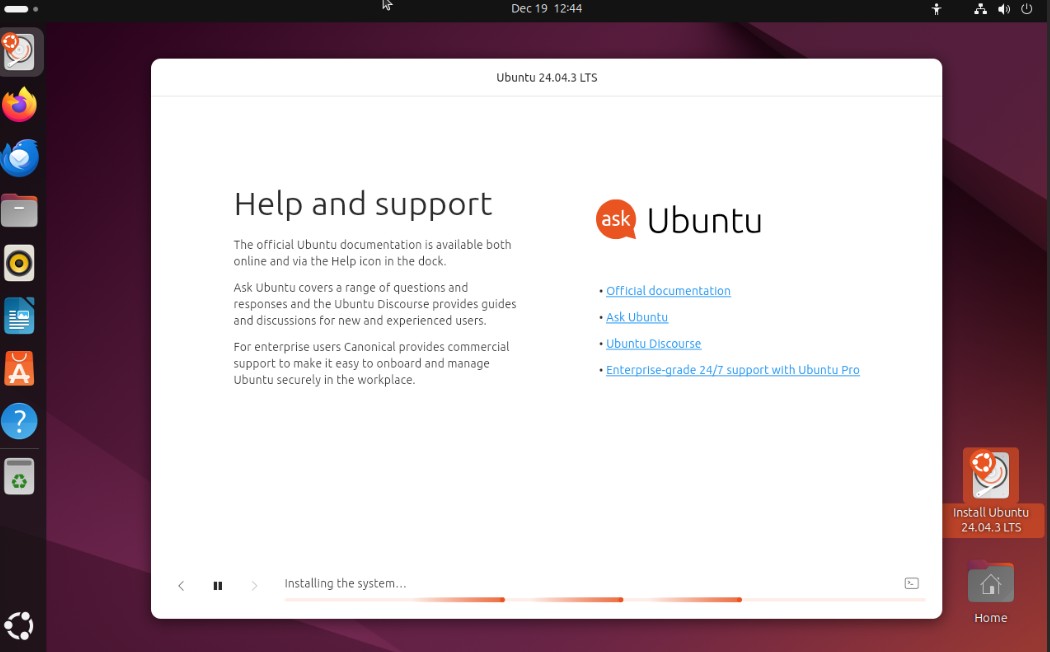
Samstag, Dezember 20th, 2025Proxmox Virtual Environment (VE) 9.1.2 – I tried to install Ubuntu 24.04.3 several times on a fresh promox installation but it always hangs during the installation
Freitag, Dezember 19th, 2025…. the solution is to increase the VM RAM to 4 GB or more
Proxmox Virtual Environment (VE) – a specific bug where the Intel e1000e driver clashes with the new Linux kernel leading to network failure and „digital silence“
Donnerstag, Dezember 18th, 2025TCP offload is a feature that can be disabled at the driver level or at the hardware itself at the driver level if we want to disable TSO we run the ethtool -K command for which we received ‚function not implemented‘ then that means that the driver does not allow the feature to be disabled
To enable TSO for a network device eth0 issue:
# ethtool -K eth0 tx on sg on tso on
To disable TSO for a network device eth0 issue:
# ethtool -K eth0 tx off sg off tso off
Proxmox Datacenter Manager (PDM) 1.0 – somit eine zentrale Verwaltung
Sonntag, Dezember 14th, 2025Proxmox Virtual Environment (VE) 9.1.1 – change device boot order in VM(s)
Freitag, Dezember 12th, 2025