Archive for the ‘Veeam Backup & Replication’ Category

MinIO – setting up an S3 compatible object store for Veeam Backup and Replication

Samstag, Mai 8th, 2021

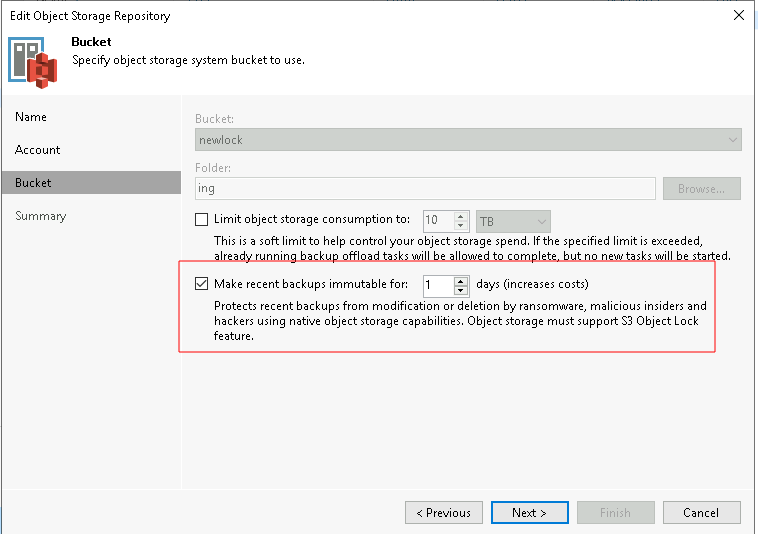
   MinIO – allows WORM for specific objects or by configuring a bucket with default object lock configuration that applies default retention mode and retention duration to all objects this makes objects in the bucket immutable i.e. delete of the version are not allowed until an expiry specified in the bucket’s object lock configuration or object retention

Create a bucket for Veeam Backup with Immutability create the bucket with object lock enabled
C:\>mc mb -l myminio/veeambackup
Bucket created successfully `myminio/veeambackup`

Veeam Backup & Replication v11 – you can use S3 compatible object storage such as MinIO as a capacity tier for backups

Sonntag, April 25th, 2021

Using Veeam with MinIO – with the ease of use of setup and administration of MinIO it allows a Veeam backup admin to easily deploy their own object store for capacity tiering

Veeam Backup & Replication v11 – brings balance to your objectives with a 4-in-1 solution combining storage snapshots backup replication and Continuous Data Protection under a single platform unlock options for SLAs, retention and service delivery to be more resilient and secure

Mittwoch, März 17th, 2021

FastLTA – S3 mit Veeam for Office365

Donnerstag, März 4th, 2021

Veeam Backup & Replication – a day in the life of an IT Admin

Mittwoch, Februar 24th, 2021

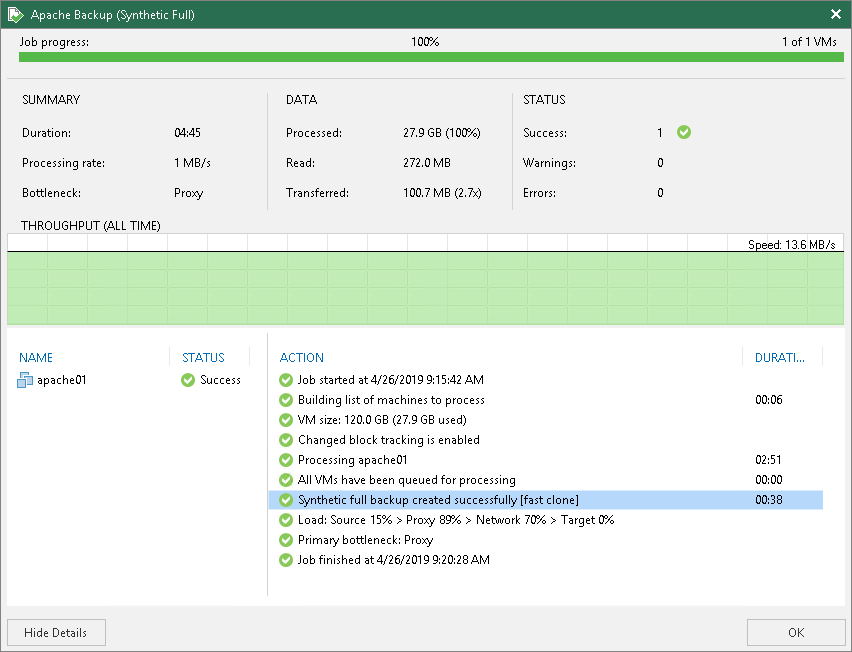
Veeam Backup & Replication ‚Fast Clone‘ – is the technology that helps create quick file copies

Dienstag, Januar 26th, 2021

  Veeam Backup & Replication ‚Fast Clone‘ – increases the speed of synthetic backup creation and transformation reduces disk space requirements and decreases the load on storage devices. With this technology, Veeam Backup & Replication references existing data blocks on volumes instead of copying data blocks between files. Data blocks are copied only when files are modified.

To configure a Linux backup repository for work with Fast Clone use the following XFS volume format string

# mkfs.xfs -b size=4096 -m reflink=1,crc=1 /dev/sda1
size=4096 sets file system block size to 4096 bytes
reflink=1 enables reflinking for the XFS instance (disabled by default)
crc=1 enables checksums, required for reflink=1 (enabled by default)

Veeam Backup & Replication – how to archive backups into AWS S3 using Capacity Tier

Montag, Dezember 14th, 2020

Veeam Backup & Replication – configuration step-by-step with AWS

Dienstag, Dezember 8th, 2020

Veeam Backup & Replication – eine moderne Datensicherung für NAS

Montag, Oktober 26th, 2020

FastLTA – the basics of a Veeam Backup & Replication setup utilizing FastLTA Silent Bricks as backup storage

Freitag, Oktober 16th, 2020

Veeam Backup & Replication – Scale-out Backup Repository provides an abstraction layer over individual storage devices

Freitag, September 18th, 2020

Veeam Backup & Replication – Ransomware Protection

Donnerstag, September 17th, 2020

Veeam Backup & Replication – how to plan for an optimal Veeam SQL Database

Donnerstag, September 10th, 2020

Veeam Backup & Replication – a jointly engineered data protection solution that integrates Nutanix’s Hyperconverged Infrastructure technology to create a scalable turnkey solution that greatly simplifies your data protection needs for both today and in the future

Freitag, September 4th, 2020

Veeam Backup & Replication – how to perform virtual disk and VM file restore

Samstag, August 22nd, 2020