Archive for the ‘PostgreSQL Database’ Category
Sonntag, Februar 22nd, 2026
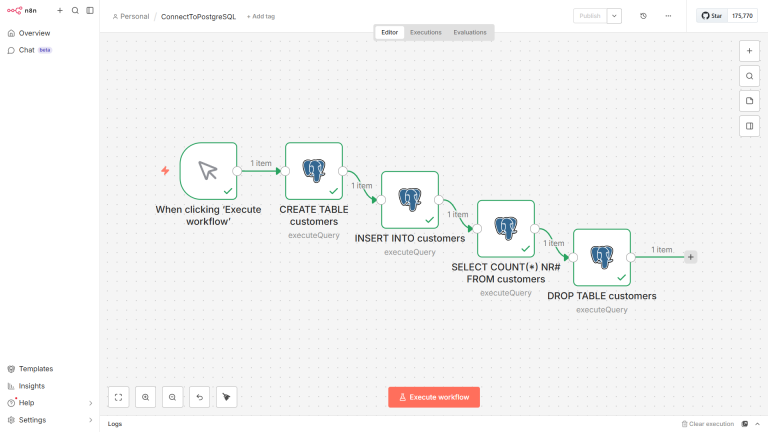
CREATE TABLE customers (ID SERIAL PRIMARY KEY, Name VARCHAR(50) NOT NULL, Stadt VARCHAR(50), Adresse VARCHAR(255) ); INSERT INTO customers ( NAME, STADT, ADRESSE) VALUES ( ‚Schulz‘, ‚Berlin‘, ‚Hauptstrasse 1‘); SELECT * FROM customers; DELETE FROM customers; DROP TABLE customers;
Posted in Administration , AI , N8N , PostgreSQL Database | No Comments »
Sonntag, Februar 22nd, 2026
root@pve-PostgreSQL-01:~# docker run –name postgreSQL \ -e POSTGRES_USER=admin \ -e POSTGRES_PASSWORD=<password> \ -e POSTGRES_DB=postgreSQL \ -p 5432:5432 \ -d postgres Unable to find image ‚postgres:latest‘ locally latest: Pulling from library/postgres 97d92c993d8c: Pull complete 777cc89ca451: Pull complete b3892cfe5fd0: Pull complete ead3bf55c003: Pull complete c6f633039419: Pull complete 9ebad2bb4202: Pull complete 659362c5a0b7: Pull complete dde5569f086b: Pull complete 0c8d55a45c0d: Pull complete 271cc796df4f: Pull complete 698873b94b0d: Pull complete 0d47a78b3257: Pull complete ae2a61803f45: Pull complete 21ebeb2eb594: Download complete f00d75aa906e: Download complete Digest: sha256:b6b4d0b75c699a2c94dfc5a94fe09f38630f3b67ab0e1653ede1b7ac8e13c197 Status: Downloaded newer image for postgres:latest 737504436ebcc4a78a4b1abac28323036db2f83e55956cee9d5844bab63242f1 root@pve-PostgreSQL-01:~# root@pve-PostgreSQL-01:~# docker exec -it postgreSQL psql -U admin -d postgreSQL psql (18.2 (Debian 18.2-1.pgdg13+1)) Type „help“ for help. postgreSQL=# postgreSQL=# CREATE TABLE customers (first_name VARCHAR(50),last_name VARCHAR(50)); CREATE TABLE postgreSQL=# \q root@pve-PostgreSQL-01:~# root@pve-PostgreSQL-01:~# docker exec -it postgreSQL bash root@737504436ebc:/# psql –version psql (PostgreSQL) 18.2 (Debian 18.2-1.pgdg13+1) root@737504436ebc:/# exit root@pve-PostgreSQL-01:~# root@pve-PostgreSQL-01:~# docker exec -it postgreSQL bash root@737504436ebc:/# psql -U admin -d postgreSQL psql (18.2 (Debian 18.2-1.pgdg13+1)) Type „help“ for help. postgreSQL=# List all databases – \l
postgreSQL=# \l List of databases Name | Owner | Encoding | Locale Provider | Collate | Ctype | Locale | ICU Rules | Access privileges ————+——-+———-+—————–+————+————+——–+———–+——————- postgreSQL | admin | UTF8 | libc | en_US.utf8 | en_US.utf8 | | | postgres | admin | UTF8 | libc | en_US.utf8 | en_US.utf8 | | | template0 | admin | UTF8 | libc | en_US.utf8 | en_US.utf8 | | | =c/admin + | | | | | | | | admin=CTc/admin template1 | admin | UTF8 | libc | en_US.utf8 | en_US.utf8 | | | =c/admin + | | | | | | | | admin=CTc/admin (4 rows) postgreSQL=# List database tables – \dt
postgreSQL=# \dt List of tables Schema | Name | Type | Owner ——–+————-+——-+——- public | kundenliste | table | admin (1 row) postgreSQL=# Describe a table – \d <table>
postgreSQL=# \d kundenliste Table „public.kundenliste“ Column | Type | Collation | Nullable | Default ———+————————+———–+———-+——— id | integer | | not null | name | character varying(50) | | not null | stadt | character varying(50) | | | adresse | character varying(255) | | | Indexes: „kundenliste_pkey“ PRIMARY KEY, btree (id) postgreSQL=#
postgreSQL=# \d+ kundenliste Table „public.kundenliste“ Column | Type | Collation | Nullable | Default | Storage | Compression | Stats target | Description ———+————————+———–+———-+———+———-+————-+————–+————- id | integer | | not null | | plain | | | name | character varying(50) | | not null | | extended | | | stadt | character varying(50) | | | | extended | | | adresse | character varying(255) | | | | extended | | | Indexes: „kundenliste_pkey“ PRIMARY KEY, btree (id) Not-null constraints: „kundenliste_id_not_null“ NOT NULL „id“ „kundenliste_name_not_null“ NOT NULL „name“ Access method: heap
postgreSQL=# List all schemas – \dn
postgreSQL=# \dn List of schemas Name | Owner ——–+——————- public | pg_database_owner (1 row) postgreSQL=# List users and their roles – \du
postgreSQL=# \du List of roles Role name | Attributes ———–+———————————————————— admin | Superuser, Create role, Create DB, Replication, Bypass RLS postgreSQL=# postgreSQL=# \du postgres List of roles Role name | Attributes ———–+———— postgreSQL=# List all functions – \df
postgreSQL=# \df List of functions Schema | Name | Result data type | Argument data types | Type ——–+——+——————+———————+—— (0 rows) postgreSQL=# Save query results to a file – \o <file-name>
Posted in Administration , Docker , PostgreSQL Database | No Comments »
Freitag, Oktober 1st, 2021
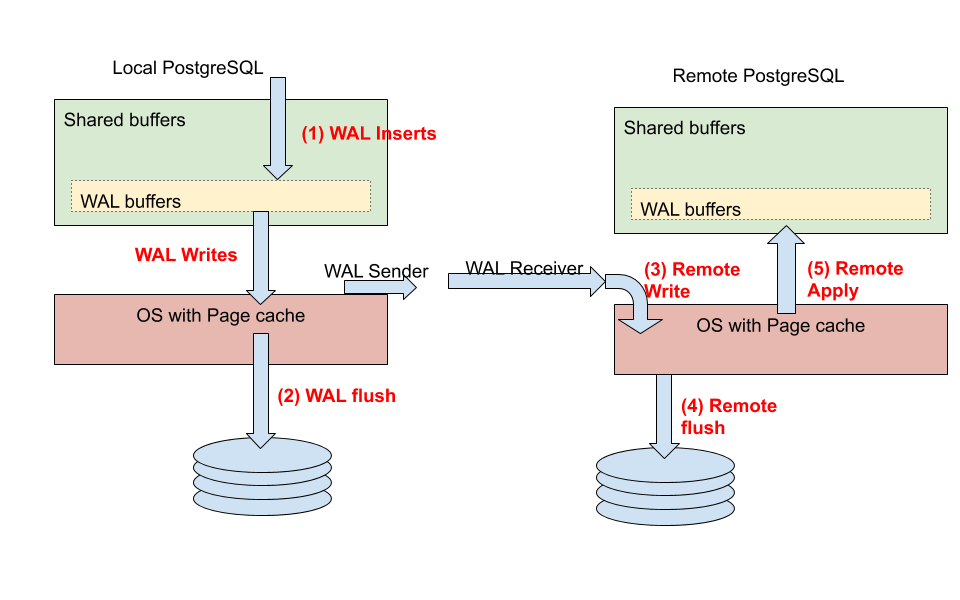
Patroni
VIDEO
Posted in Administration , PostgreSQL Database | No Comments »
Freitag, November 6th, 2020
Database PostgreSQL 13
Posted in Administration , Healthcare Info , PostgreSQL Database | No Comments »
Donnerstag, September 3rd, 2020
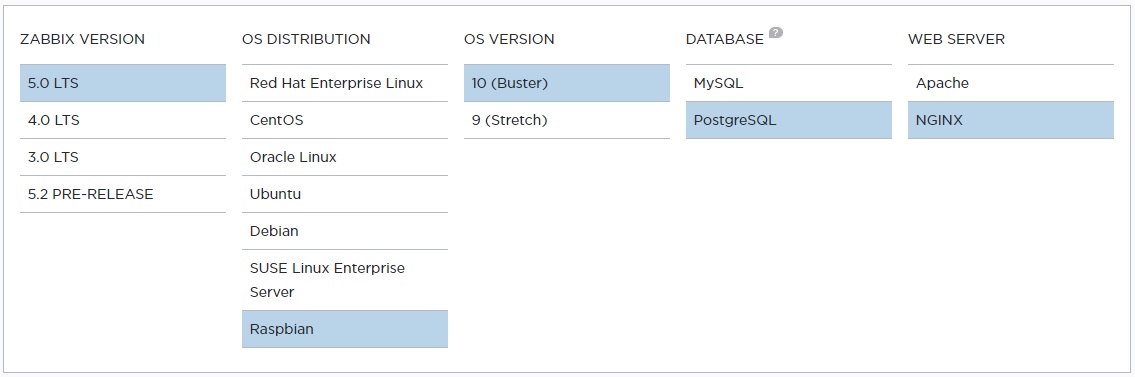
# wget https://repo.zabbix.com/zabbix/5.0/raspbian/pool/main/z/zabbix-release/zabbix-release_5.0-1+buster_all.deb # dpkg -i zabbix-release_5.0-1+buster_all.deb # apt update # apt install zabbix-server-pgsql zabbix-frontend-php php7.3-pgsql zabbix-nginx-conf zabbix-agent
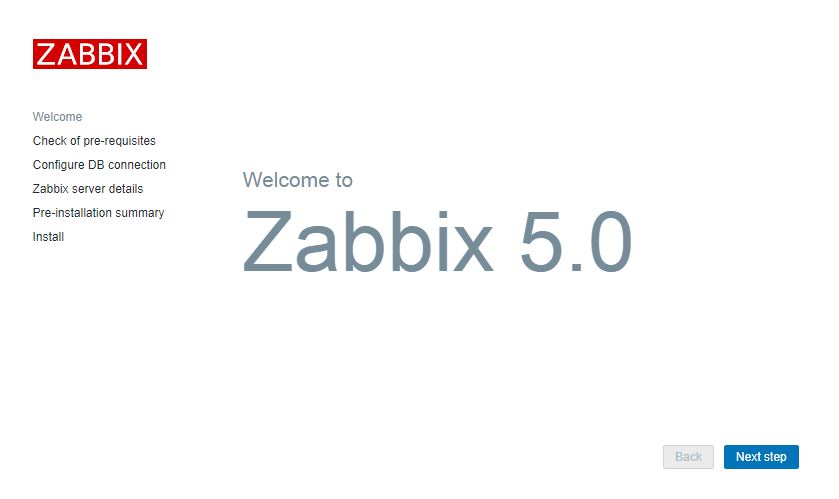
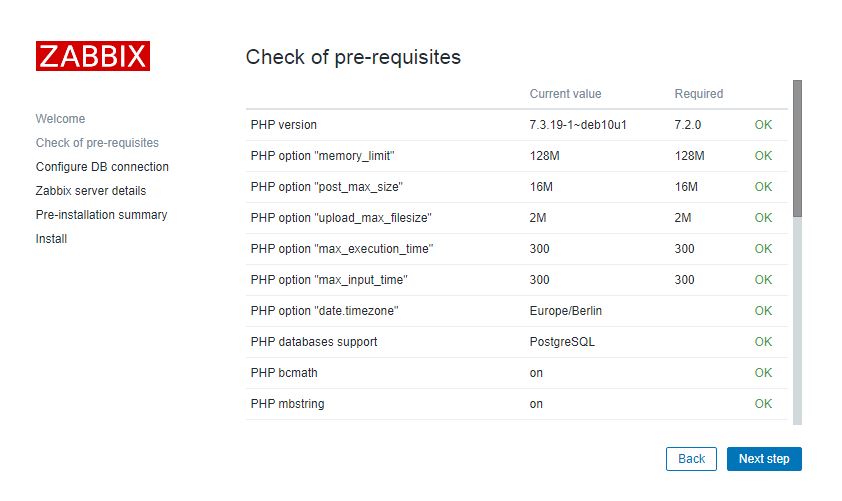
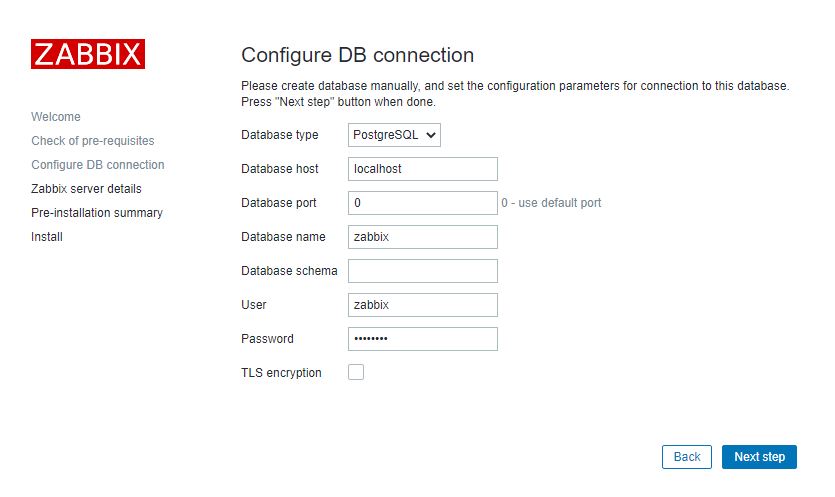
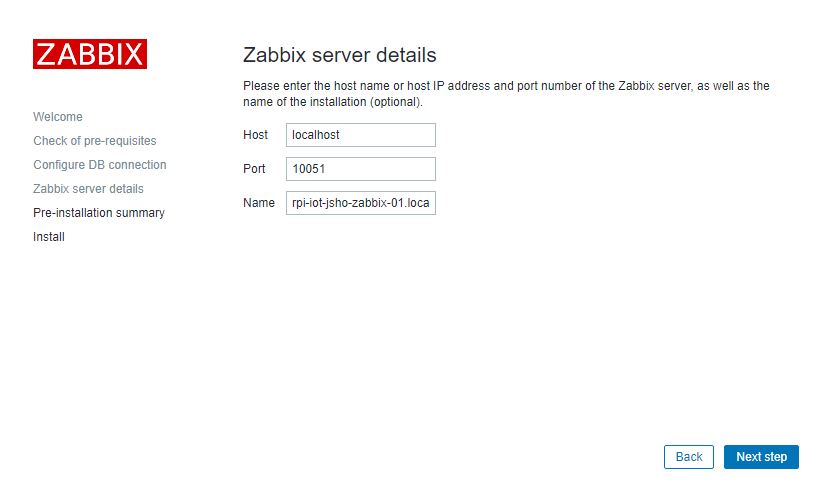
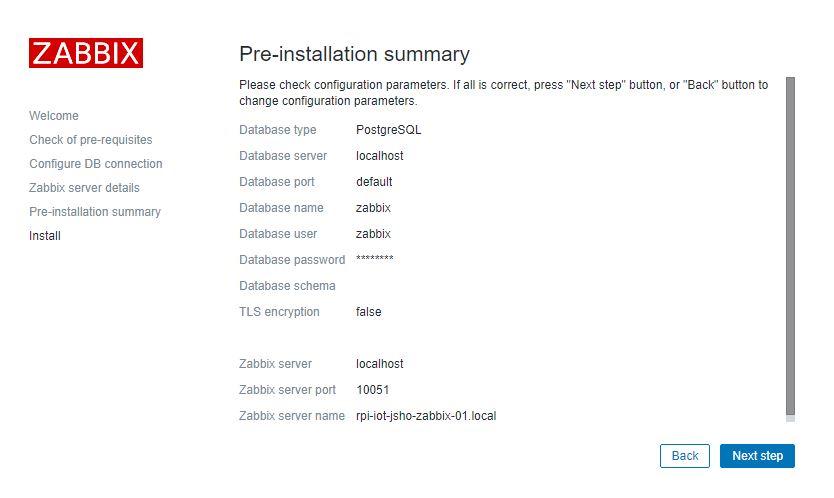
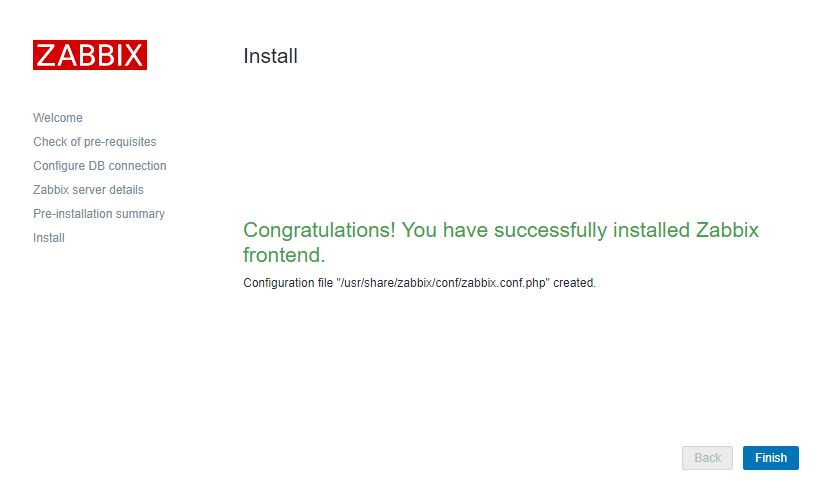
# apt install postgresql postgresql-contrib # sudo -u postgres createuser –pwprompt zabbix # sudo -u postgres createdb -O zabbix zabbix # zcat /usr/share/doc/zabbix-server-pgsql*/create.sql.gz | sudo -u zabbix psql zabbix Edit file /etc/zabbix/zabbix_server.conf DBPassword=<password> Edit file /etc/zabbix/nginx.conf, uncomment and set ‚listen‘ and ’server_name‘ directives. listen 80; server_name rpi-iot-jsho-zabbix-01; Edit file /etc/zabbix/php-fpm.conf, uncomment and set the right timezone for you. php_value[date.timezone] = Europe/Berlin # systemctl restart zabbix-server zabbix-agent nginx php7.3-fpm # systemctl enable zabbix-server zabbix-agent nginx php7.3-fpm http:// rpi-iot-jsho-zabbix-01 /setup.php
VIDEO
Posted in Administration , Network Info , PostgreSQL Database | No Comments »


 PostgreSQL –