Archive for the ‘Microsoft Solution’ Category
Microsoft 365 – ab heute verfügbar
Mittwoch, April 22nd, 2020Microsoft 365 – to help your employees meet and collaborate remotely as well as engage audiences through virtual events and communications
Mittwoch, April 22nd, 2020Microsoft Credential Manager – lets you view and delete your saved credentials for signing in to websites, connected applications, and networks
Mittwoch, April 22nd, 2020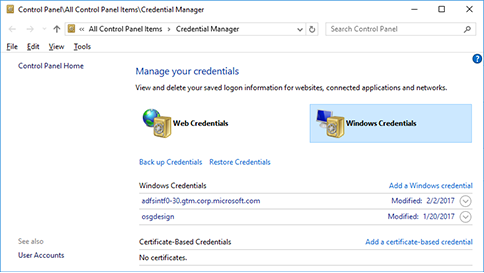
Microsoft 365 – combines premium Office apps with Outlook, cloud storage and more
Dienstag, April 21st, 2020Microsoft 365 – from chatting and meetings to using teams and channels users will leave this session with the foundation to use Teams with confidence
Montag, April 20th, 2020Microsoft 365 – 365 nutzen sie Tag für Tag
Sonntag, April 19th, 2020Microsoft Teams – the optional Blur my background video effect requires a processor with Advanced Vector Extensions 2 (AVX2) support
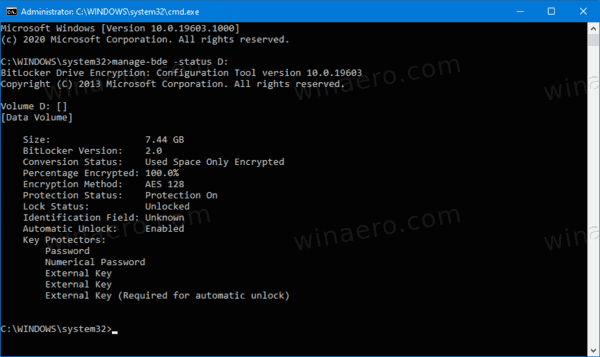
Samstag, April 18th, 2020Microsoft Windows 10 Pro – to check BitLocker Drive Encryption Status
Samstag, April 18th, 2020C:\> manage-bde -status
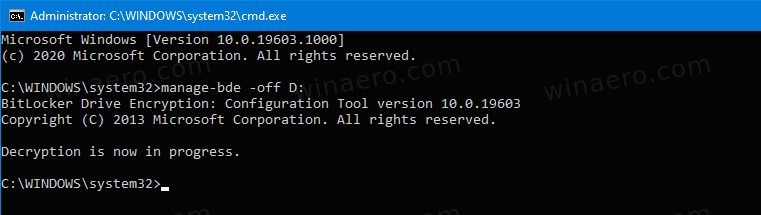
Microsoft Windows 10 Pro – to turn off BitLocker for a Fixed Drive from the Command Line
Samstag, April 18th, 2020C:\> manage-bde -off <drive letter>:
e.g. C:\> manage-bde -off D:
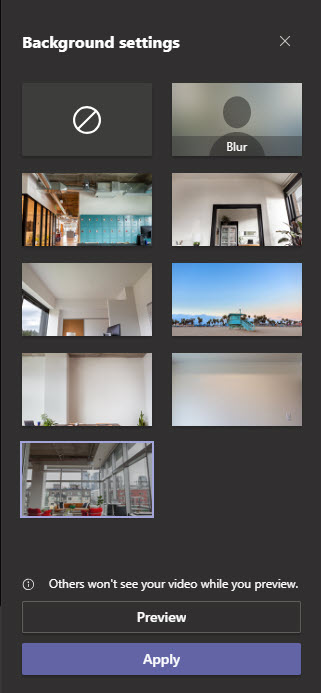
Microsoft Teams – how to set your own custom background during Microsoft Teams video call
Mittwoch, April 15th, 2020 Microsoft Teams – prepare a custom background JPEG file with size around 1 MB and place the image in the C:\Users\%username%\AppData\Roaming\Microsoft\Teams\Backgrounds\Upload folder now during video call in Teams click the background icon. Your new custom background will be listed along with default set of backgrounds

Microsoft Windows 10 Insider Preview Build 19603 – File Explorer Integration in the Windows Subsystem for Linux (WSL)
Sonntag, April 12th, 2020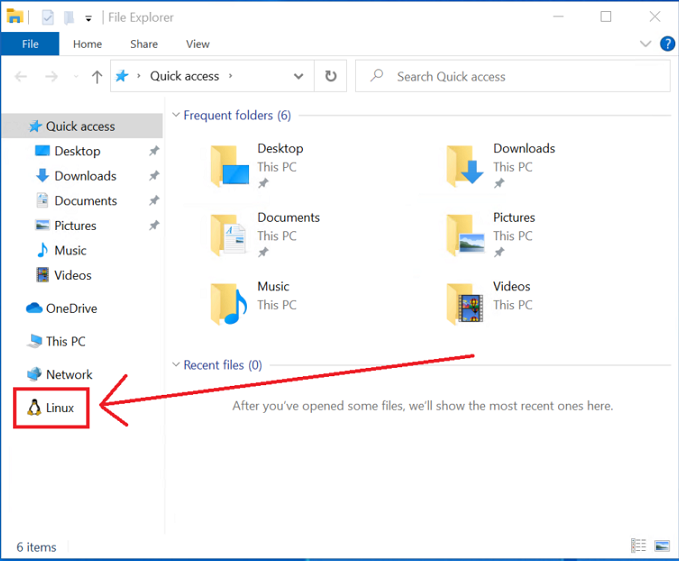
Microsoft Power BI Desktop – how to set a custom sort order for your charts, legends, or values
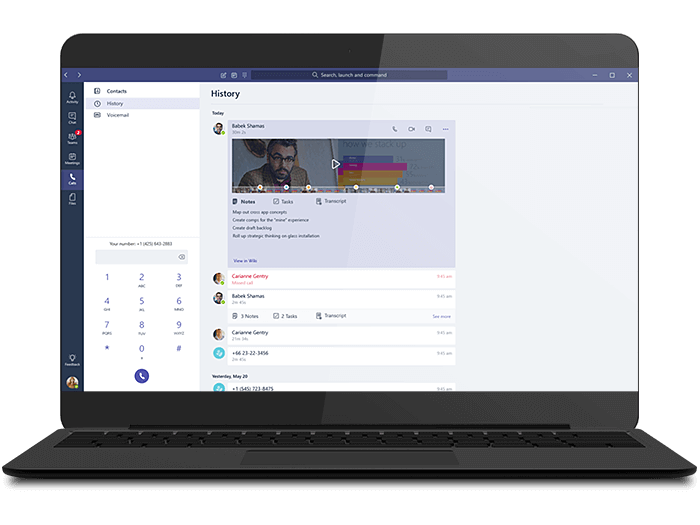
Samstag, April 11th, 2020Microsoft Teams – so bleiben Sie mit Ihrer Telekom Festnetznummer auch unterwegs immer erreichbar
Dienstag, April 7th, 2020