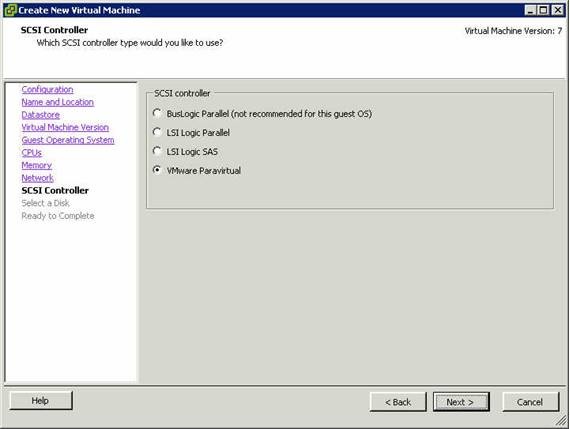
 VMware Paravirtual SCSI (PVSCSI) Adapter
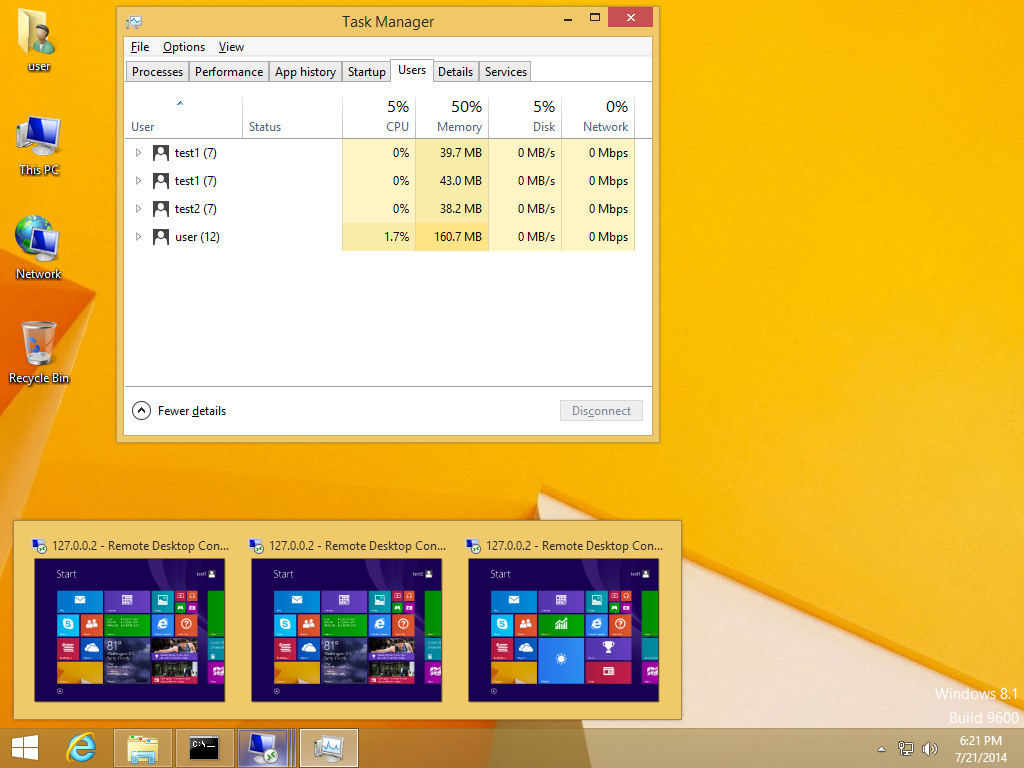
 RDP Wrapper Library – serves as a layer between SCM (Service Control Manager) and Terminal Services and allows not only to enable the support of several simultaneous RDP sessions but also to enable the support of RDP Host on Windows 8.1/10 Home Editions
With Microsoft Wireless Hosted Network you can use a single physical wireless adapter to connect as a client to a hardware access point (AP) while at the same time acting as a software AP allowing other wireless capable devices to connect to it – this feature requires that a Hosted Network capable wireless adapter is installed in the local computer

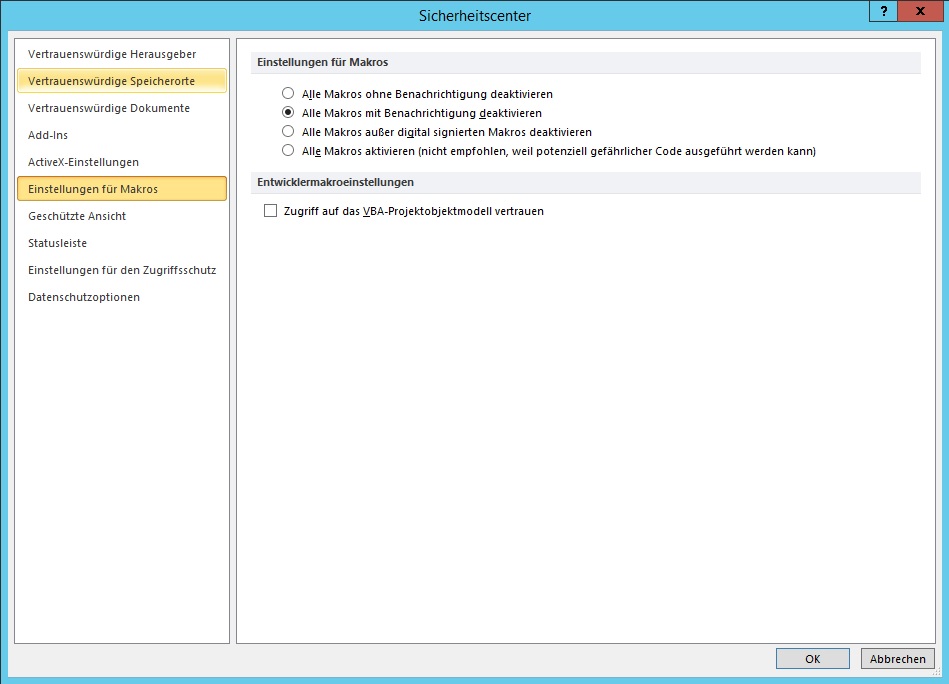
 You should use a trusted location to store a file when you don’t want that file to be checked by the Trust Center security feature when you open the file. For example, you might want to open a document that contains a macro that the Trust Center disables because the Trust Center considers the macro unsafe. If you think that the document and the macro in the document are from a trustworthy source, it is better to move the document to a trusted location, instead of changing the default Trust Center settings to a less safe macro security setting. When you open the file from the trusted location, it is not checked by the Trust Center security feature, you won’t receive any security alerts, and the macro is enabled. For more information about macro security see – Enable or disable macros in Office documents

VMware vSphere – Best Practices Guide

 Microsoft Volume Licensing – beginning on July 1, 2016 – the minimum Enterprise Agreement (EA) commitment for commercial customers signing new Enterprise Enrollments or Enterprise Subscription Enrollments will increase from 250 users or devices to 500. Along with this change, we are guiding new commercial customers within the 250 to 499 user or device range to our modern volume licensing solutions
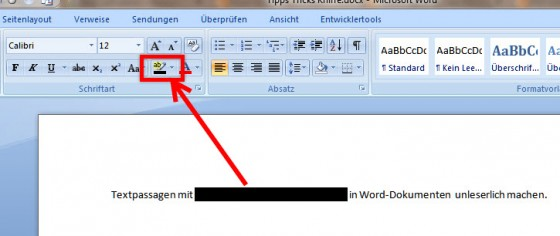
Wer Textpassagen mit wichtigem Inhalt vor dem Versenden unleserlich machen will der muss sich etwas anstrengen. Ein schwarzer Balken und die Konvertierung in das PDF-Format reichen leider nicht aus – diesen vermeintlichen „Schutz“ hebelt die Copy/Paste-Funktion sehr leicht aus denn bei diesem Verfahren wird der schwarze Balken nur über den Text gelegt – diese Stelle wird aber trotzdem als Text konvertiert