Archive for the ‘Microsoft Solution’ Category
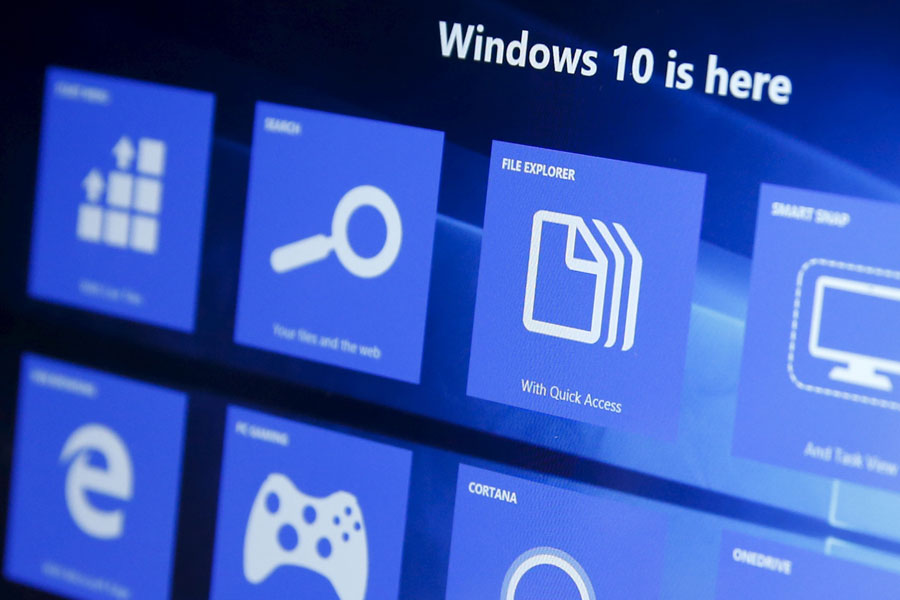
Microsoft Windows 10 – momentan gibt es nur 350 Millionen aktive Geräte somit wird man bis Mitte 2018 nicht eine Milliarde Nutzer aufweisen können
Samstag, Juli 16th, 2016Microsoft Windows 10 – getaktete Verbindung einrichten und aktivieren
Sonntag, Juli 10th, 2016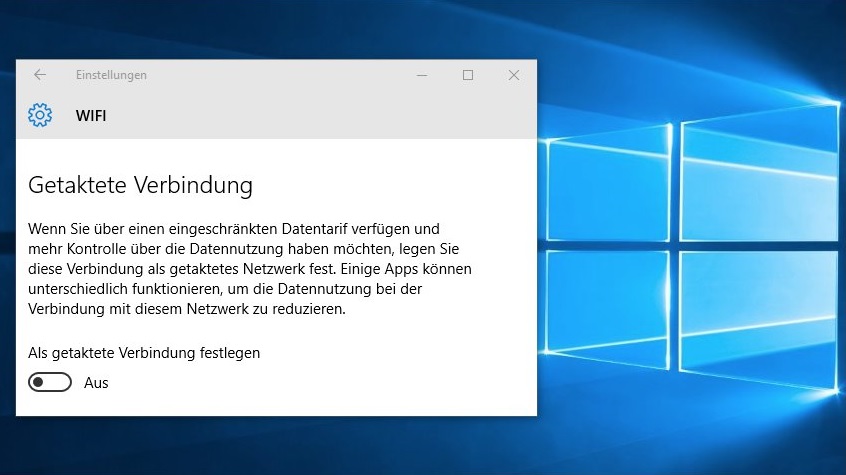
Microsoft Windows 8.1 / Windows 7 SP1 – end of free upgrade offer notification
Samstag, Juli 2nd, 2016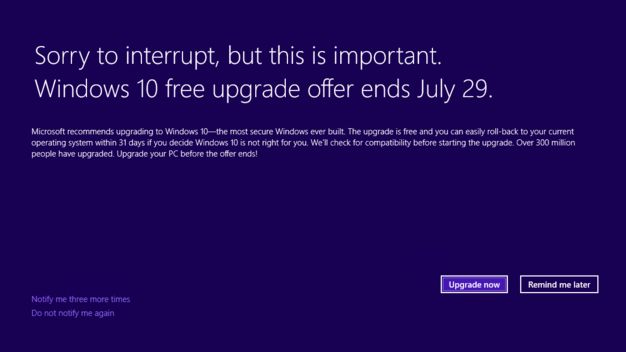
Microsoft Windows 10 Startmenü Troubleshooter – ein Diagnoseprogramm das Ihnen bei Problemen möglicherweise weiterhelfen kann und dabei nicht installiert werden muss
Mittwoch, Juni 22nd, 2016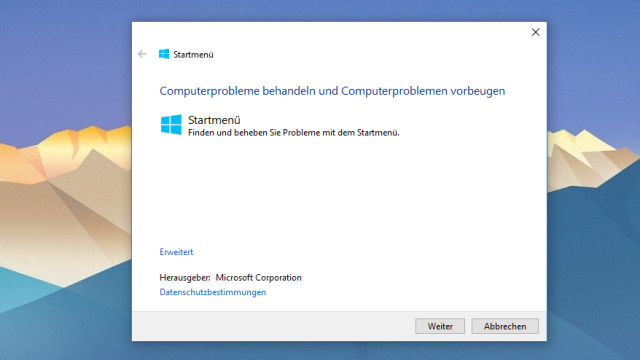
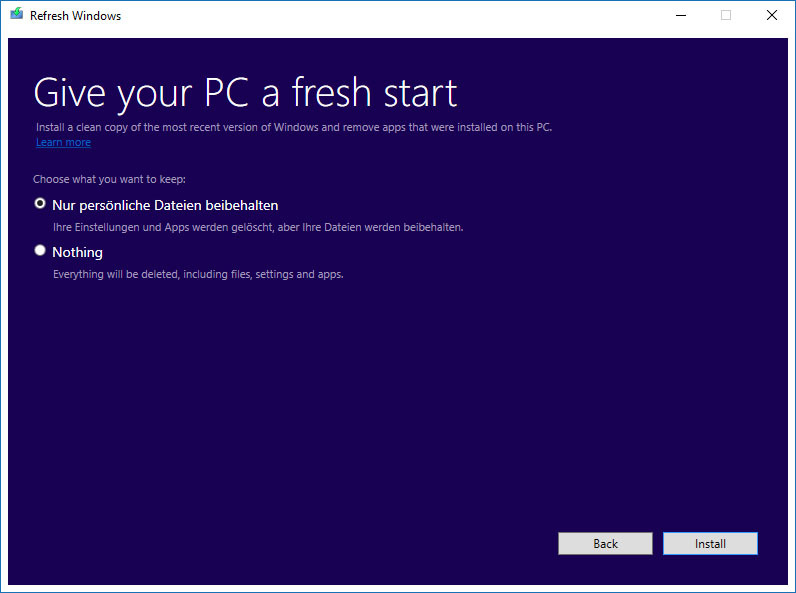
Microsoft Windows 10 ‚RefreshWindowsTool‘ – ready to start fresh with a clean installation of Windows
Sonntag, Juni 19th, 2016 Use RefreshWindowsTool to install a clean copy of the most recent version of Windows and remove apps that came pre-installed or that you installed on your PC
Microsoft Visual Studio 2015 – adding telemetry function calls to binary
Samstag, Juni 11th, 2016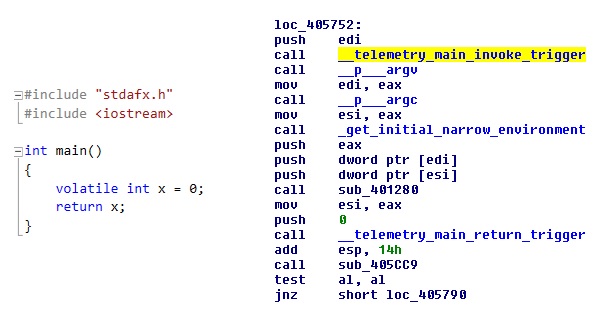
Microsoft Windows 7 SP1 Convenience Rollup Package – to make it easier to quickly set up a computer
Montag, Juni 6th, 2016Microsoft Windows 10 – use Hyper-V Containers to build amazing cloud applications benefitting from native container capabilities
Freitag, Juni 3rd, 2016Microsoft Windows 10 Quick Start Hyper-V Container
Microsoft Windows 10 – more personal with Windows Hello
Freitag, Juni 3rd, 2016Microsoft SQL Server 2016 – für Oracle Kunden kostenlos
Donnerstag, Juni 2nd, 2016 Microsoft SQL Server 2016 – wenn Sie Ihre Oracle Datenbanken zu SQL Server 2016 migrieren erhalten Sie die notwendigen SQL Server Lizenzen dazu kostenlos nur ein Microsoft Software Assurance Abonnement ist erforderlich

Microsoft Password Guidance – over 10 million username/password pair attacks every day
Samstag, Mai 28th, 2016 Whitepaper ‚Microsoft Password Guidance‚
1. Maintain an 8-character minimum length requirement (and longer is not necessarily better)
2. Eliminate character-composition requirements
3. Eliminate mandatory periodic password resets for user accounts
4. Ban common passwords, to keep the most vulnerable passwords out of your system
5. Educate your users not to re-use their password for non-work-related purposes
6. Enforce registration for multi-factor authentication
7. Enable risk based multi-factor authentication challenges
Microsoft – announces streamlining of smartphone hardware business which will impact up to 1,850 jobs
Mittwoch, Mai 25th, 2016
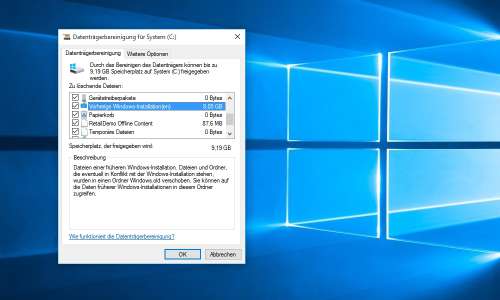
Microsoft Windows 10 Update – löschen des Ordners Windows.old
Dienstag, Mai 24th, 2016 Überprüfen Sie vor dem Ausführen der Datenträgerbereinigung ob sich alle Dateien und Einstellungen an den Orten befinden an denen sie sein sollen – denn das Löschen des Ordners Windows.old kann nicht rückgängig gemacht werden1. öffnen Sie die Systemsteuerung
2. klicken Sie auf Verwaltung und anschließend klicken Sie auf Datenträgerbereinigung
3. markieren Sie das Laufwerk auf dem Sie vorher Windows installiert haben
4. klicken Sie im Dialogfeld „Datenträgerbereinigung“ auf Systemdateien bereinigen
5. aktivieren Sie das Kontrollkästchen Vorherige Windows-Installation(en)
6. klicken Sie in der angezeigten Meldung auf Dateien löschen
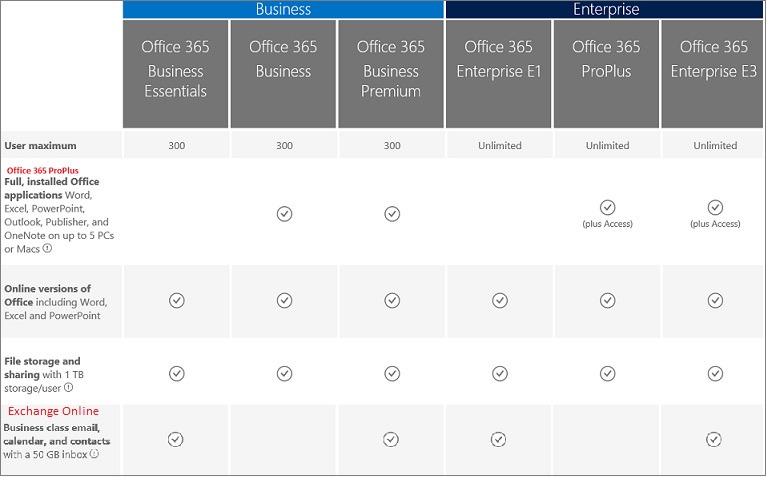
Microsoft Office 365 – deploy on-premises with your own tools
Mittwoch, Mai 18th, 2016 Microsoft Office 365 – combines the familiar Microsoft Office desktop suite with cloud-based versions of Microsoft’s next-generation communications and collaboration services including Microsoft Exchange Online, Microsoft SharePoint Online, Office Online, and Microsoft Lync Online to help users be productive from virtually anywhere through the Internet