Archive for the ‘Microsoft Solution’ Category

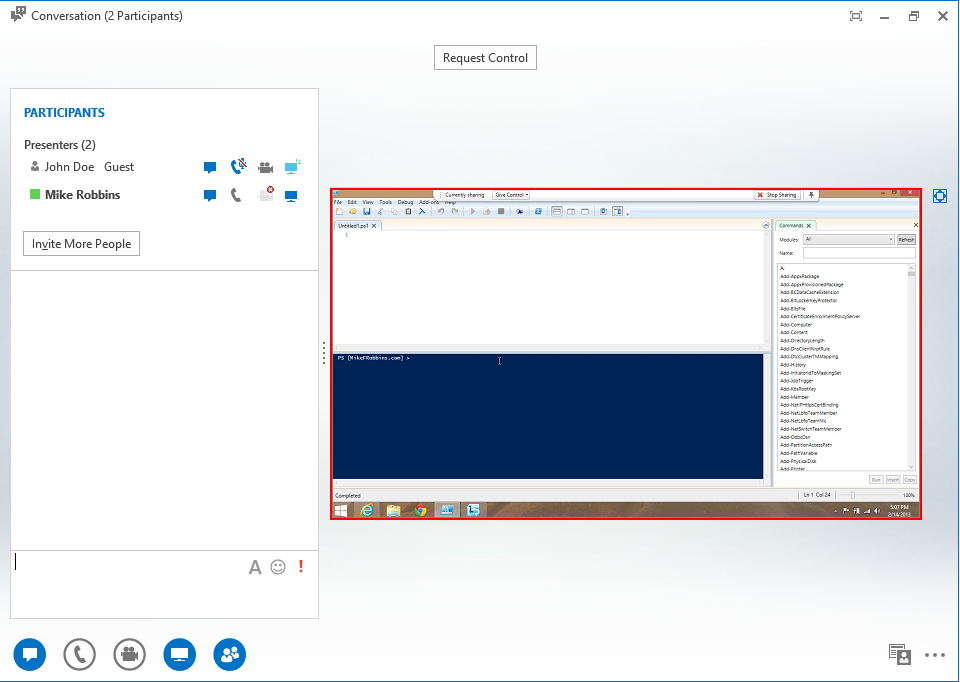
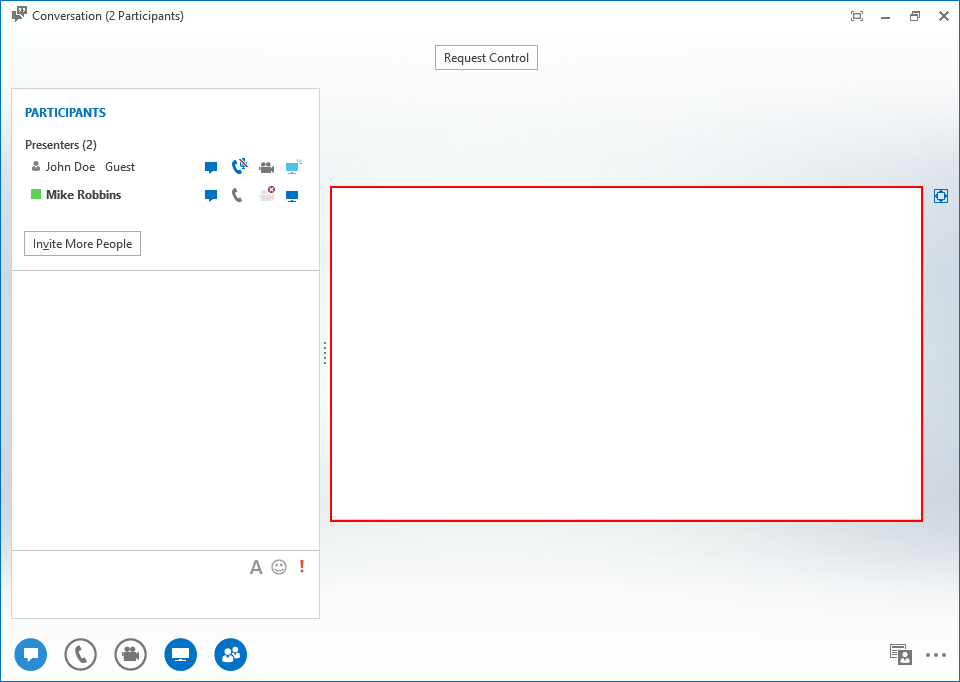
Microsoft Lync 2013 – when someone share their desktop or presentation through link and you just get a blank Screen just go ahead and delete the following registry entry

Freitag, Oktober 21st, 2016

lync1_01

Remove-Item -Path ‘HKLM:\SOFTWARE\Wow6432Node\Microsoft\Internet Explorer\ActiveX Compatibility\{00000000-0000-0000-0000-000000000000}’
Remove-Item -Path ‚HKLM:\SOFTWARE\Microsoft\Internet Explorer\ActiveX Compatibility\{00000000-0000-0000-0000-000000000000}‘

lync6_01

Microsoft PowerShell ‚Set-ADAccountPassword‘ – modifies the password of an Active Directory account

Sonntag, Oktober 16th, 2016

Get-ADUser „<AD-User>“ | Set-ADAccountPassword -Reset -NewPassword (ConvertTo-SecureString -AsPlainText „<AD-UserPassword>“ -Force)

Microsoft Windows Server 2016 – steht ab sofort für MSDN Abonnenten zur Verfügung

Donnerstag, Oktober 13th, 2016

microsoft_01

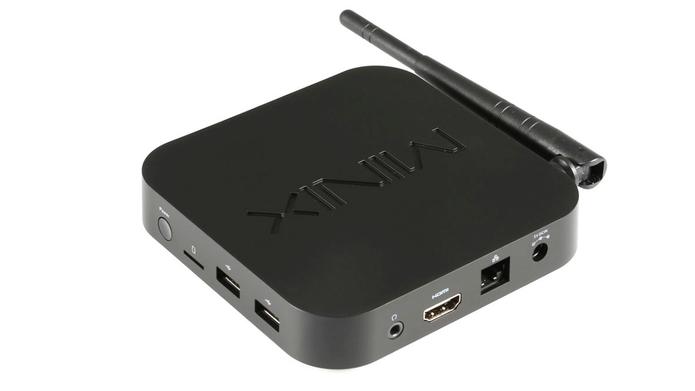
Microsoft Windows 10 Update – macht Mini-PC Minix NEO Z64W unbrauchbar

Mittwoch, Oktober 12th, 2016

minix-neo-z64w_01

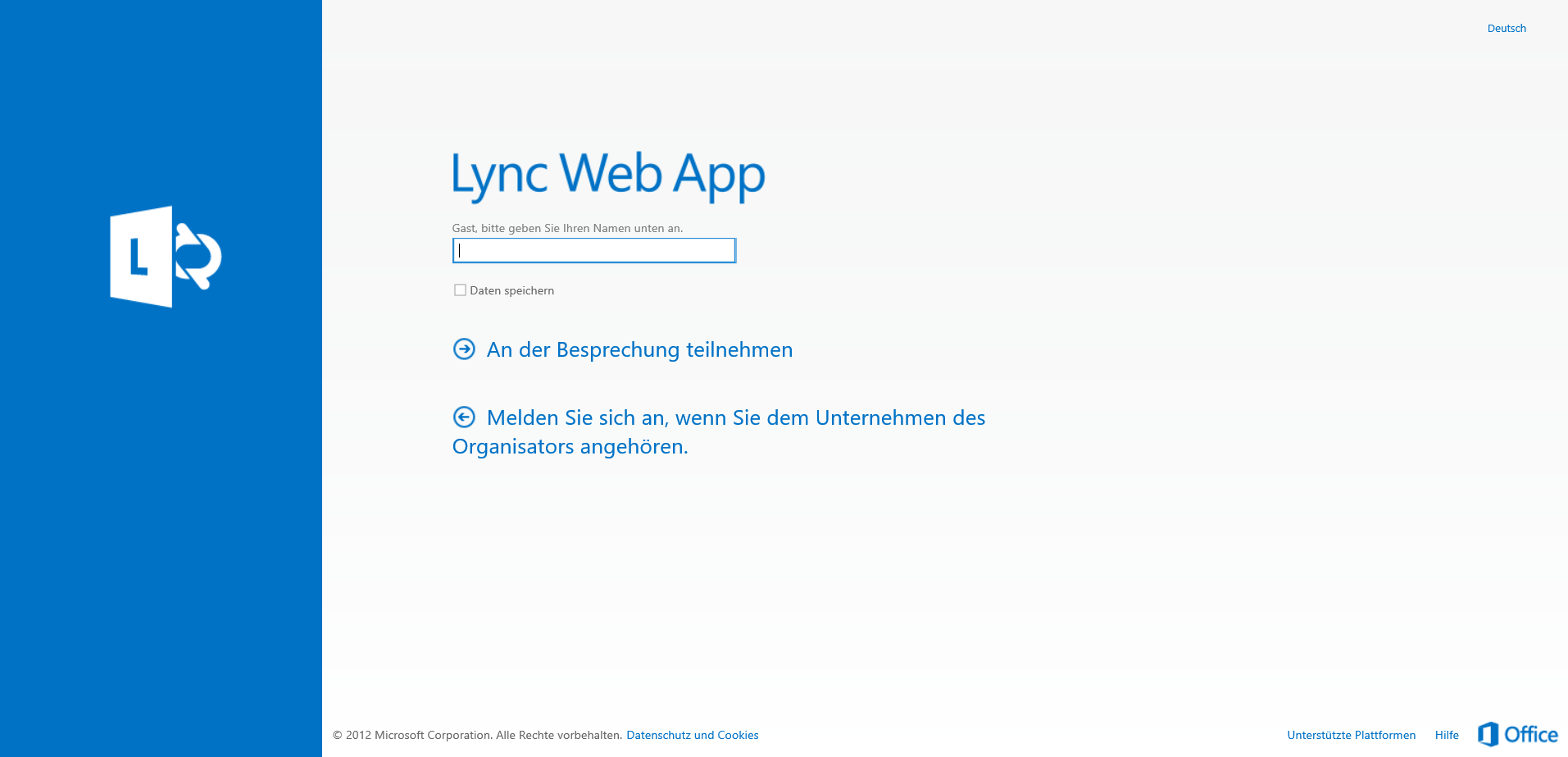
Microsoft Lync Web App – damit können Sie an einer Lync-Besprechung teilnehmen

Montag, Oktober 10th, 2016

Lync_logo   Microsoft Lync Web App – ist ein browserbasierter Besprechungsclient den Sie zur Teilnahme an Lync-Besprechungen verwenden können aber Sie können in Lync Web App keine Besprechungen planen Sie können lediglich an einer Lync-Besprechung teilnehmen die in Microsoft Outlook oder Lync Web Scheduler geplant wurde. Dazu brauchen Sie Lync Web App vor einer Lync Besprechung nicht herunterzuladen und zu installieren vielmehr wird Lync Web App automatisch geöffnet wenn Sie in einer Besprechungseinladung auf den Link an Lync-Besprechung teilnehmen klicken

lyncwebapp_02

Microsoft Office 365 – Update for October

Sonntag, Oktober 9th, 2016

Microsoft Office 365 – transform geographic data into high-fidelity visualizations with just a few steps using the new maps chart

Freitag, Oktober 7th, 2016

Microsoft Windows 10 – delivers yet another broken Update KB3194496

Samstag, Oktober 1st, 2016

windows10screen_01

Microsoft Office 365 ProPlus Non-Profit – für 2,10 Euro pro Monat und Benutzer können gemeinnützige Organisationen mit einer unbegrenzte Anzahl von Benutzern hier „einsteigen“

Freitag, September 30th, 2016

MicrosoftOfficeOnlineServer_logo   Microsoft Office 365 ProPlus Non-Profit – Pläne und Preise

Microsoft Office 2016 Deployment Tool – allows the administrator to customize and manage Office 2016 Click-to-Run deployments

Donnerstag, September 29th, 2016

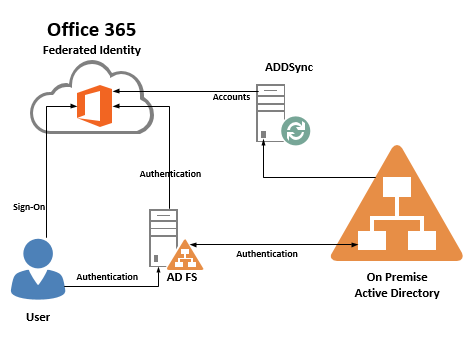
Microsoft Active Directory Federation Services (AD FS) – is a standards-based service that allows the secure sharing of identity information between trusted business partners (known as a federation) across an extranet

Donnerstag, September 29th, 2016

microsoft_adfs_02

Microsoft Assessment and Planning Toolkit (MAP) – makes it easy to assess your current IT infrastructure for a variety of technology migration

Donnerstag, September 29th, 2016

microsoftmaptoolkit_01

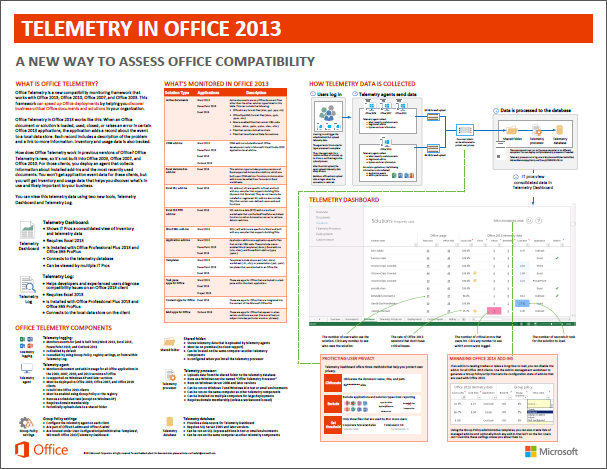
Microsoft Office 2013 Telemetry – a new way to Assess Office Compatibility

Donnerstag, September 29th, 2016

officetelemetry_01

Microsoft Windows – how to extend the timeout for services

Dienstag, September 20th, 2016

mswindows_logo.jpg   In Registry Editor locate and then right-click the following registry subkey:

HKEY_LOCAL_MACHINE\SYSTEM\CurrentControlSet\Control

Point to New and then click DWORD Value – in the right pane of Registry Editor a new value named New Value #1 will appear – type ServicesPipeTimeout to replace New Value #1 and then press ENTER
Right-click the ServicesPipeTimeout registry entry that you created in step 3 and then click Modify – the Edit DWORD Value dialog box will appear and change Base to Decimal – in the Value data text box type <TimeoutPeriod> where TimeoutPeriod is the amount of time allowed for service to start (in milliseconds) and then click OK – finally restart the machine
Microsoft Windows 10 – security flaw could be used to exploit user credentials

Montag, September 19th, 2016

Windows10_logo   Microsoft Windows 10 – SMB is actually a Windows-based file-sharing protocol and the found vulnerability has affected all built-in Internet Explorer web browser that comes pre-installed in every version of Windows including the latest OS release Windows 10 – and this vulnerability has affected Windows Edge and becomes the first exploit for the newly released operating system that can be exploited remotely. Exploiting the SMB protocol depends solely on the design flaw left unpatched within the protocol, it is responsible to save Windows user IDs and can forward it for the authentication of login attempt by another user

Windows10SMB_01