Archive for the ‘Microsoft Solution’ Category
Microsoft Office 365 – Update for October
Dienstag, Oktober 10th, 2017Microsoft Edge – is bringing its browser to Android and iOS
Samstag, Oktober 7th, 2017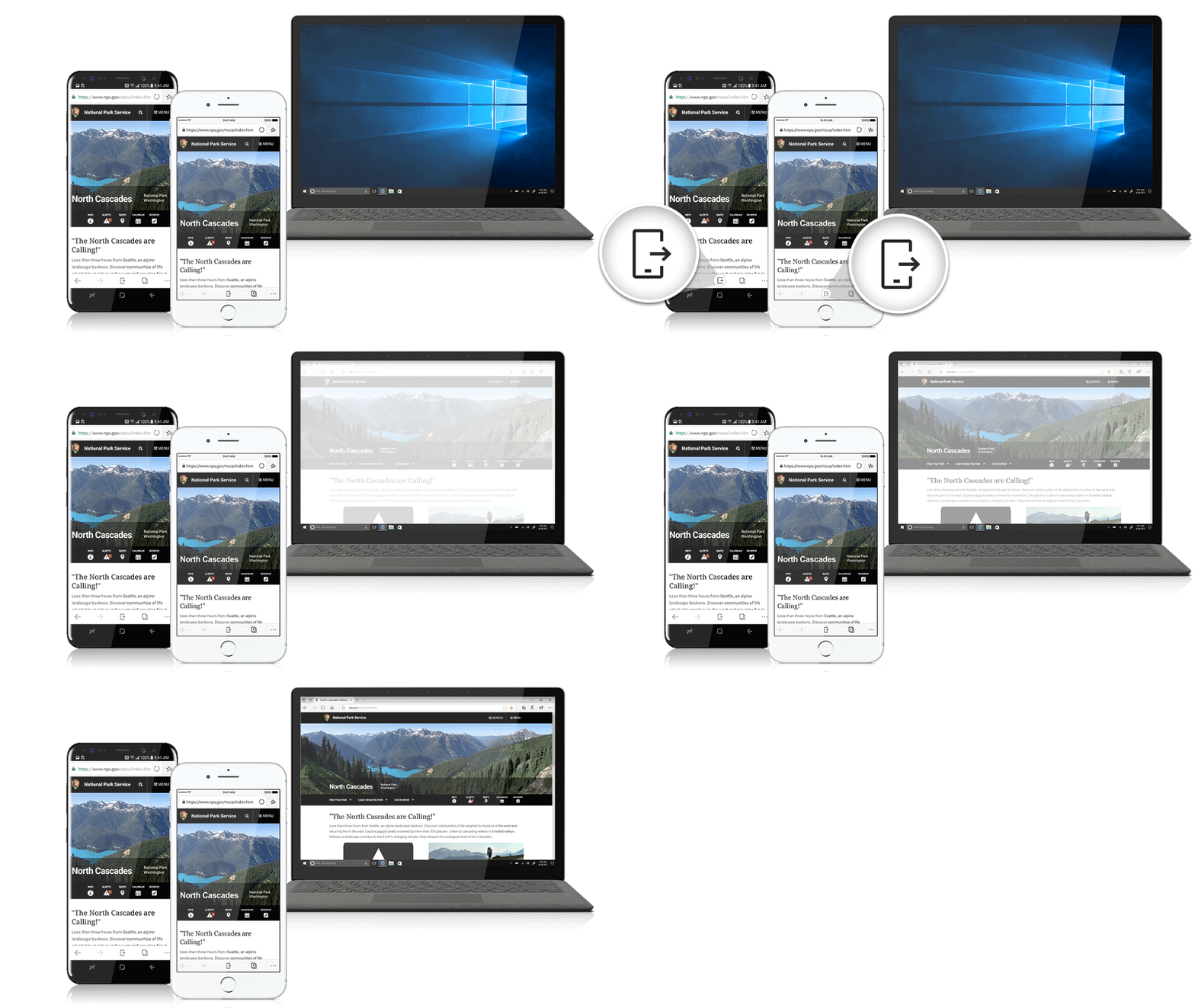
Microsoft Power BI Desktop – Update October 2017
Donnerstag, Oktober 5th, 2017Microsoft Office 2019 – kommt 2018
Mittwoch, September 27th, 2017Microsoft Native Image Generator (NGen) – enable the use of all NGen images
Dienstag, September 19th, 2017Windows Registry Editor Version 5.00
[HKEY_LOCAL_MACHINE\SOFTWARE\Microsoft\.NETFramework]
„ZapDisable“=dword:00000000
[HKEY_CURRENT_USER\SOFTWARE\Microsoft\.NETFramework]
„ZapDisable“=dword:00000000
nFront Password Filter 6.2.1 – is a password policy enforcement tool for Windows Active Directory that allows up to 6 different password policies in the same Windows domain
Samstag, September 16th, 2017 nFront Password Filter – allows you to implement up to 6 different password policies in the same Windows domain with each policy linked to one or more security groups or OUs
Microsoft Outlook 2016 und IMAP – Kennwörter mit Umlauten funktionieren nicht
Samstag, September 16th, 2017Microsoft Paint Paint 3D – available on the Windows 10 Creators Update
Samstag, September 9th, 2017Microsoft Power BI Desktop – Update September 2017
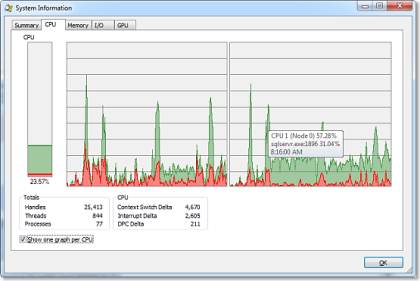
Montag, September 4th, 2017Microsoft Process Explorer v16.21 – is a powerful utility that makes the built-in Windows Task Manager obsolete
Donnerstag, August 24th, 2017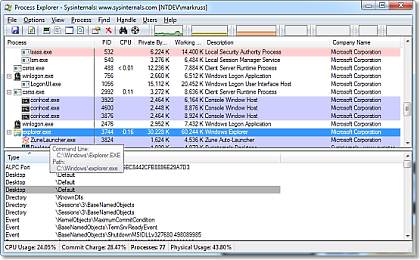
Microsoft Windows Server 2016 – is the where Docker Windows containers should be deployed for production
Sonntag, August 20th, 2017 Microsoft Windows Server 2016 supports Docker secure and efficient containerization platform and Docker runs containers on Windows Server and Windows 10. Native Windows apps can now be built, shipped and run in containers, making them more portable, easier to work on and simpler to run
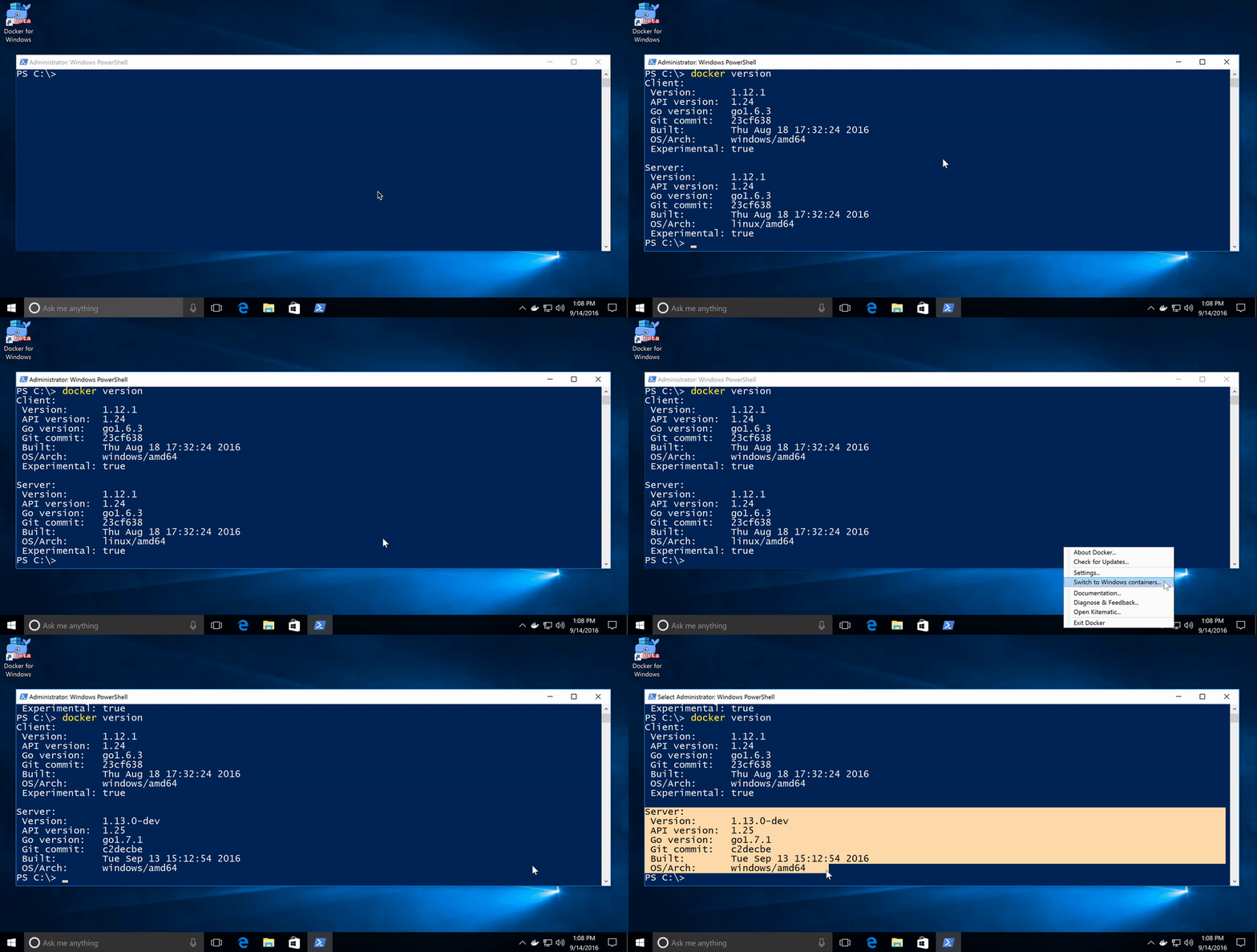
Microsoft Windows 10 Version 1607 (Anniversary Update) – neues Update neue Probleme
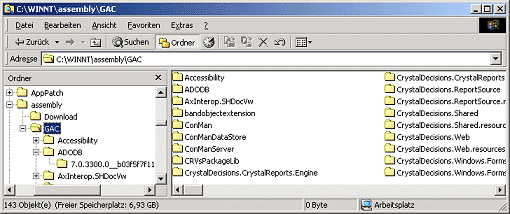
Freitag, August 18th, 2017Microsoft Native Image Generator (NGen) – Dateianzeige des GAC im Windows Explorer
Dienstag, August 15th, 2017 Um einen Einblick in die tatsächliche Struktur des Global Assembly Cache (GAC) zu nehmen – können Sie den GAC Viewer deaktivieren. Vor jeder Anzeige des GAC im Windows Explorer wird in der Registry HKEY_LOCAL_MACHINE\SOFTWARE\Microsoft\Fusion der Wert des DWORD-Eintrags DisableCacheViewer gesucht im Regelfall ist dieser Wert nicht vorhanden was einem Wert 0 entspricht – erzeugen Sie in der Registry einen neuen DWORD-Eintrag mit dem Namen DisableCacheViewer und dem Wert 1 so lässt der GAC die Hüllen fallen und Sie erhalten über den Windows Explorer ab sofort freien Einblick in die Struktur des GAC
Windows Registry Editor Version 5.00
// Ausschalten des GAC-Viewers für den Windows Explorer
// Diese Textdatei abspeichern als GacViewOff.reg
[HKEY_LOCAL_MACHINE\SOFTWARE\Microsoft\Fusion]
„DisableCacheViewer“=dword:00000001
Microsoft .NET Core 2.0 – is available today as a final release
Dienstag, August 15th, 2017 Microsoft .NET Core 2.0 includes major improvements that make .NET Core easier to use and much more capable as a platform
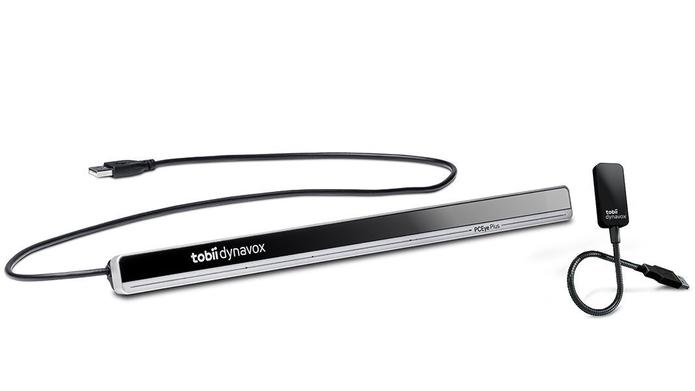
Microsoft Windows 10 – mit Blicken steuern Tobii Dynavox PCEye Plus
Sonntag, August 13th, 2017