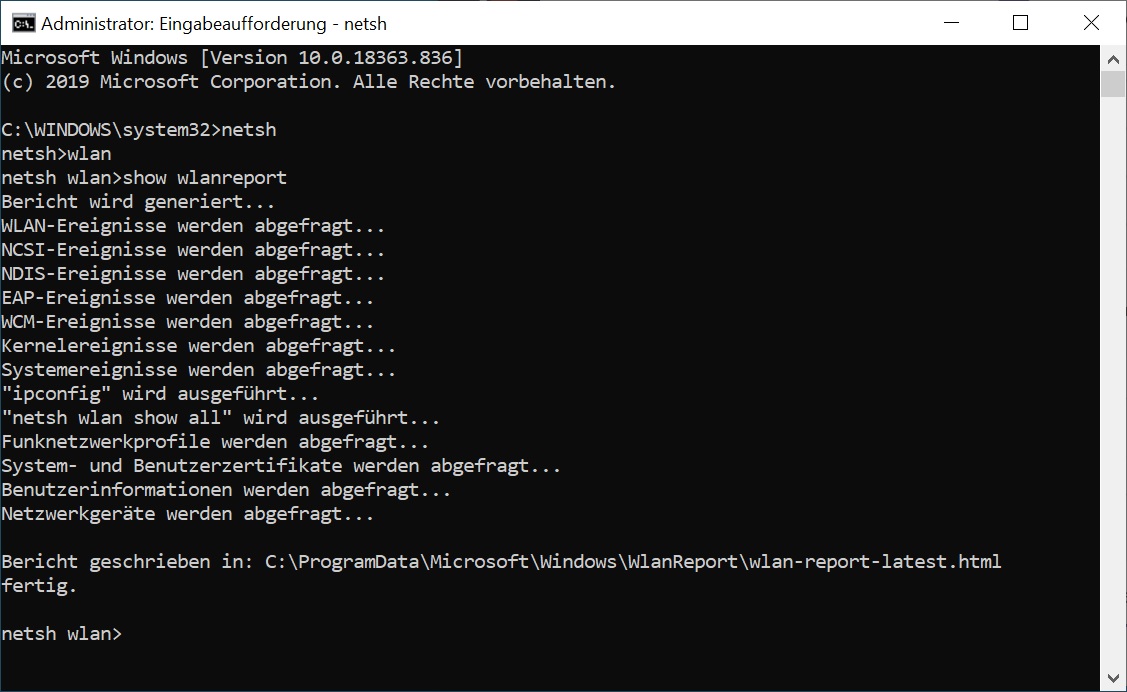
Der Befehl ’netsh‘ wird einfach in einer MS-DOS Eingabeaufforderung mit Administratoren Rechten aufgerufen
C:\WINDOOWS\system32\netsh wlan show wlanreport
%ProgramData%\Microsoft\Windows\WlanReport\wlan-report-latest.html
Analyze the wireless network report
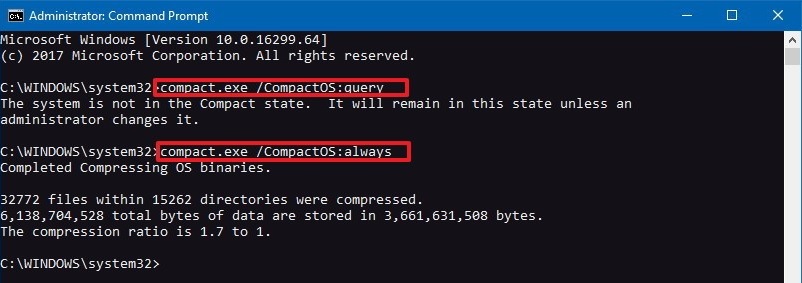
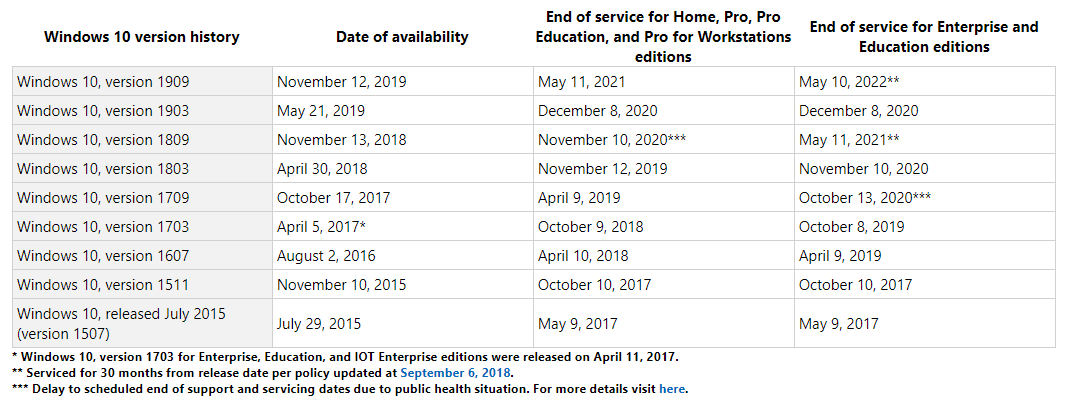
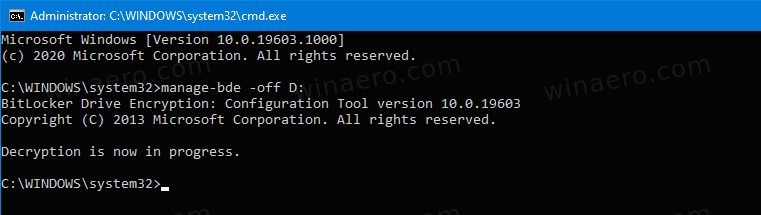
 Microsoft Windows 10 –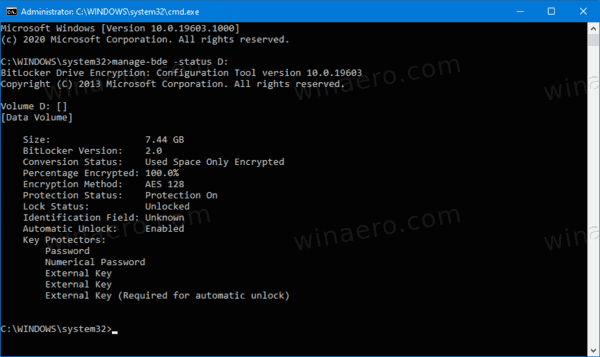
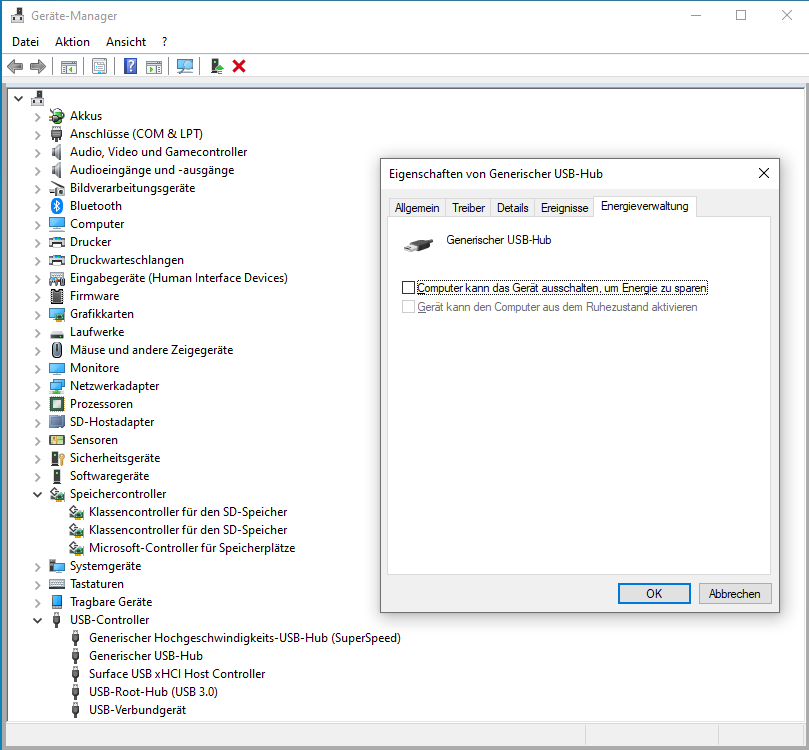
 Press Windows + X to bring up a menu, and choose „Device Manager“ from the list. Go to „Universal Serial Bus Controller“ > „USB Mass Storage Device“. Click the „Power Management“ tab and uncheck the box in front of „Allow the computer to turn off this device to save power“. Click „OK“ and save the changes