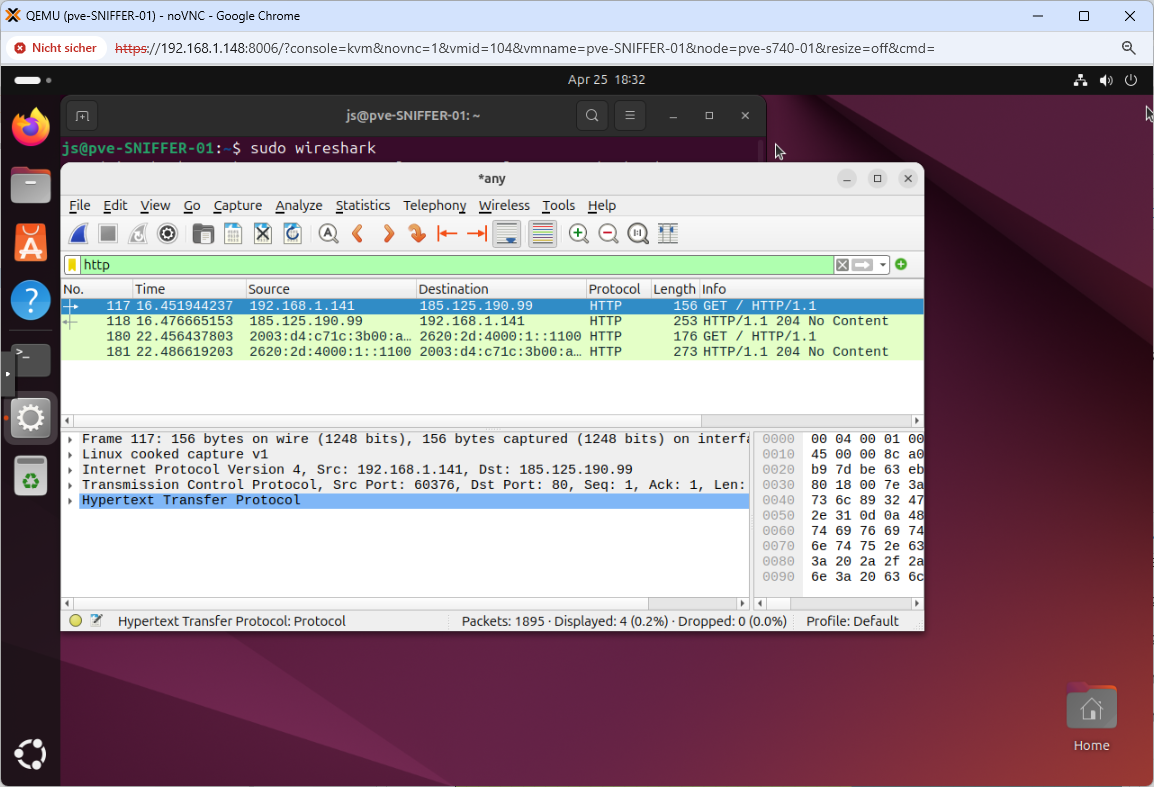
Installing Ubuntu Desktop on systems with low memory (typically less than 4GB) can lead to hangs specifically during the ‚Copying files‘ or ‚Preparing‘ stages, because the Live USB environment lacks sufficient swap space
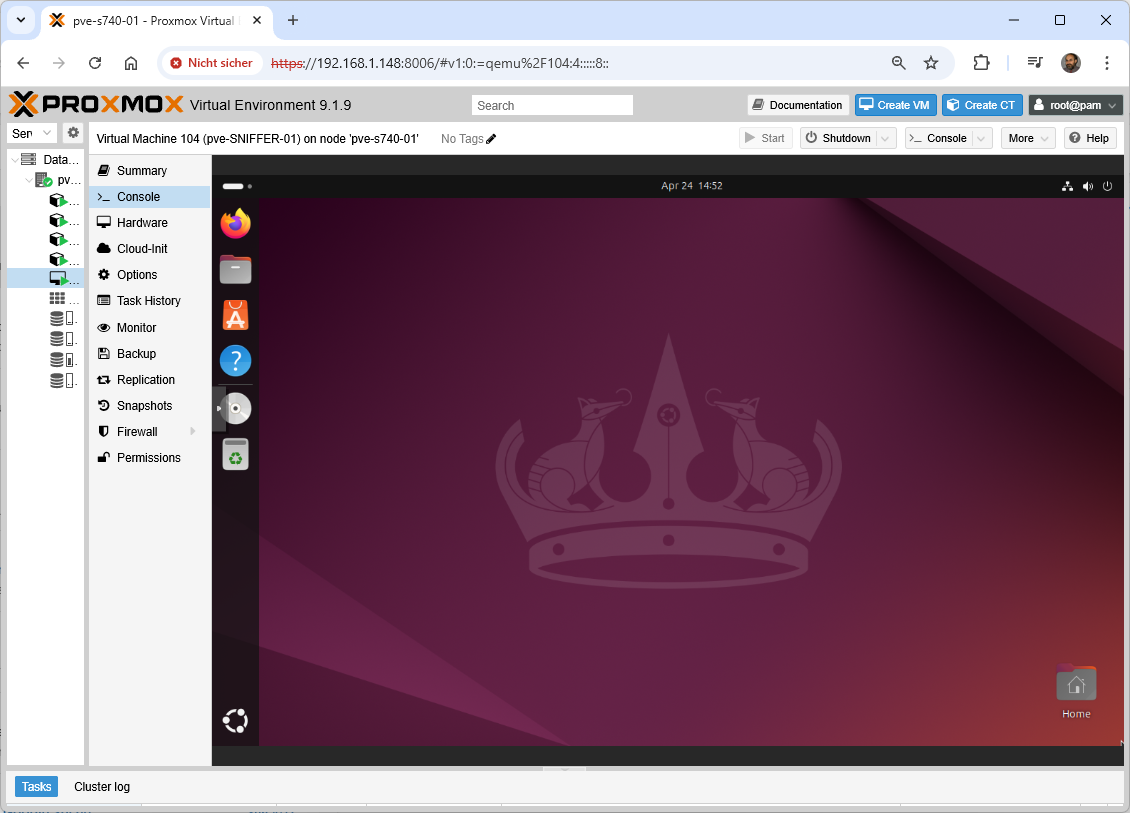
How to install ’ssh‘
root@pve-SNIFFER-01:~# apt-get install openssh-server
root@pve-SNIFFER-01:~# systemctl status ssh
root@pve-SNIFFER-01:~# systemctl enable ssh
root@pve-SNIFFER-01:~# systemctl start ssh
root@pve-SNIFFER-01:~# systemctl status ssh
root@pve-SNIFFER-01:~# vi /etc/ssh/sshd_config
PermitRootLogin yes
root@pve-SNIFFER-01:~# systemctl restart ssh
How to install ‚wireshark‘
root@pve-SNIFFER-01:~# add-apt-repository ppa:wireshark-dev/stable
root@pve-SNIFFER-01:~# apt-get update
root@pve-SNIFFER-01:~# apt-get install wireshark
root@pve-SNIFFER-01:~# dpkg-reconfigure wireshark-common
js@pve-SNIFFER-01:~$ sudo adduser $USER wireshark
js@pve-SNIFFER-01:~$ wireshark