
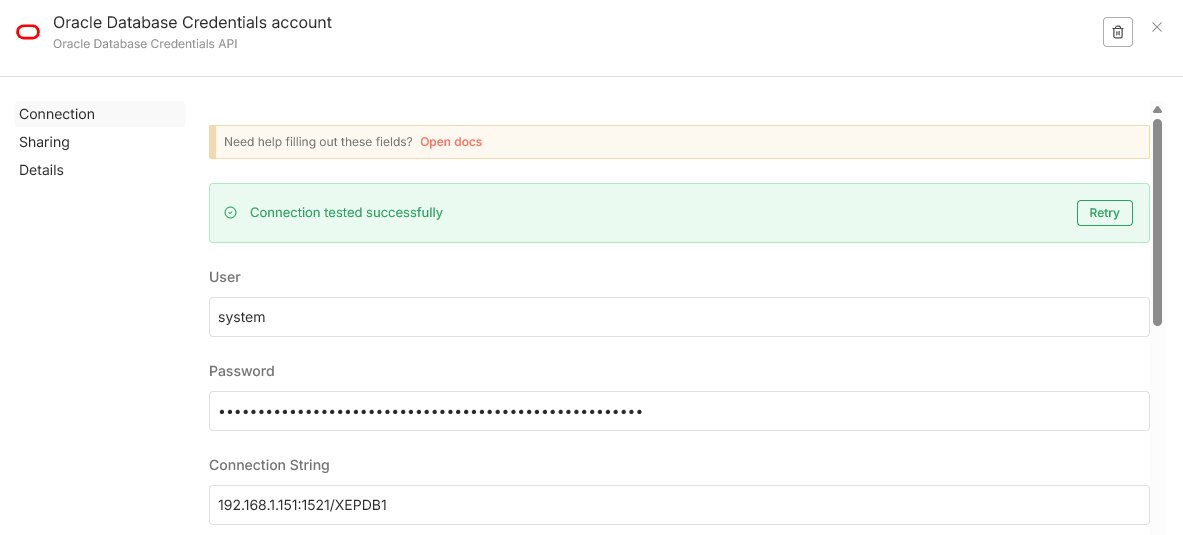
SELECT ‚Hello from Oracle + n8n‘ AS message FROM dual
CREATE TABLE customers (
customer_id NUMBER GENERATED BY DEFAULT AS IDENTITY PRIMARY KEY,
first_name VARCHAR2(50),
last_name VARCHAR2(50),
email VARCHAR2(100),
created_date TIMESTAMP DEFAULT CURRENT_TIMESTAMP,
status VARCHAR2(20),
total_orders NUMBER DEFAULT 0,
last_purchase_date TIMESTAMP
)
INSERT INTO customers (first_name, last_name, email, created_date, status, total_orders,
last_purchase_date)
VALUES (‚John‘,’Doe‘,’john.doe@email.com‘,SYSTIMESTAMP – INTERVAL ’90‘
DAY(3),’active‘,15,SYSTIMESTAMP – INTERVAL ‚5‘ DAY(3))
SELECT * FROM customers
DELETE FROM customers
DROP TABLE customers
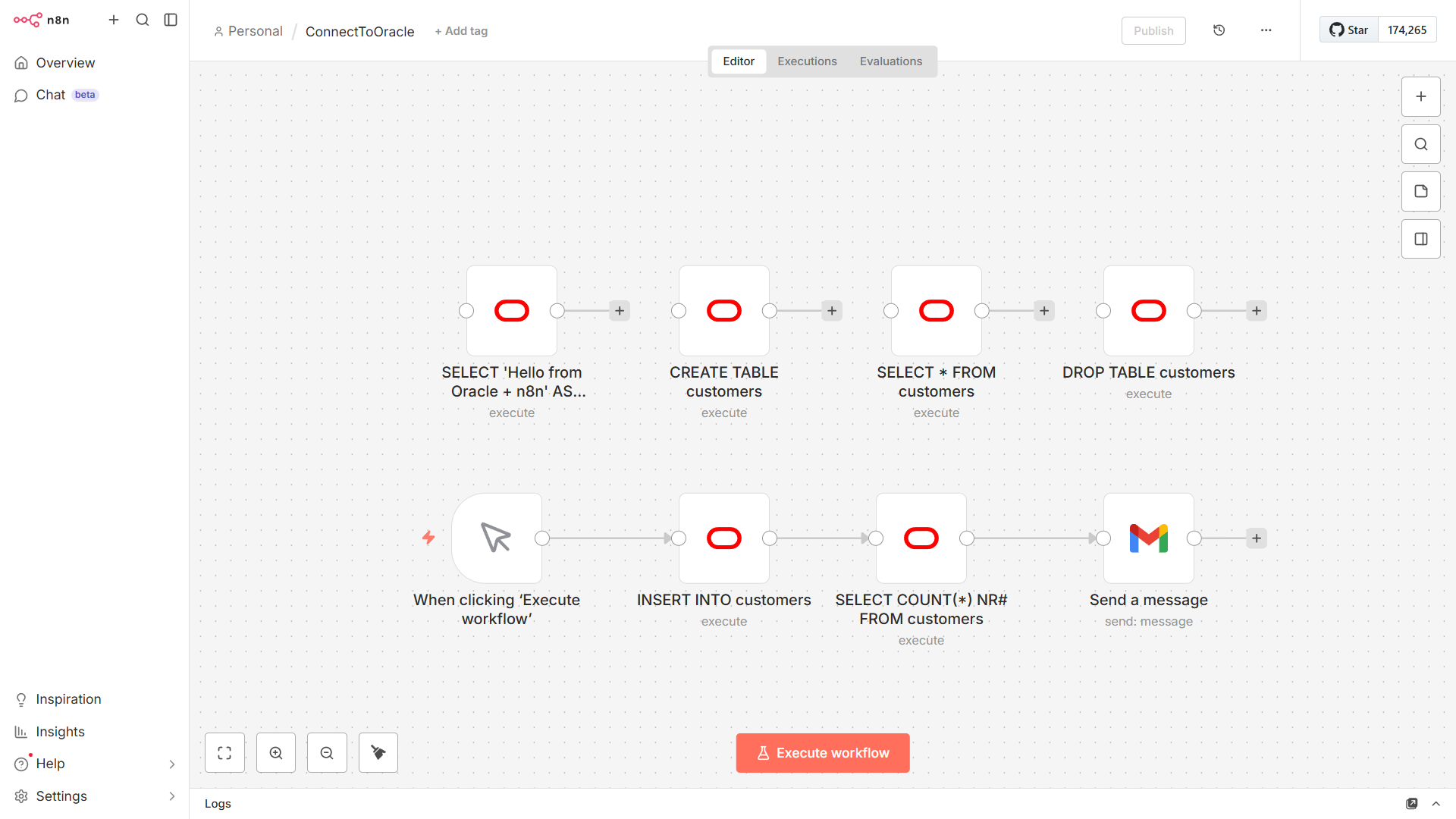
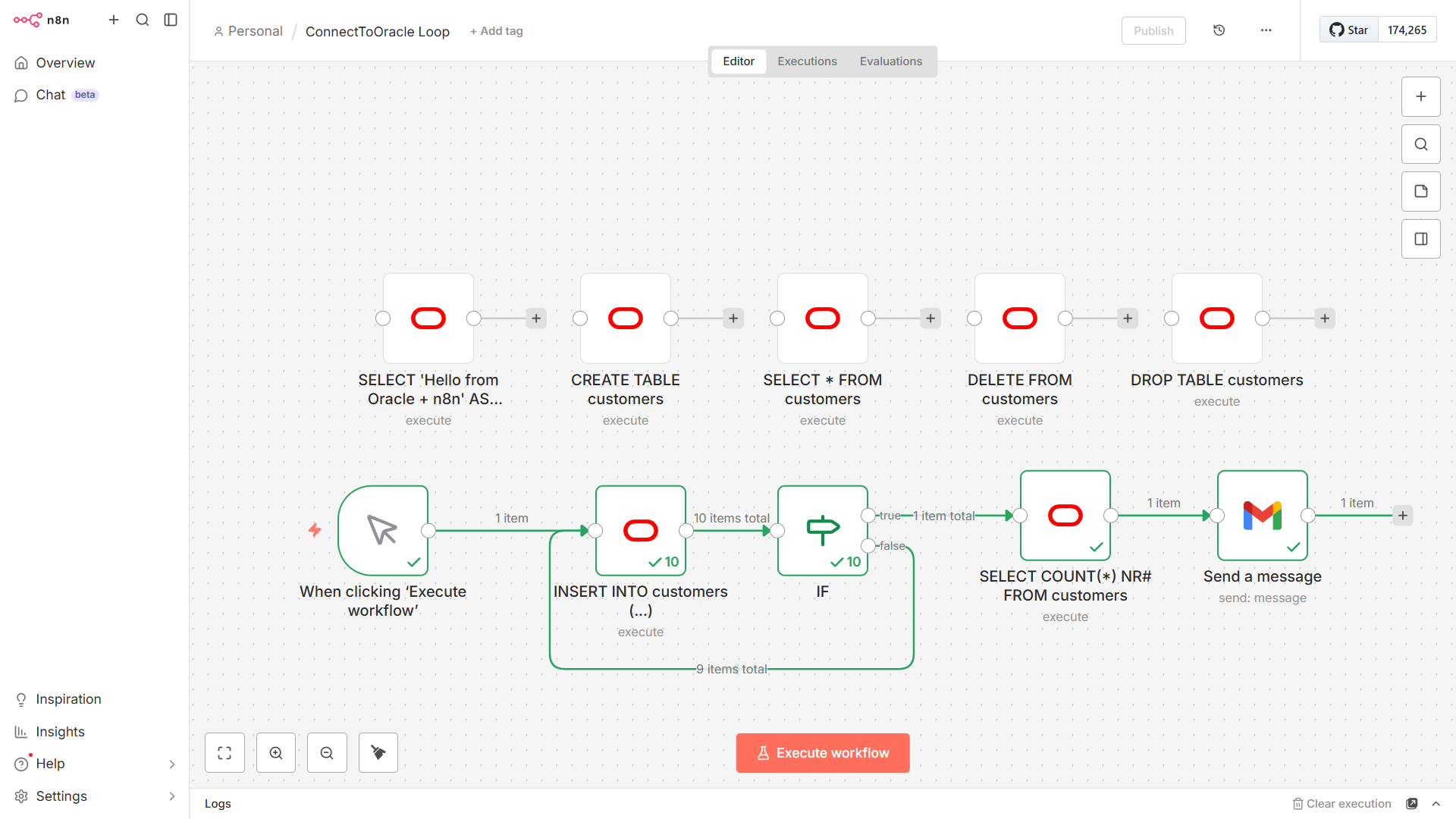
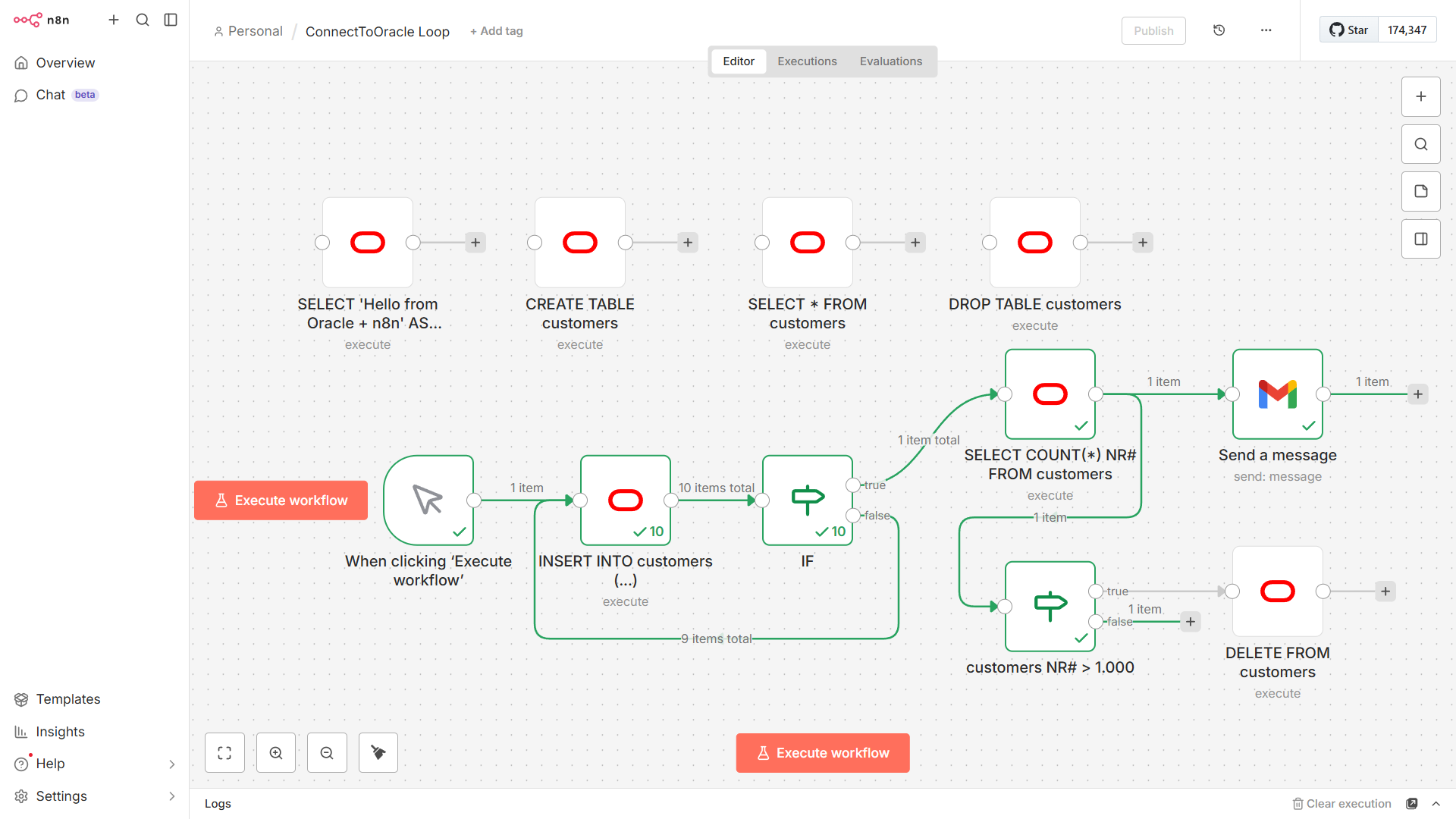
Looping with the IF Node – to run only a number of times you can add a code node into your loop

In Oracle ending a query with a semicolon inside a client application like n8n often triggers the „ORA-00933: SQL command not properly ended“ error
The Fix – simply delete the ‚;‚ at the end of your SQL statement in the Oracle Database node
Wrong: SELECT * FROM users;
Right: SELECT * FROM users
Why this happens – in n8n the SQL is sent via a driver (like node-oracledb) and drivers treat the semicolon as a statement terminator for scripts but when sending a single command via an API the semicolon is seen as an illegal character within the command itself
Oracle’s documentation classifies this as an invalid character (ORA-00911) or an improperly ended command (ORA-00933)