# Add Docker’s official GPG key:
root@pve-OdysseusAI-01:~# apt update
root@pve-OdysseusAI-01:~# apt install ca-certificates curl
root@pve-OdysseusAI-01:~# install -m 0755 -d /etc/apt/keyrings
root@pve-OdysseusAI-01:~# curl -fsSL https://download.docker.com/linux/ubuntu/gpg -o /etc/apt/keyrings/docker.asc
root@pve-OdysseusAI-01:~# chmod a+r /etc/apt/keyrings/docker.asc
# Add the repository to Apt sources:
root@pve-OdysseusAI-01:~# tee /etc/apt/sources.list.d/docker.sources <<EOF
Types: deb
URIs: https://download.docker.com/linux/ubuntu
Suites: $(. /etc/os-release && echo „${UBUNTU_CODENAME:-$VERSION_CODENAME}“)
Components: stable
Architectures: $(dpkg –print-architecture)
Signed-By: /etc/apt/keyrings/docker.asc
EOF
# Install Docker:
root@pve-OdysseusAI-01:~# apt update
root@pve-OdysseusAI-01:~# apt install docker-ce docker-ce-cli containerd.io docker-buildx-plugin docker-compose-plugin
# Install Docker Odysseus Environemnt:
root@pve-OdysseusAI-01:~# git clone https://github.com/odysseus-dev/odysseus.git
root@pve-OdysseusAI-01:~# cd odysseus
root@pve-OdysseusAI-01:~# cp .env.example .env # optional, but recommended for explicit defaults
root@pve-OdysseusAI-01:~# docker compose up -d –build
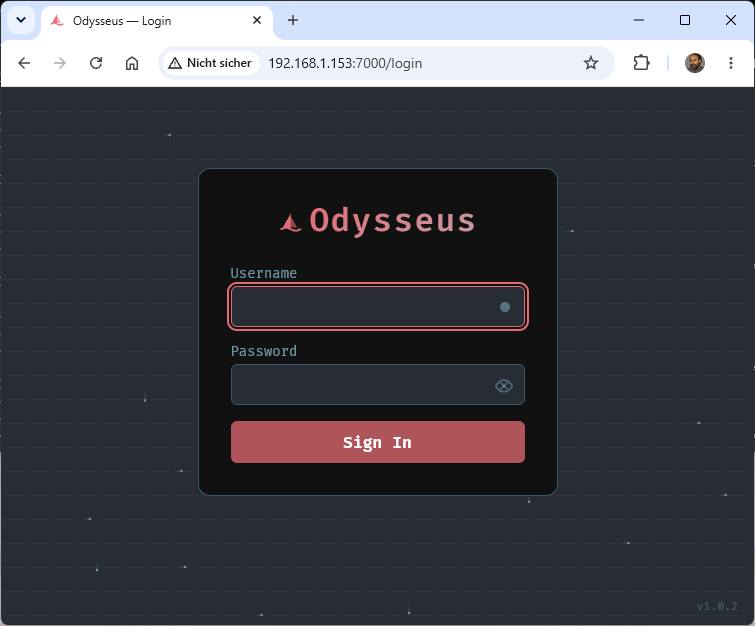
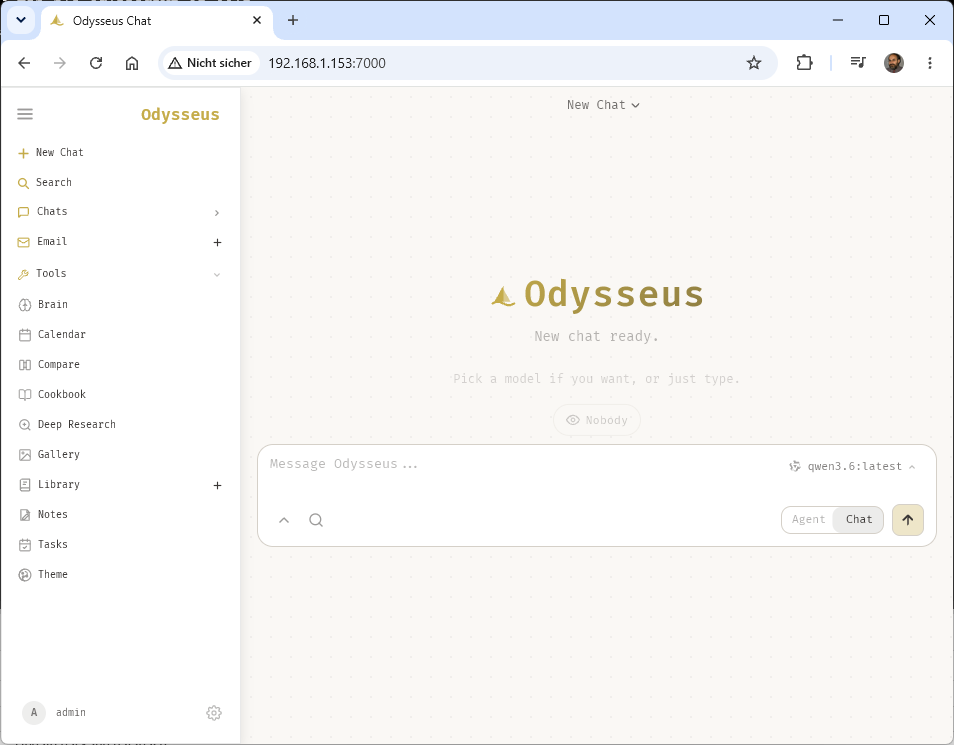
Open http://localhost:7000 when the containers are healthy. Docker Compose binds the web UI to 127.0.0.1 by default. If the port is taken, set APP_PORT=7001 in .env and recreate the container. Set APP_BIND=0.0.0.0 only when you intentionally want LAN/reverse-proxy Access
root@pve-OdysseusAI-01:~/odysseus# vi .env
APP_BIND=0.0.0.0
ODYSSEUS_ADMIN_PASSWORD=<password>
root@pve-OdysseusAI-01:~# docker compose up -d –build
root@pve-OdysseusAI-01:~# docker ps
CONTAINER ID IMAGE COMMAND CREATED STATUS PORTS NAMES
e869d7e44450 odysseus-odysseus „/usr/local/bin/entr…“ 2 hours ago Up About an hour 0.0.0.0:7000->7000/tcp odysseus-odysseus-1
4075c186e65e chromadb/chroma:latest „dumb-init — chroma…“ 3 hours ago Up About an hour 127.0.0.1:8100->8000/tcp odysseus-chromadb-1
604f832cc2ea searxng/searxng:2026.5.31-7159b8aed „/bin/sh -c ’set -eu…“ 3 hours ago Up About an hour (healthy) 127.0.0.1:8080->8080/tcp odysseus-searxng-1
1fd2ee252914 binwiederhier/ntfy „ntfy serve“ 3 hours ago Up About an hour 127.0.0.1:8091->80/tcp odysseus-ntfy-1
root@pve-OdysseusAI-01:~#
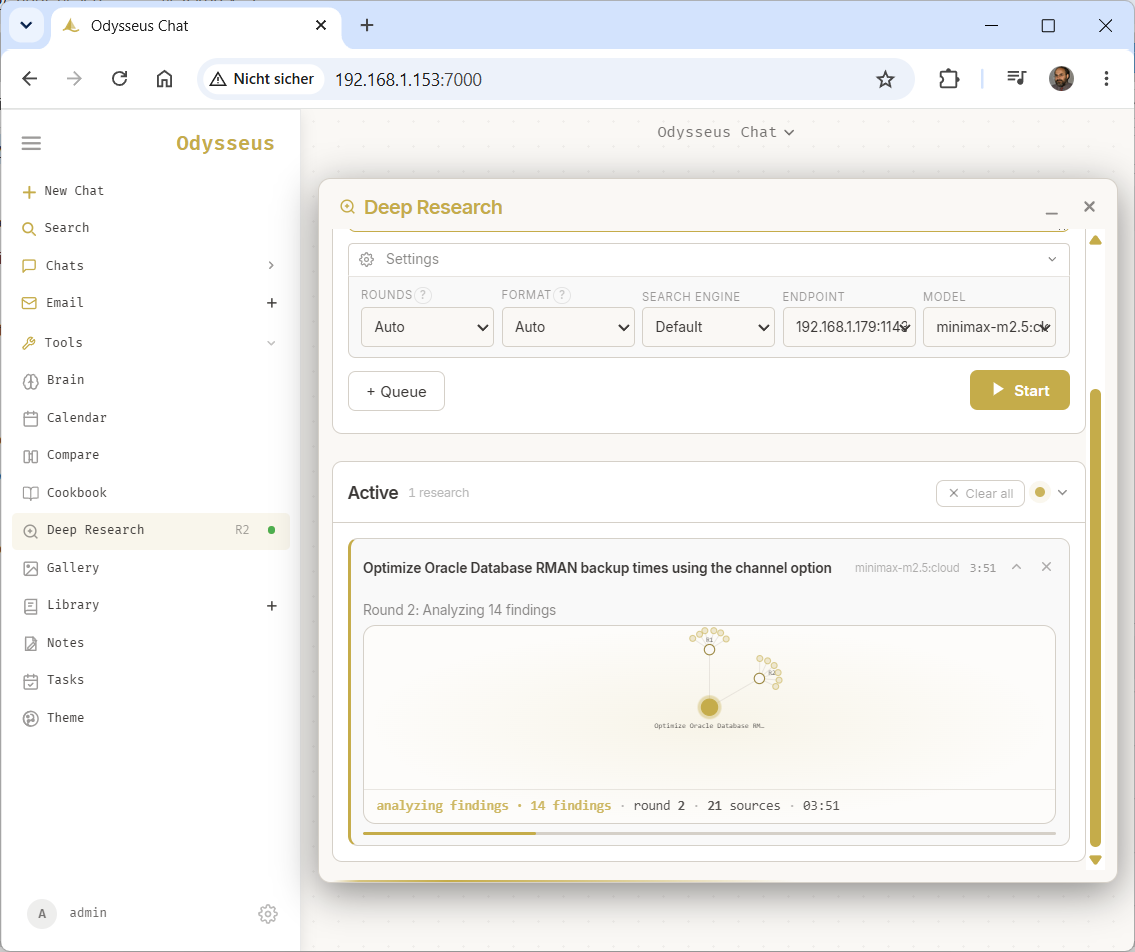
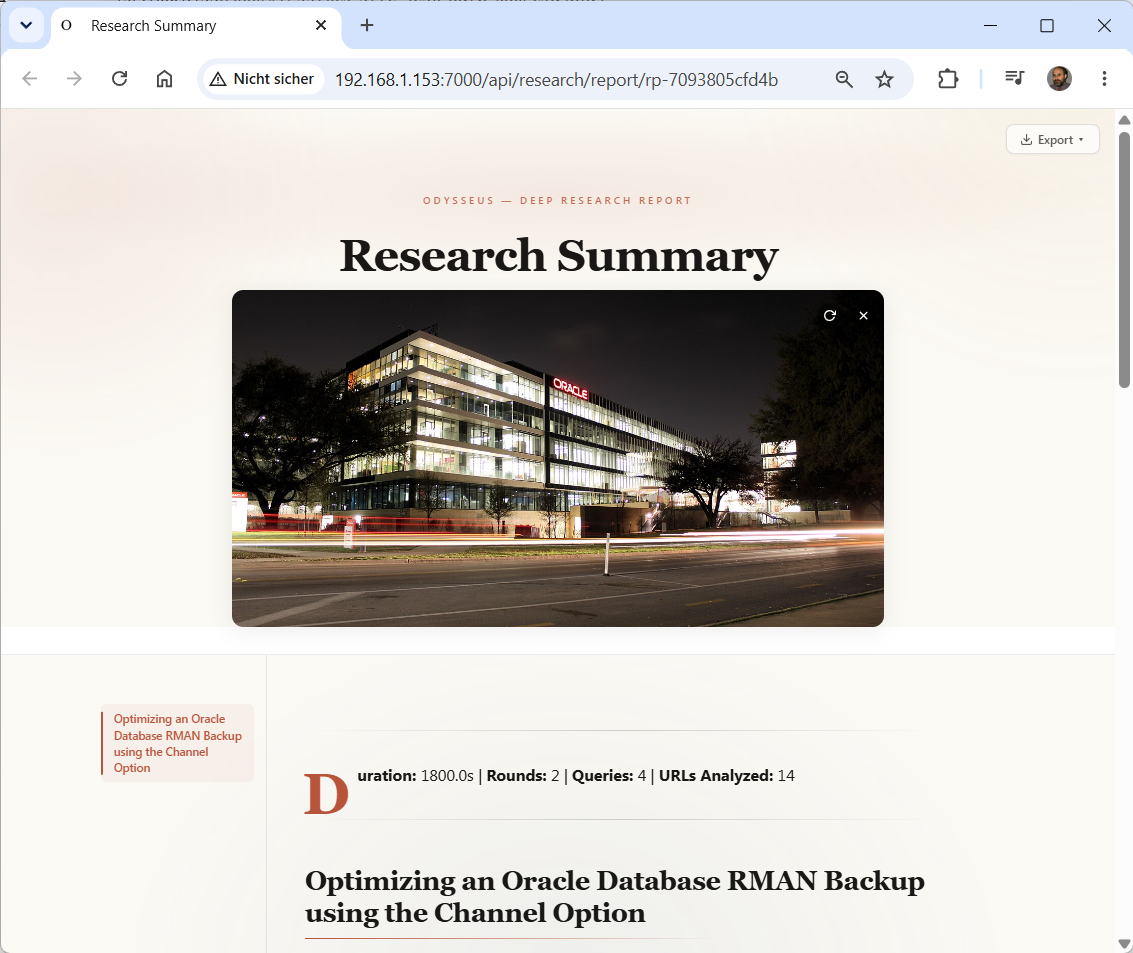
Odysseus multi step web research with an ‚LLM-in-the-loop agent Deep Research‘ runs autonomous search rounds reads multiple sources and synthesizes cited long form HTML reports